FARO
®
Laser Scanner Manual
54
Chapter 6: Getting Started
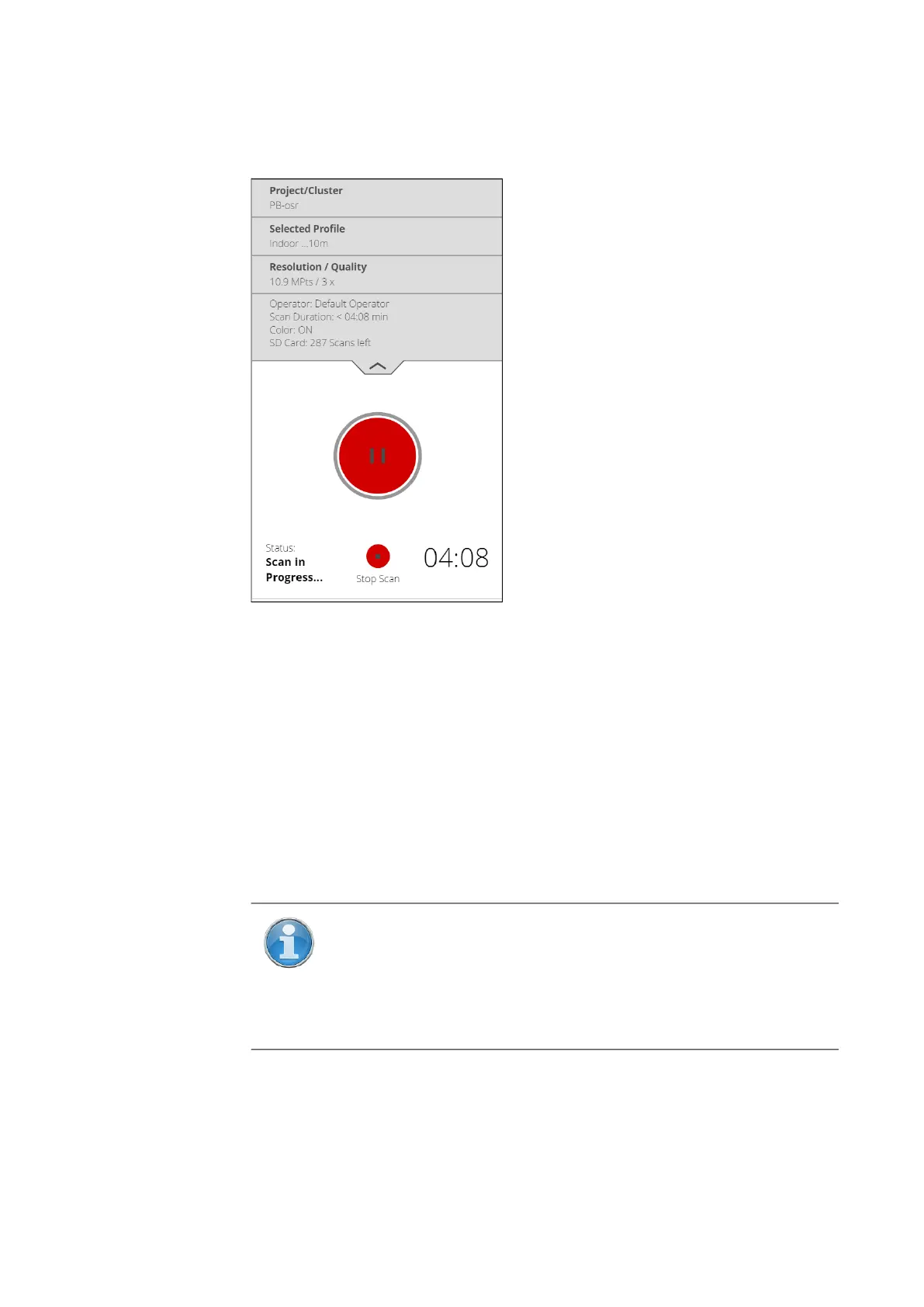
The executed processing steps are displayed in the status area of the
scanning screen, the time remaining is indicated by a timer. Tap the drop-
down tab to display more information about the scan. Figure 6-23 shows the
expanded tab.
Figure 6-23: Scanning View
During most of the scanning process, you can pause a scan using the scan
pause button. You might want to pause to avoid scanning a moving object,
such as a car or piece of machinery. Resume scanning by tapping the resume
scanning button. Avoid pausing the scan while the scanner is scanning a
target. Pausing and resuming a scan directly on a target can cause automatic
target detection to fail for that target. Note, too, that it is essential that the
scanner remain absolutely motionless when paused, and that it is
recommended to pause it via a connected browser, rather than tapping the
scanner’s screen.
To stop a scan, touch the Stop Scan button in the scanning view. You will then
be asked to keep or delete the incomplete scan.
As soon as the entire scanning process is complete, the scanner plays a
notification sound (if not turned off in the settings) and a new screen appears
NOTE: After having completed scanning and capturing the
pictures, depending on environmental conditions, the scanner may
make another full turn to capture inclination data. It is important
NOT to move the scanner while it is capturing the inclination data,
or the inclination data of the scan may be inaccurate and may not
be usable for the scan registration.



 To Next Page