FARO
®
Laser Scanner Manual
55
Chapter 6: Getting Started
with a preview picture of the captured scan. Now, you may move the scanner
to the next scan position and start a new scan.
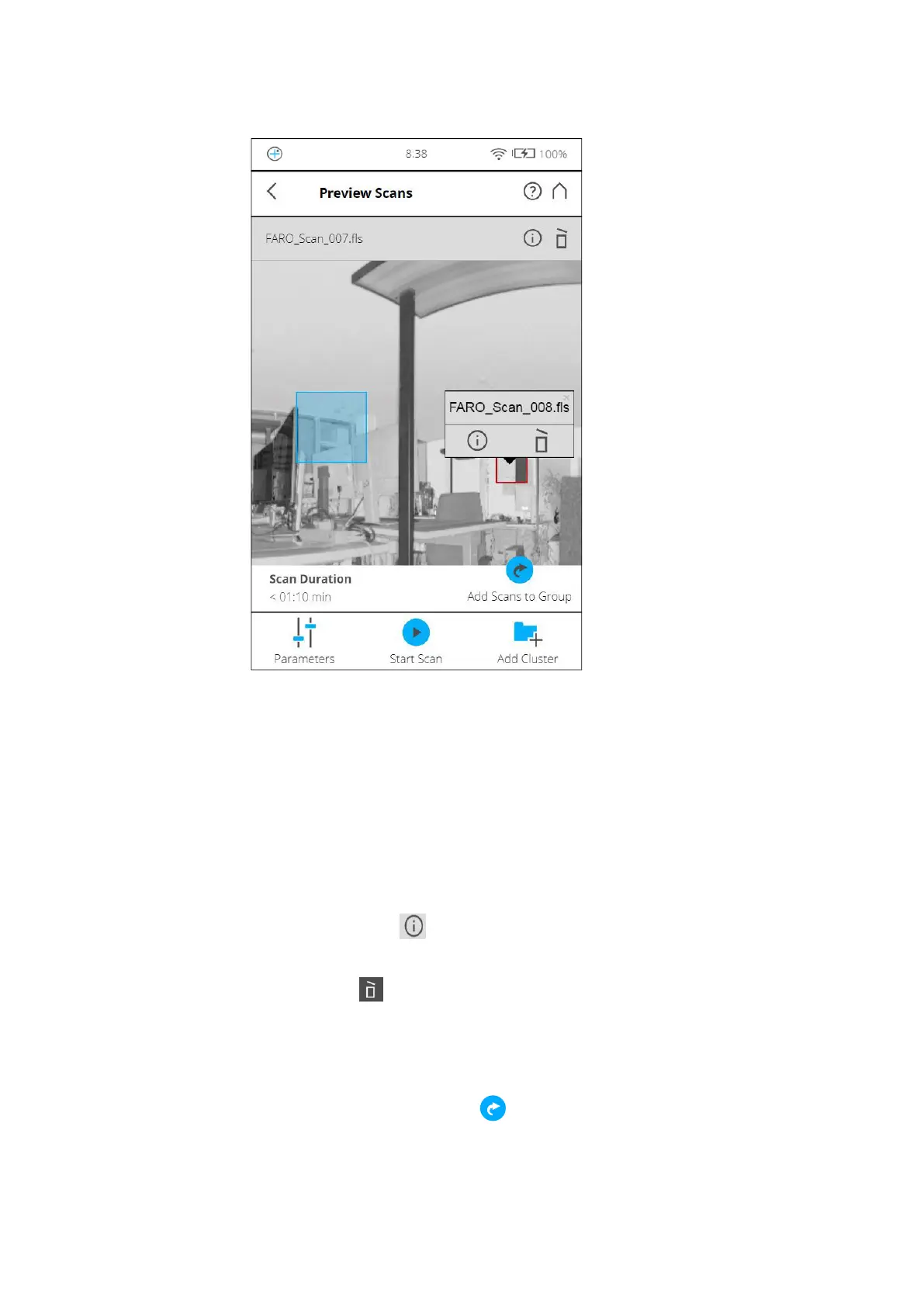
Figure 6-24: Scan Preview
The scan preview shows a grayscale picture of the captured scan to verify the
scan itself and to check if all objects (e.g., targets) are clearly visible. This
preview does not show color. The preview may contain also detail scans that
belong to the same scan group. (For more information, see See Scan Groups
on page 129.)
Parameters button - Tap to change the scanning parameters for the next
scans.
Start Scan button - Start a scan.
Tap the Info button in the pop-up dialog of a selected detail scan to view
the scan properties.
Delete button - Delete the displayed scan. In case of scan groups only the
primary scan (as named in the title) will be deleted. Embedded detail scans
are not affected.
Delete button in the pop-up of detail scans - Delete the selected detail scan.
Add Scans to Group button ( ) See Scan Groups on page 129.
Use the mouse-wheel (or pinch gestures) to zoom in the preview image



 To Next Page