FARO
®
Laser Scanner Manual
40
Chapter 6: Getting Started
6.7.1 Setting the Interface Language
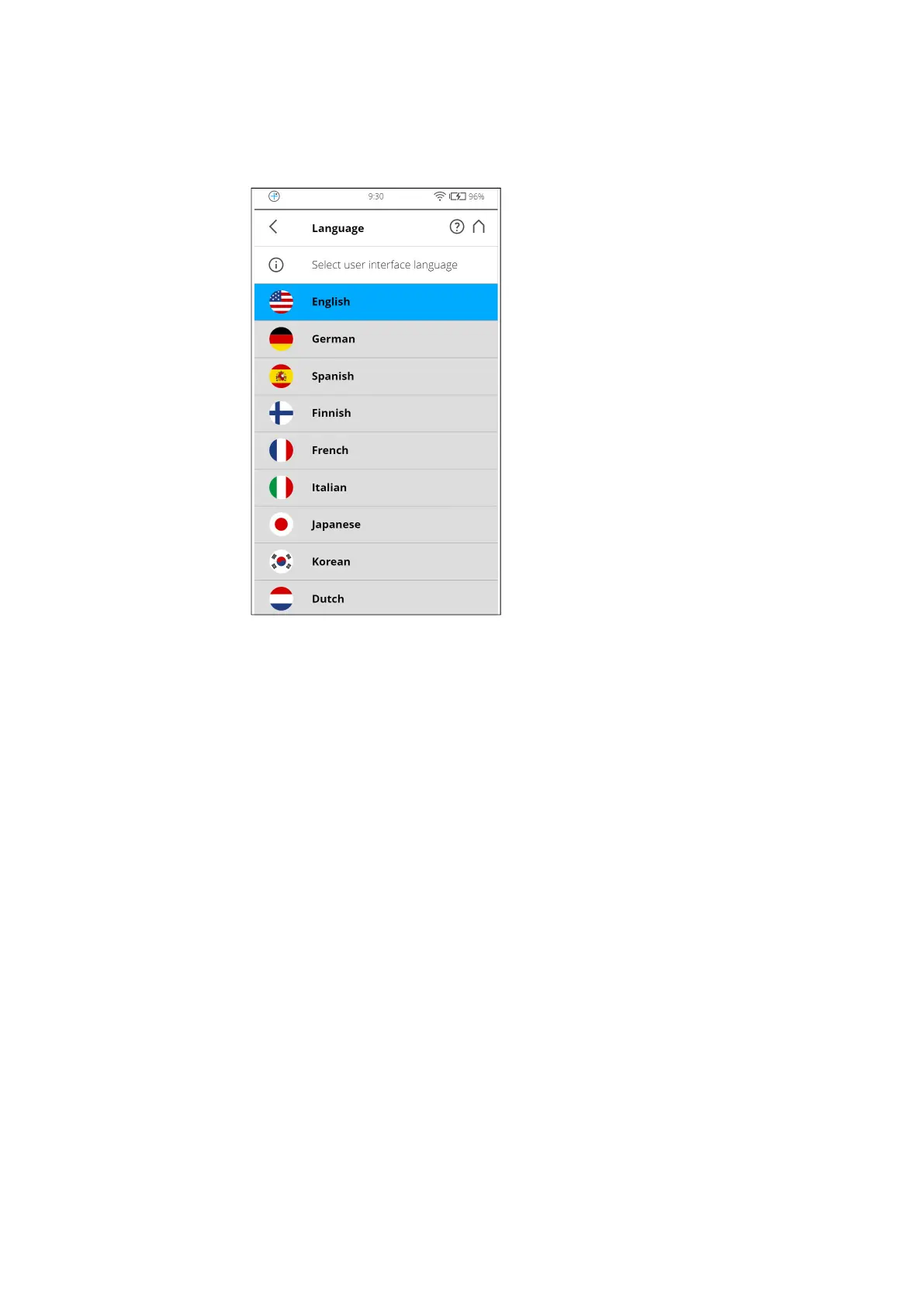
Starting from the Home screen, go to Home > Manage > General Settings >
Language to change the language of the controller software.
Figure 6-10: Language Selection Screen
Select the language by tapping the corresponding button. The selected
language will be highlighted.
If the list of available languages exceeds the screen size, scroll the list up or
down.



 To Next Page