FARO
®
Laser Scanner Manual
93
Chapter 7: Controller Software
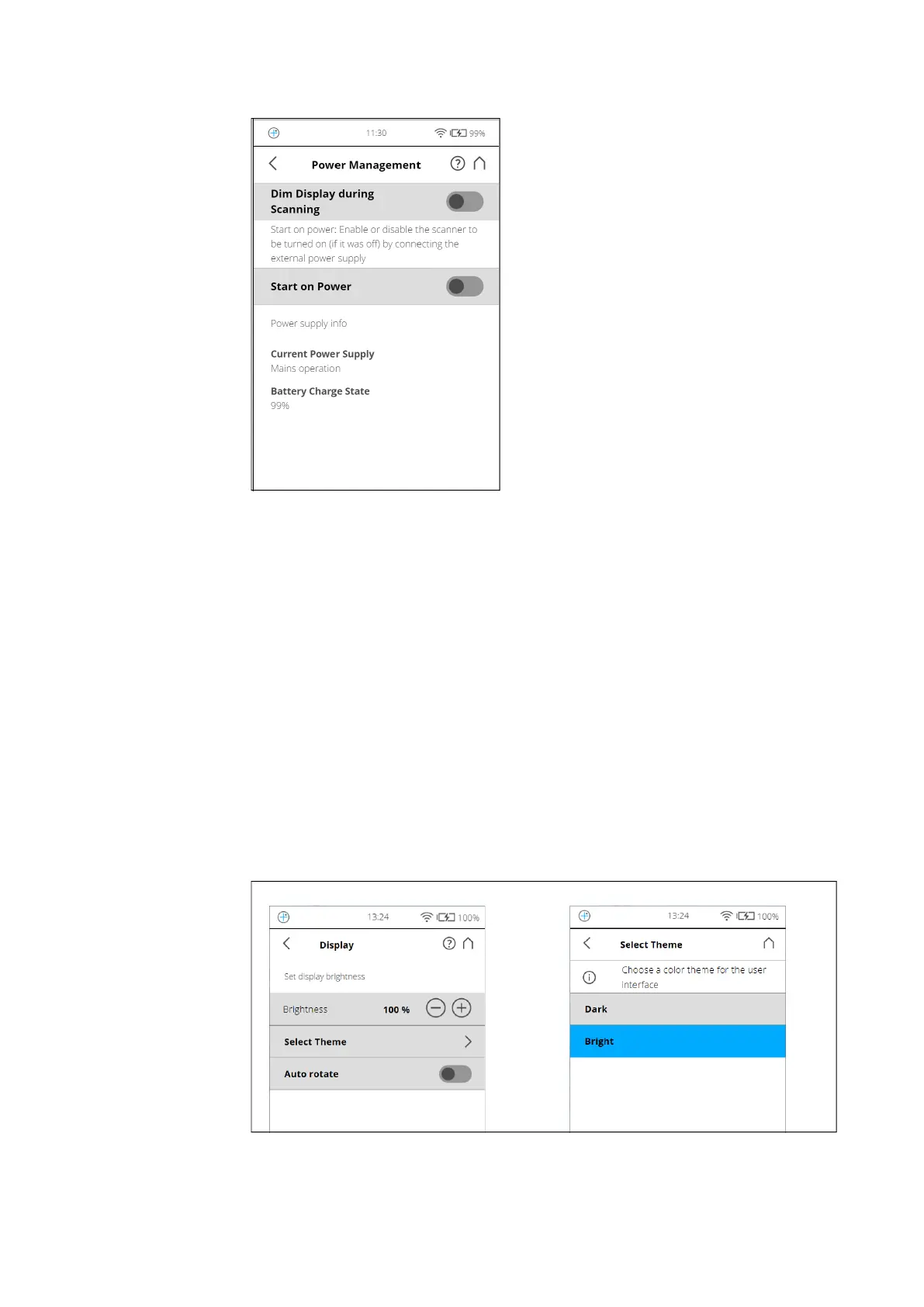
Power Management
Figure 7-33: General Settings, Power Management
Screensaver - If the screen has not been touched for a certain period of time,
a screensaver appears on the screen. Change the length of time before the
screensaver appears by tapping the plus or minus buttons. Deactivate the
screensaver by setting the time to “never“. When the screensaver is visible,
simply tap the screen to return into operation mode.
Dim display during scanning - If switched on, the brightness of the screen
will be decreased during scanning to save battery power. Switching this option
to ON is particularly useful for long scans.
Start on Power - Enable the scanner to be turned on (if it was turned off) by
connecting it to the external power supply. This option is useful, for example,
for automation applications.
Power supply info - Informs about the current power supply and the exact
charge state of the battery.
Display
Figure 7-34: General Settings, Display



 To Next Page