FARO
®
Laser Scanner Manual
71
Chapter 7: Controller Software
paintings in historical buildings). Compared to even weighted metering, this
mode will increase scan duration by approximately 14 seconds.
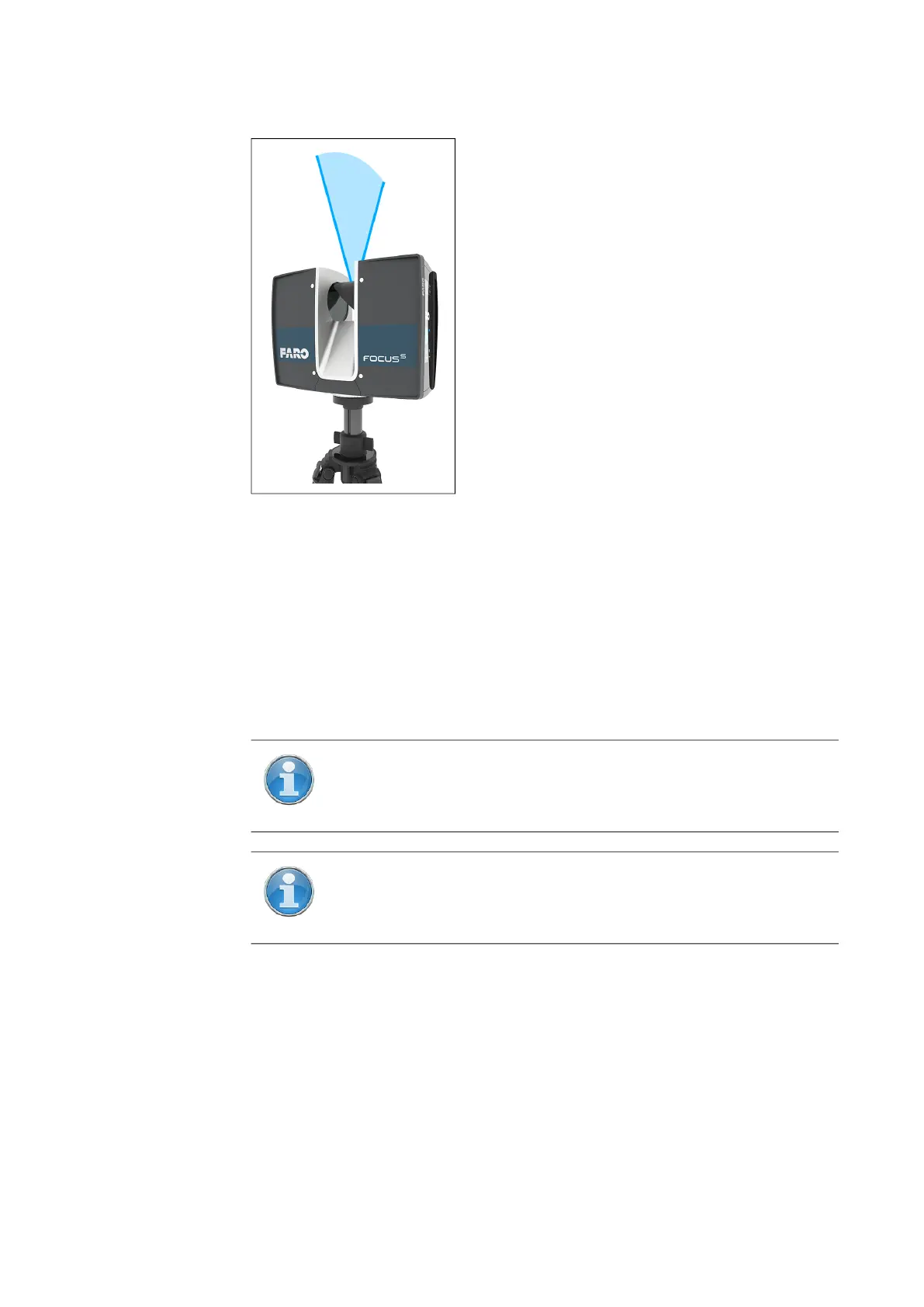
Figure 7-15: Zenith weighted metering
HDR Mode
The High Dynamic Range (HDR) imaging method merges images captured
with different exposure settings to one image with a greater dynamic range of
luminosity.
Scanning with HDR
capturing
Set the HDR capturing by tapping the
+ or - button from 2x to 5x. This setting
corresponds to the exposure levels. Typically, settings from 2x, 3x or 5x are
sufficient for most applications. Choose OFF to disable HDR.
Night Mode
Select the night mode to improve the quality of the color photos in relatively
dark lighting conditions. The image noise will be reduced in low light
NOTE: When HDR is enabled, the larger number of captured
images will result in a longer capturing time. The processing time
will be longer in SCENE.
NOTE: The HDR Mode and Night Mode are both mutually
exclusive. Enabling HDR mode will switch off night mode and
enabling night mode will switch off the HDR mode.



 To Next Page