FARO
®
Laser Scanner Manual
83
Chapter 7: Controller Software
To delete an operator profile, select it and tap the Delete button.
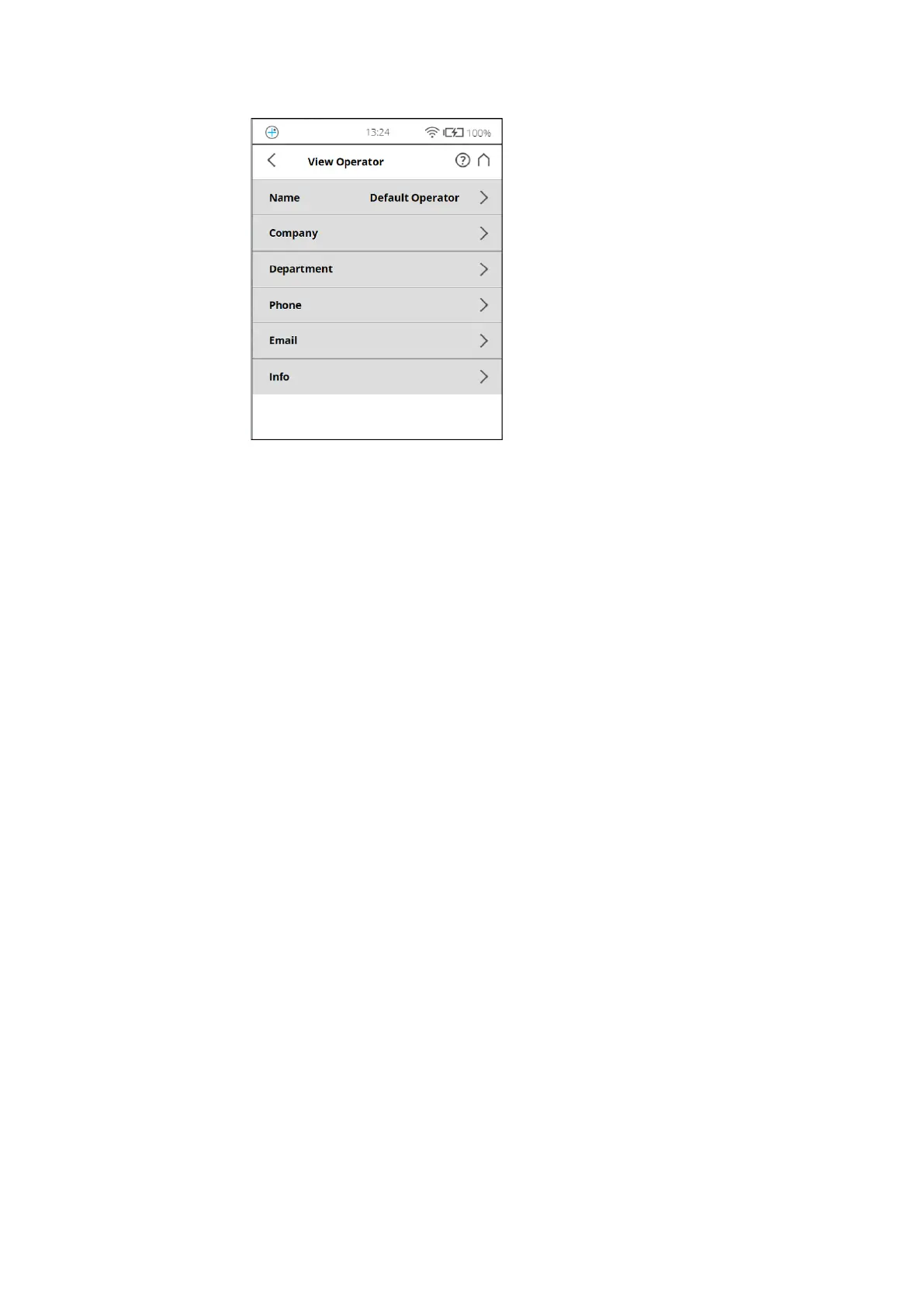
Figure 7-24: Operator Profile details
Name - The name of the scanner operator.
Company - The name of the company providing the scanning service.
Department - The department the operator works for.
Phone - The operator's phone number.
Email - The operator's email address.
Info - Any additional information required by the service provider or shift
leaders, project managers, and so on.
Editing an Operator Profile
To edit an operator profile, select it in the list and tap it once again to find its
details.
Selecting an Operator Profile
Select an operator profile in the list by tapping the corresponding button. The
selected operator profile will be highlighted and assigned to the next captured
scans until another operator profile is selected. To view or edit the details of
the selected operator profile, tap its button once again.



 To Next Page