ProSim 8
Users Manual
26
To change the QRS Wave amplitude:
1. Push or to highlight the Amplitude value.
2. Push .
3. Push or to adjust the amplitude. Each push of a key increases or
decreases the amplitude in the direction of the key pushed. The Product
simulates a heart signal amplitude of 0.05 mV to 0.25 mV by 0.05 mV
intervals and 0.50 mV to 5.00 mV that is set in 0.25 mV intervals.
4. Push to set the amplitude and go back to the ECG: QRS Detection
screen.
To change the width of the QT interval:
1. Push or to highlight the Width value.
5. Push .
6. Push or to adjust the width. Each push of a key increases or decreases
the width 10 ms for each key push when the value is 20 ms or above and
2 ms when the value is 20 ms or less. The Product simulates a QT width of
8 ms to 200 ms.
7. When the width is set, push to enter the value and go back to the ECG:
QRS Detection screen.
Set Tall T Wave Rejection Test Values
An ECG monitor must sense and reject a large T wave when it calculates the
heart rate. Use the Tall T Wave Rejection waveform for this test. This wave
includes the QRS wave per EC-13 with a 100 ms width and QT interval of
350 ms. The T wave has a sinusoidal shape, 180 ms wide. You can adjust the
amplitude to 0 % to 150 % of the overall waveform amplitude. The rate is set at
80 BPM. To output a tall T wave signal:
1. Push to show the ECG screen on the display.
2. Push or to highlight the Wave Group value.
3. Push .
4. Push or to highlight the Tall T Wave Rejection value in the wave group
list.
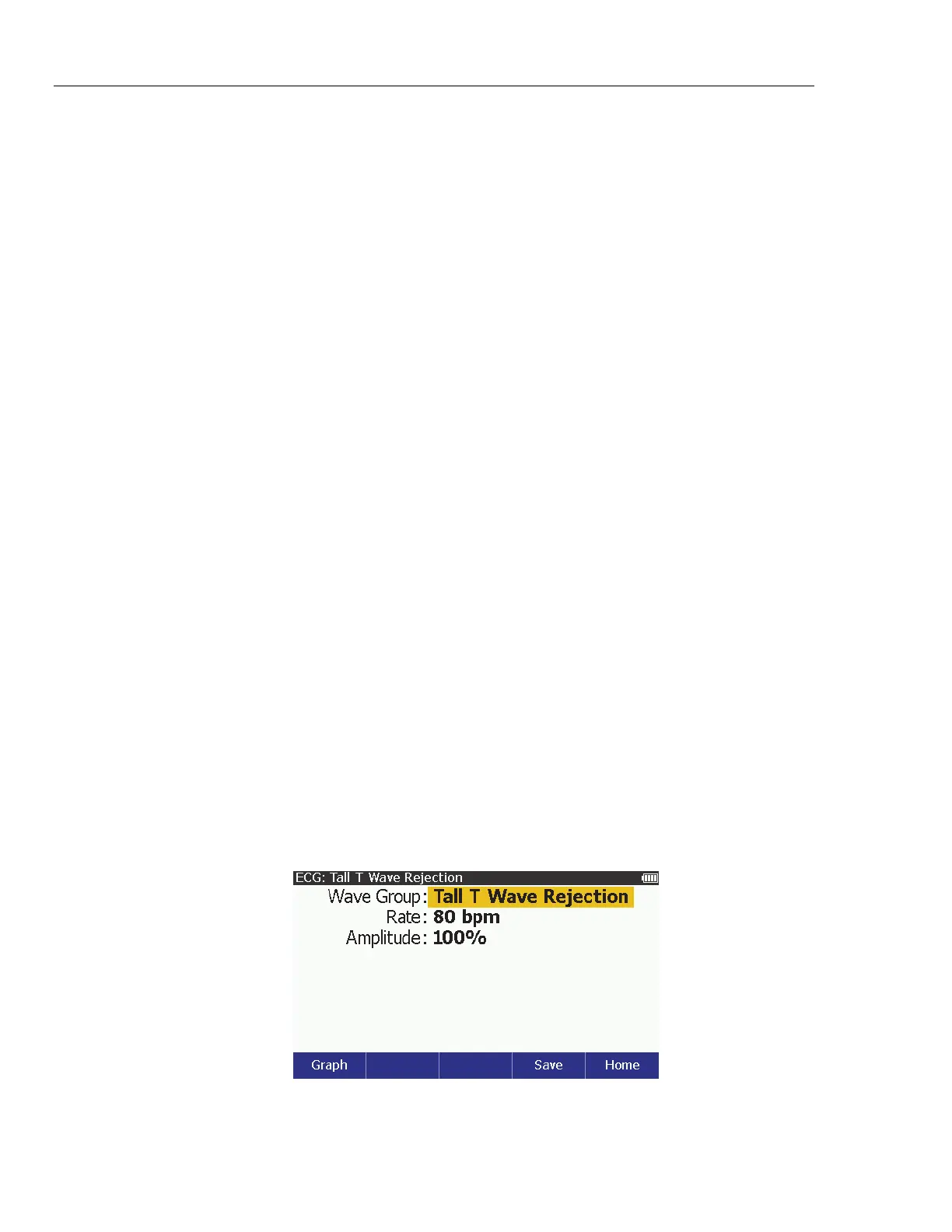
5. Push to show the ECG: Tall T Wave Rejection in Figure 11 on the
display.
glh022.bmp
Figure 11. Tall T Wave Rejection Screen



 To Next Page