ProSim 8
Users Manual
58
3. Push or to highlight Manometer.
4. Push .
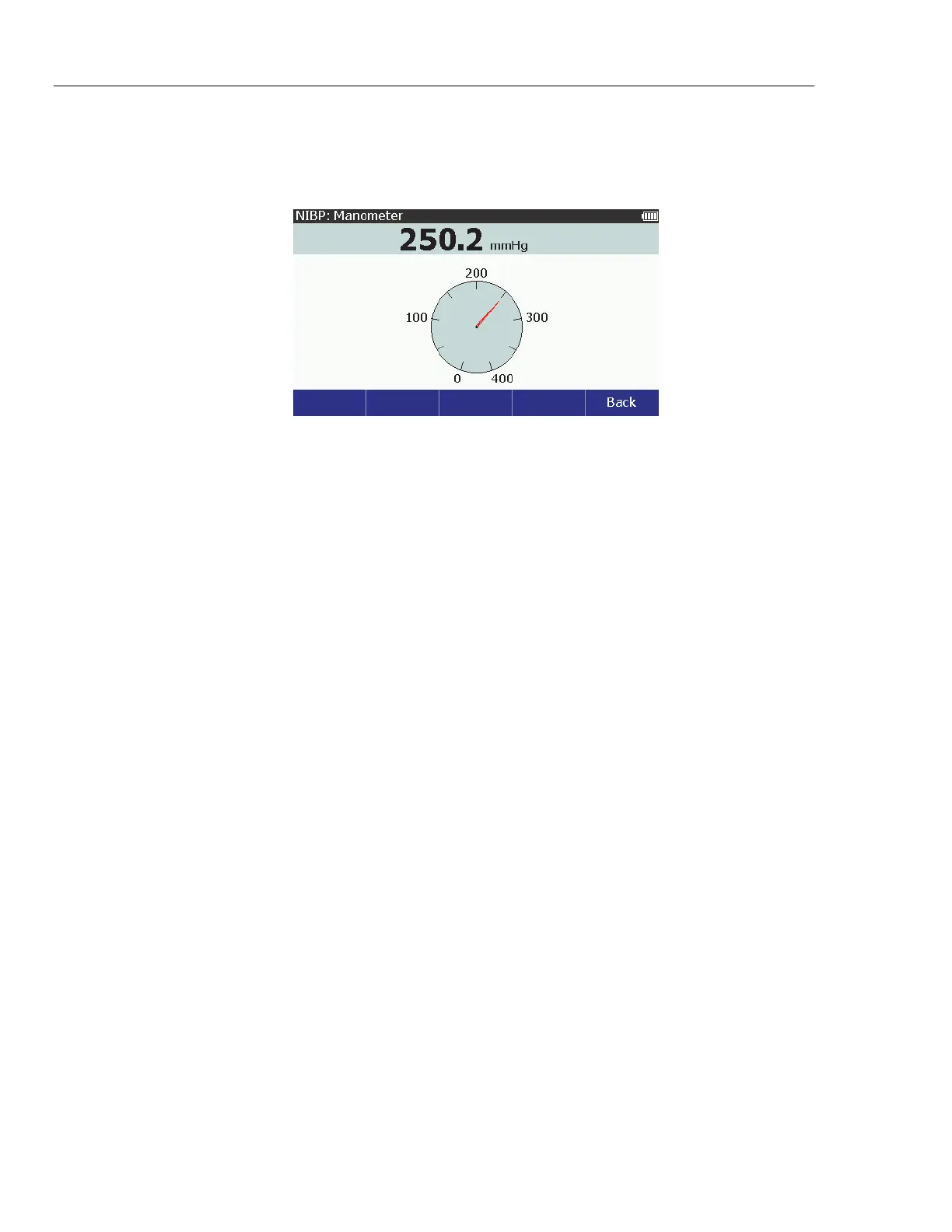
The NIBP: Manometer screen in Figure 43 shows on the display.
glh011.bmp
Figure 43. Manometer Screen
As the external generator increases the pressure, the digital and analog pressure
values on the display show the current pressure.
Zero Pressure
To zero the pressure in the Product with firmware 2.00:
1. Disconnect tubes from the ProSim NIBP port.
2. From the NIBP screen, push the Tests softkey.
3. Push or to highlight Manometer.
4. Push .
5. Push Zero Pressure.
Oximeter SpO
2
Optical Emitter and Detector
The subject device provides Oximeter SpO
2
optical emitter and detector
capability, which is solely intended to generate an optical signal to verify that the
electronics within the pulse oximeter probe are functional. The subject device
presents pulse oximeter equipment with a signal having a predictable value of
ratio so that the operator can observe the resulting displayed value of SpO
2
, and
compare it to the expected value derived from the calibration curve for that
particular pulse oximeter equipment.



 To Next Page