ProSim 8
Users Manual
74
glh040.bmp
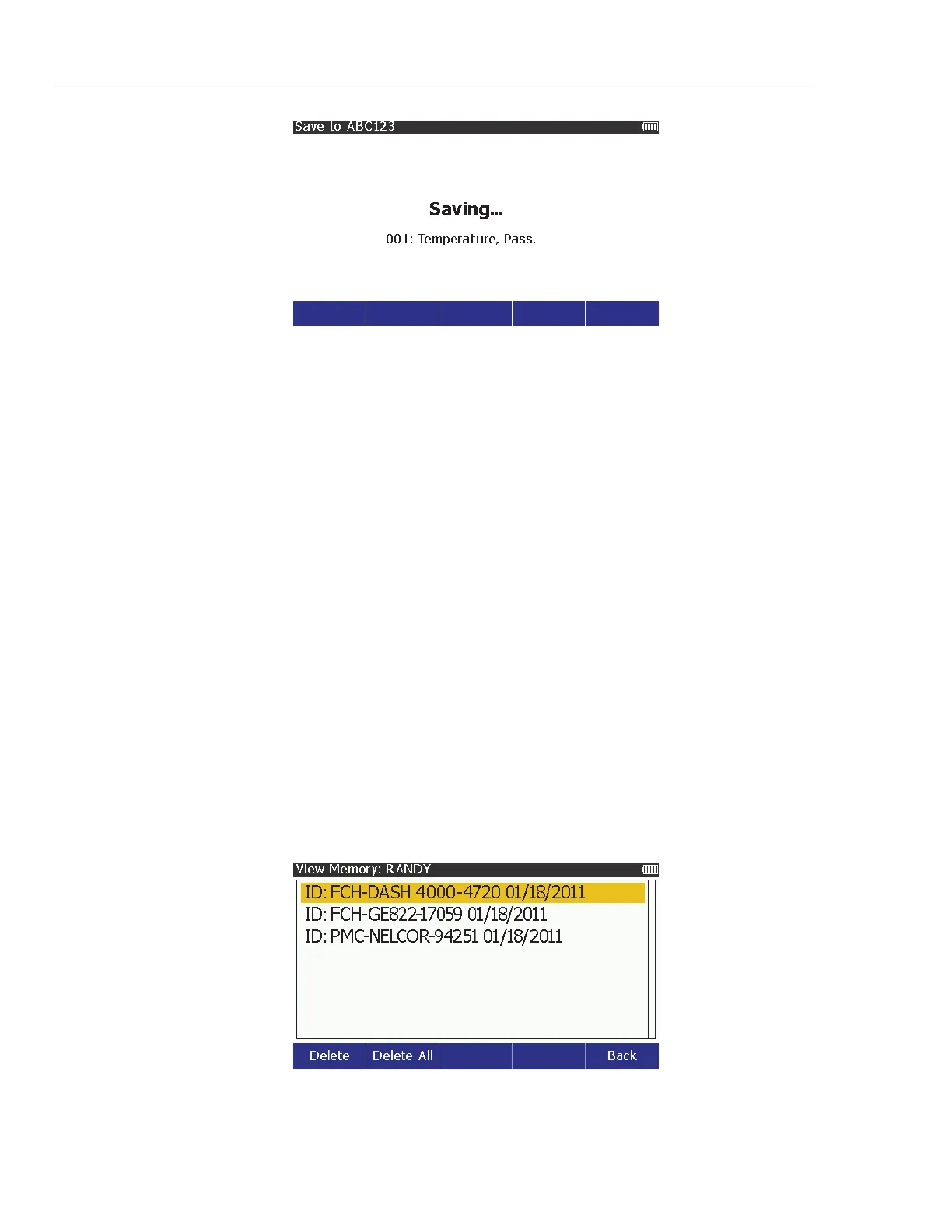
Figure 55. Saving Screen
The three-digit number is the test result ID. Within the test ID, each saved
test results is assigned a number in sequence. When the save operation
completes, the display goes back to the screen for the function you just
saved. In the case of this example, the display goes back to the temperature
screen.
View Test Results
To view the test results in memory:
1. Push .
2. Push , , , and to highlight View Memory.
3. Push .
Note
If no test results data is saved to memory, an error message shows
on the display when you push .
4. Push or to highlight an operator.
5. Push .
Note
If there is only one operator, the operator list does not show on the
display and the Product skips steps 4 and 5.
6. The list of test IDs shows on the display. Figure 56 shows an example list of
test IDs.
glh041.bmp
Figure 56. Test ID Screen
7. Push or to highlight a test ID record.



 To Next Page