Vital Signs Simulator
Simulate Temperature
39
Simulate Temperature
Temperatures simulated by the Product are compatible with Yellow Springs,
Inc. (YSI) Series 400 and 700 probes. The type of cable connected to the
temperature jack sets the type of temperature probe simulated. Connect the
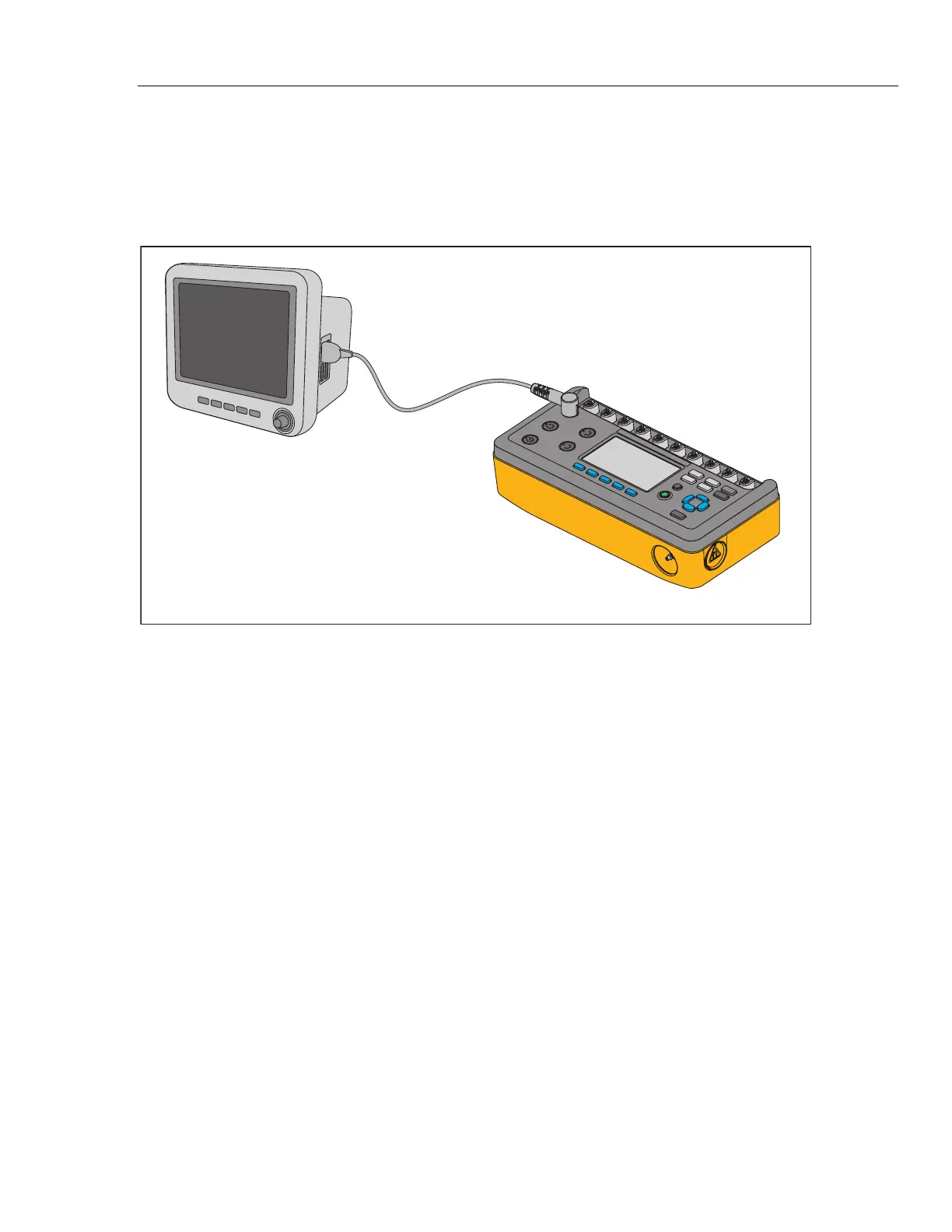
temperature input of the UUT to the Temperature jack as shown in Figure 24.
ProSim 8
Patient
Monitor
Temperature
Cable
glh038.eps
Figure 24. Temperature Simulation Connection
To set the simulated temperature:
1. Push .
2. Push , , , or to highlight the Temperature selection then push to
show the set temperature on the display.
3. Push .
4. Push or to change the temperature in 0.5 °C steps between 30.0 °C
and 42.0 °C.
Note
When you hold down the direction key, the step size changes to
1.0
°
C until the key is released.
5. Push to set the temperature and go back to the Temperature screen.



 To Next Page