ProSim 8
Users Manual
76
Delete Saved Data
Removal of data from memory is done through the View Memory feature. You
can only delete test ID records. When the test ID record is deleted, all saved test
results data connected to that test ID is deleted from memory. To remove a test
ID record:
1. Push .
2. Push , , , and to highlight View Memory.
3. Push .
4. Push or to highlight an operator.
5. Push .
Note
If there is only one operator, the operator list does not show on the
display and the Product skips steps 4 and 5.
6. Push or to highlight a test ID record.
7. Push the Delete softkey to delete the test ID record.
A Confirm Delete screen shows on the display with a “Delete Record?”
message. When you push the Yes softkey, the test ID record is deleted from
memory and the display goes back to the View Memory screen. Push the No
softkey to abort the delete.
Use the Delete All softkey to delete all the test ID records associated with the
operator. A Confirm Delete screen shows in the screen with a “Delete ALL
records for this operator?” message.
Setup Features
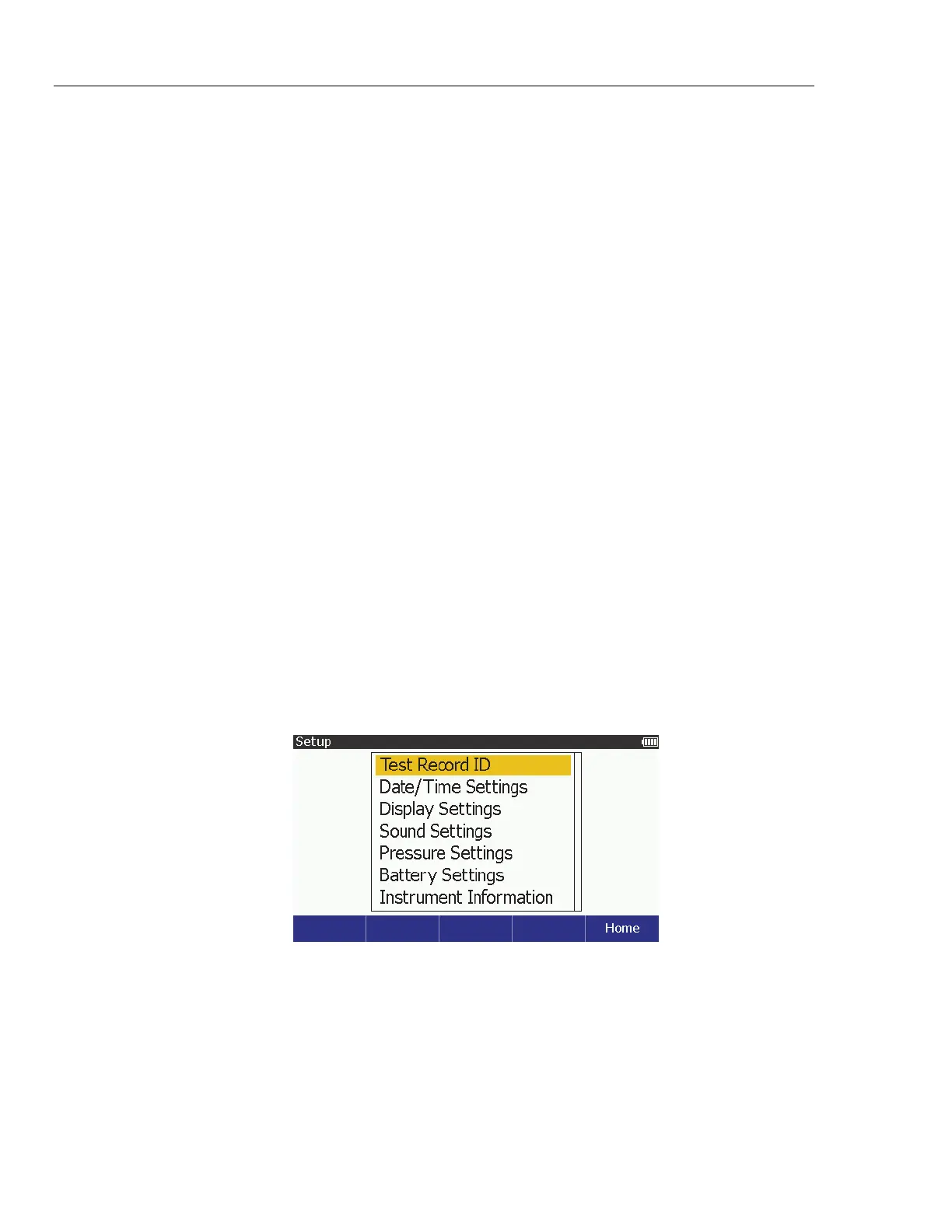
The Product has several functions that are accessed through the SETUP key.
Push to show the setup variables shown below on the display.
glh016.bmp
Figure 59. Setup Screen
The setup parameters are kept in memory and are non-volatile.



 To Next Page