Vital Signs Simulator
Maintenance
83
Battery Removal
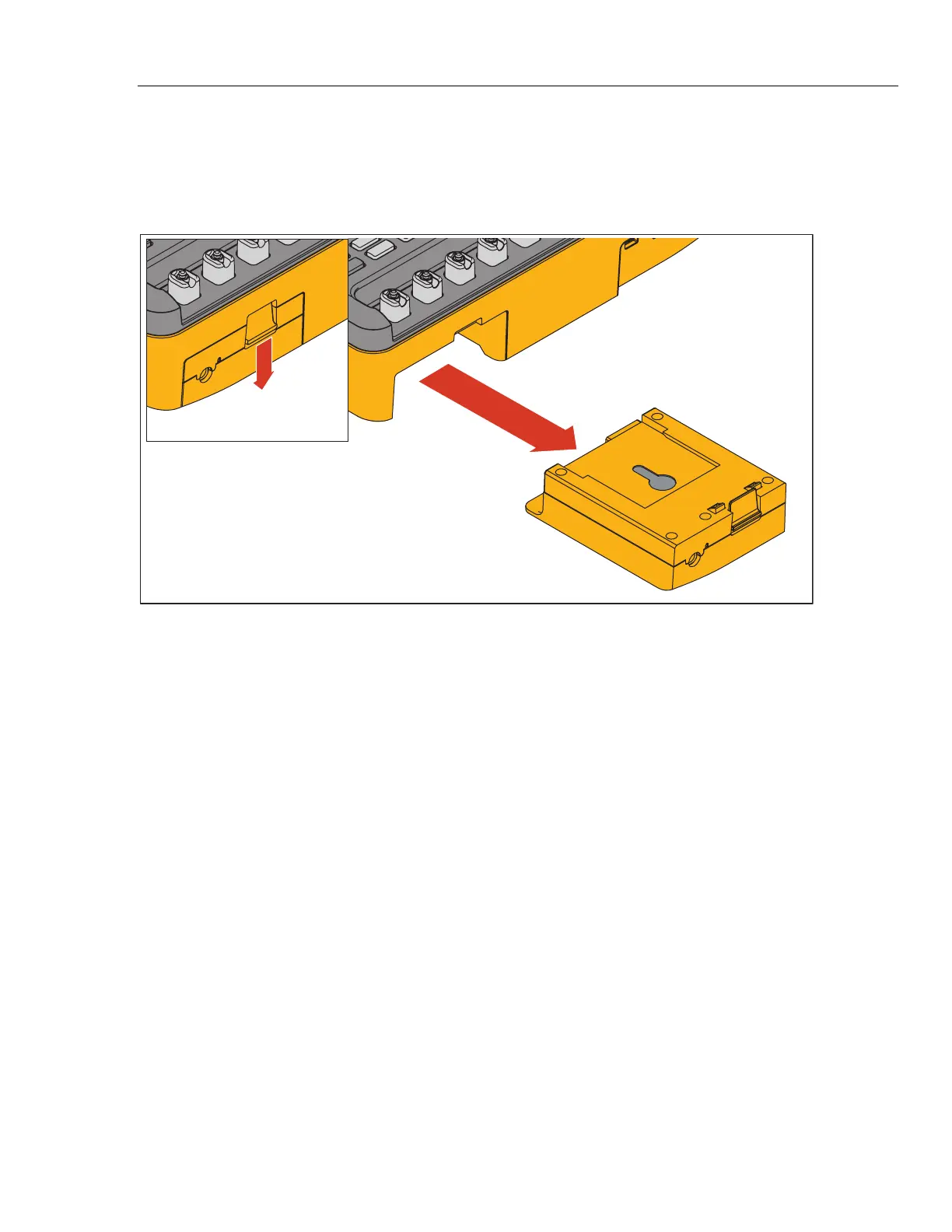
The battery pack is easy to remove and replace. To remove the battery pack:
1. Push down on the battery pack latch as shown in Figure 61.
2. Remove the battery pack from the Product.
Push
Down
Pull Out
glh046.eps
Figure 61. Battery Removal
To put the battery pack into the Product, align the battery pack with the guides on
the Product and push it into the Product until the latch locks.
The ProSim 8 battery is not compatible with the ProSim 4.



 To Next Page