Vital Signs Simulator
Invasive Blood Pressure Simulation and Tests
37
Pulmonary Valve Catheterization Simulation
The pulmonary valve controls flow from the right ventricle (RV) to the pulmonary
artery (PA) and prevents flow in the reverse direction. Both IBP channels are set
to PA 25/10. IBP channel 1 stays at PA 25/10 for reference throughout the
simulation.
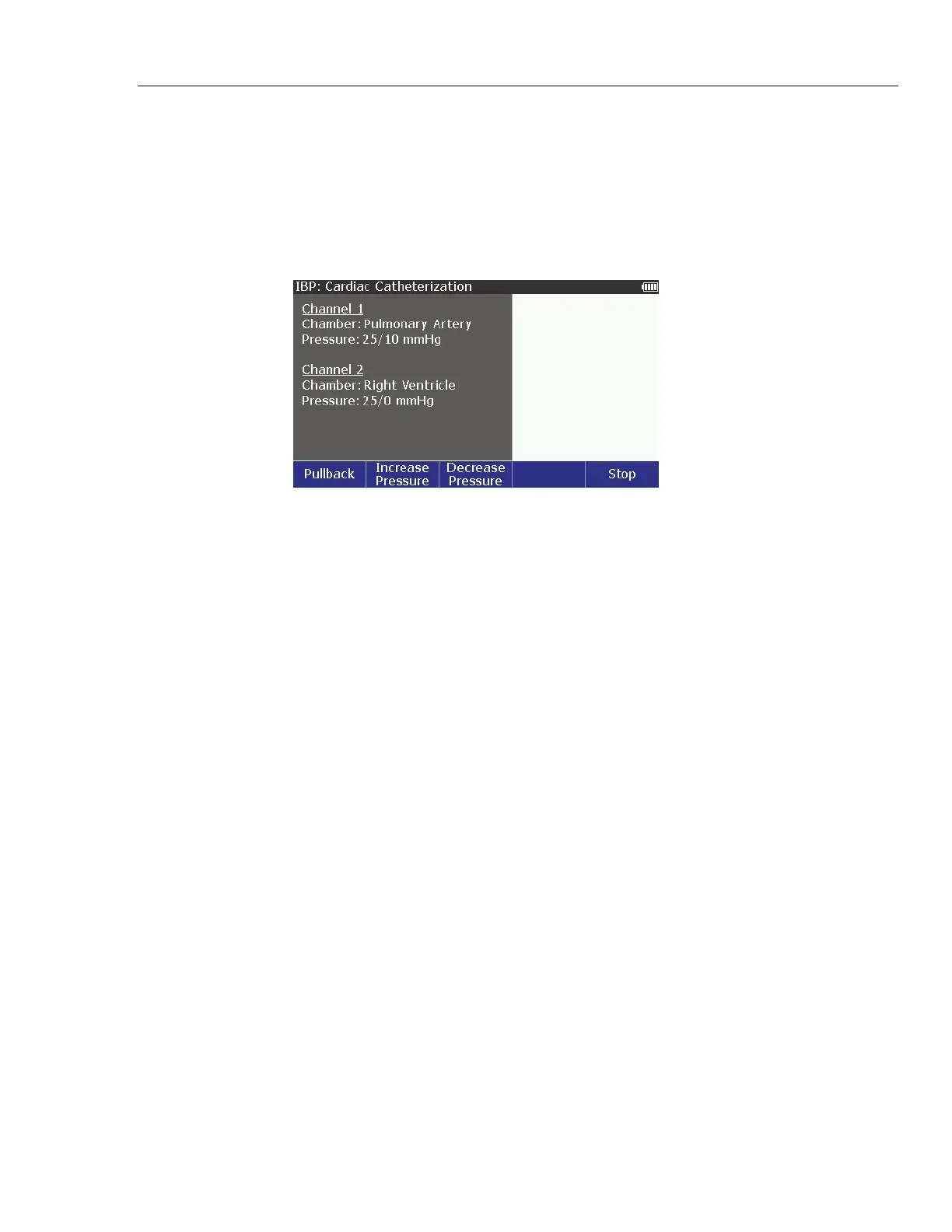
1. Push the Insert softkey to simulate the insertion of the IBP channel 2
catheter into the right ventricle at 25/0.
glh055.bmp
Figure 22. Pulmonary Valve Catheterization Simulation Screen
For a normal valve, when the heart beat starts, the RV pressure increases to
10 mmHg. Then, as the valve opens, both pressures increase to the systolic
peak. Next, the pressures fall until the valve opens. The RV pressure goes
back down, but the pulmonary artery stays at 10 mmHg.
2. Push the Increase Pressure or Decrease Pressure to simulate a bad
pulmonary valve. There are six pressure values between 25 mmHg and
38 mmHg. Each push of the increase softkey sets the left ventricle pressure
to 26 mmHg (+5 %), 28 mmHg (+10 %), 29 mmHg (+15 %), 30 mmHg
(+20 %), and 38 mmHg (+50 %). Each push of the decrease softkey sets the
pressure down from 38 mmHg to 25 mmHg with the same pressure steps.
3. Push the Pullback softkey to simulate the pull back of the IBP channel 2
catheter to the right ventricle.



 To Next Page