ProSim 8
Users Manual
44
6
6
0
7
0
5
0
4
0
ProSim 8
Patient
Monitor
Cardiac Output
Adapter
Blood
Temperature
Connection
Injectate
Temperature
Connection
glh057.eps
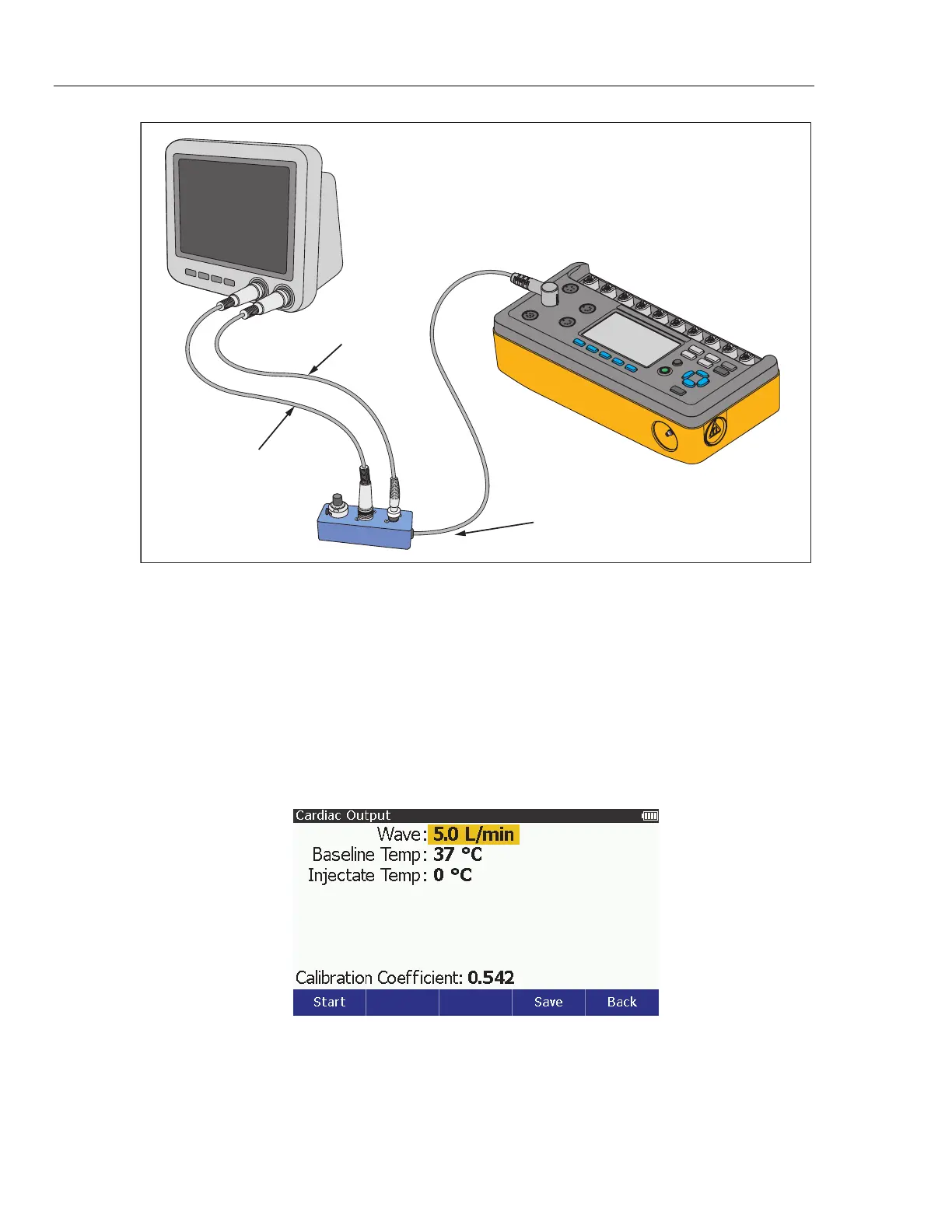
Figure 27. Cardiac Output Connections
Setup the DUT for the simulated parameters that follow:
• Catheter Size: 7 F
• Injectate Volume: 10 cc
• Computational Constant: 0.542 or 0.595, based on the injectate temperature.
To set the Product for a cardiac output test:
1. Push .
2. Push , , , or to highlight Cardiac Output and then push to show
the cardiac output parameters on the display. See Figure 28.
glh017.bmp
Figure 28. Cardiac Output Screen
Push the Back softkey to go back to the Special Functions screen,



 To Next Page