Vital Signs Simulator
Non-Invasive Blood Pressure Simulation and Tests
53
To perform a leak test:
1. Push to show the NIBP screen.
2. Push the Tests softkey.
3. Push or to highlight Leak Test.
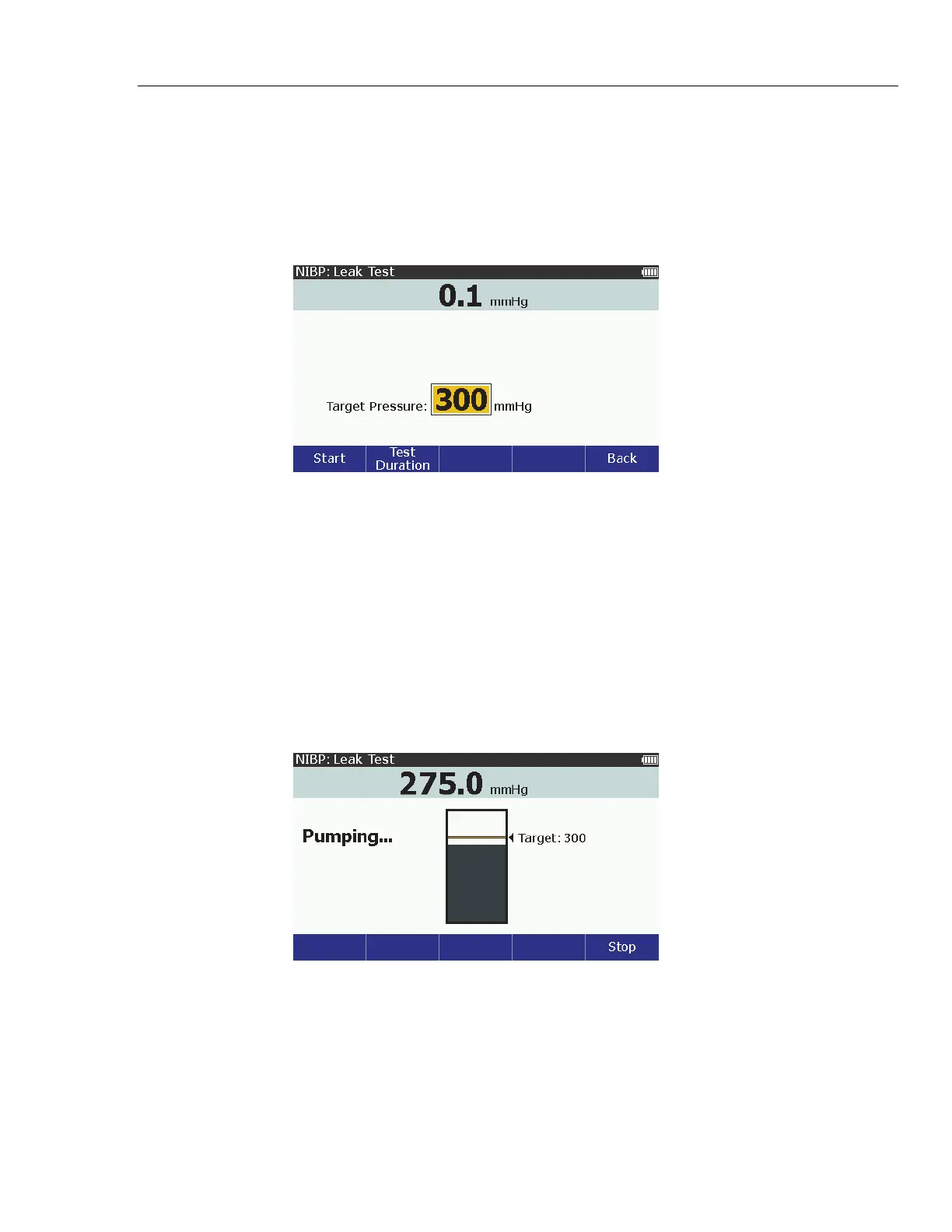
4. Push to show the NIBP: Leak Test screen in Figure 36 on the display.
glh024.bmp
Figure 36. Leak Test Screen
The default target pressure is 300 mmHg. You can set the target pressure
between 20 mmHg and 400 mmHg. To change the target pressure, push
or to increase or decrease the pressure value in 1 mmHg steps.
Note
When you hold down the direction key, the step size changes to
10 mmHg until the key is released.
5. Push the Start softkey to start the leak test.
The Product pressurizes the pneumatic system to the target pressure. While
the Product pumps air into the pneumatic system, the pressure and a graph
of the pressure shows on the display. See Figure 37.
glh006.bmp
Figure 37. Leak Test Pumping Screen



 To Next Page