Vital Signs Simulator
Non-Invasive Blood Pressure Simulation and Tests
55
The Product pressurizes the pneumatic system to the target pressure with the
pressure measurement and a graph of the pressure shown on the display. See
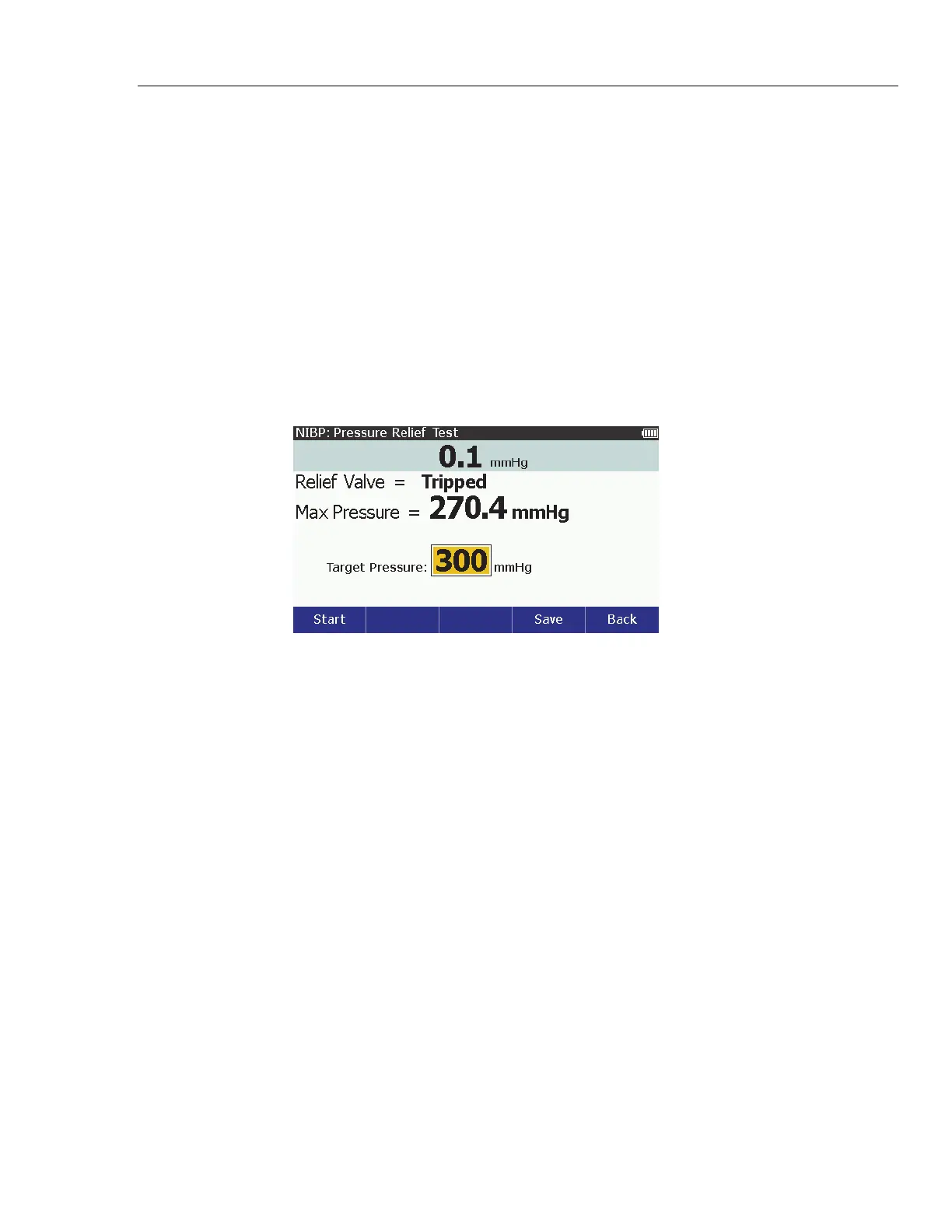
Figure 37. When the Product senses the pressure valve has opened, the test
stops and the results show on the display. See Figure 39. It is recommended you
do three pressure relief tests in case the relief valve is intermittent.
If there is no drop in pressure and the pressure climbs to the target pressure, the
pump stops and Not Tripped shows in the display.
Note
Some NIPB monitors do not let you access a “Service” mode. If you
cannot close the vent valve, the system cannot be pressurized by an
external pump. It is possible to start a blood pressure measurement
with the monitor (this closes the valve), then start the Pressure Relief
tests, so that two pumps inflate the system. The results can change,
but the monitor usually opens a relief valve at some high pressure.
glh008.bmp
Figure 39. Pressure Relief Valve Test Results Screen
See Save Test Results to learn more on how to save your test results data.



 To Next Page