ProSim 8
Users Manual
60
ProSim 8
SpO
2
Cable
Pulse
Oximeter
Sensor
Patient
Monitor
ProSim
Oximeter SpO
2
Optical
Emitter and Detector
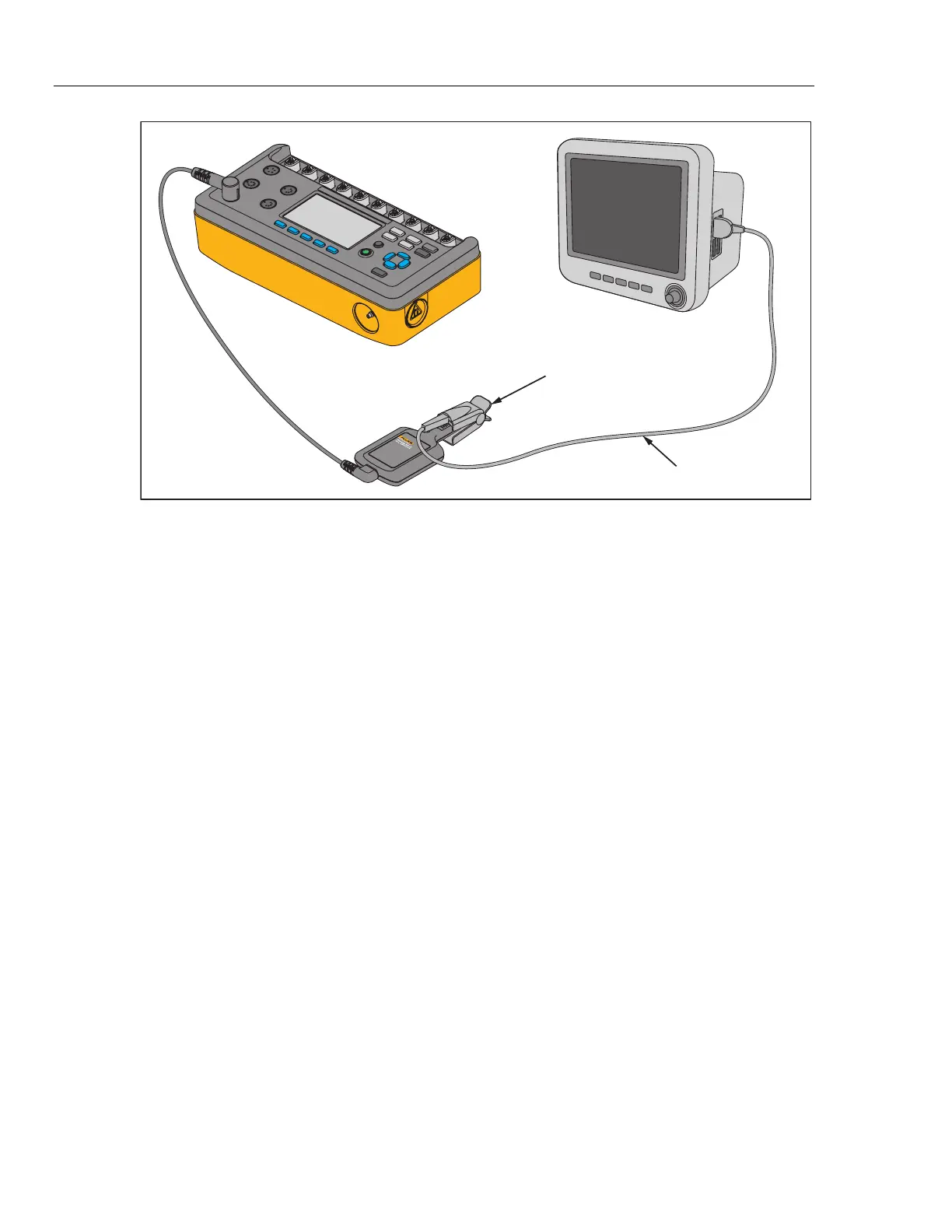
glh029.eps
Figure 45. Oximeter SpO
2
Optical Emitter and Detector Connections
Note
When you put the oximeter sensor on the artificial finger, make sure
the red LEDs (light emitting diodes) are on the bottom.
Put the SpO
2
sensor on the artificial finger as shown in Figure 46. Place the
sensor with the LEDs on the bottom of the artificial finger. While you put the
sensor on the artificial finger, monitor the signal indicator along the bottom of the
Product display. Adjust the sensor on the finger for maximum signal strength.



 To Next Page