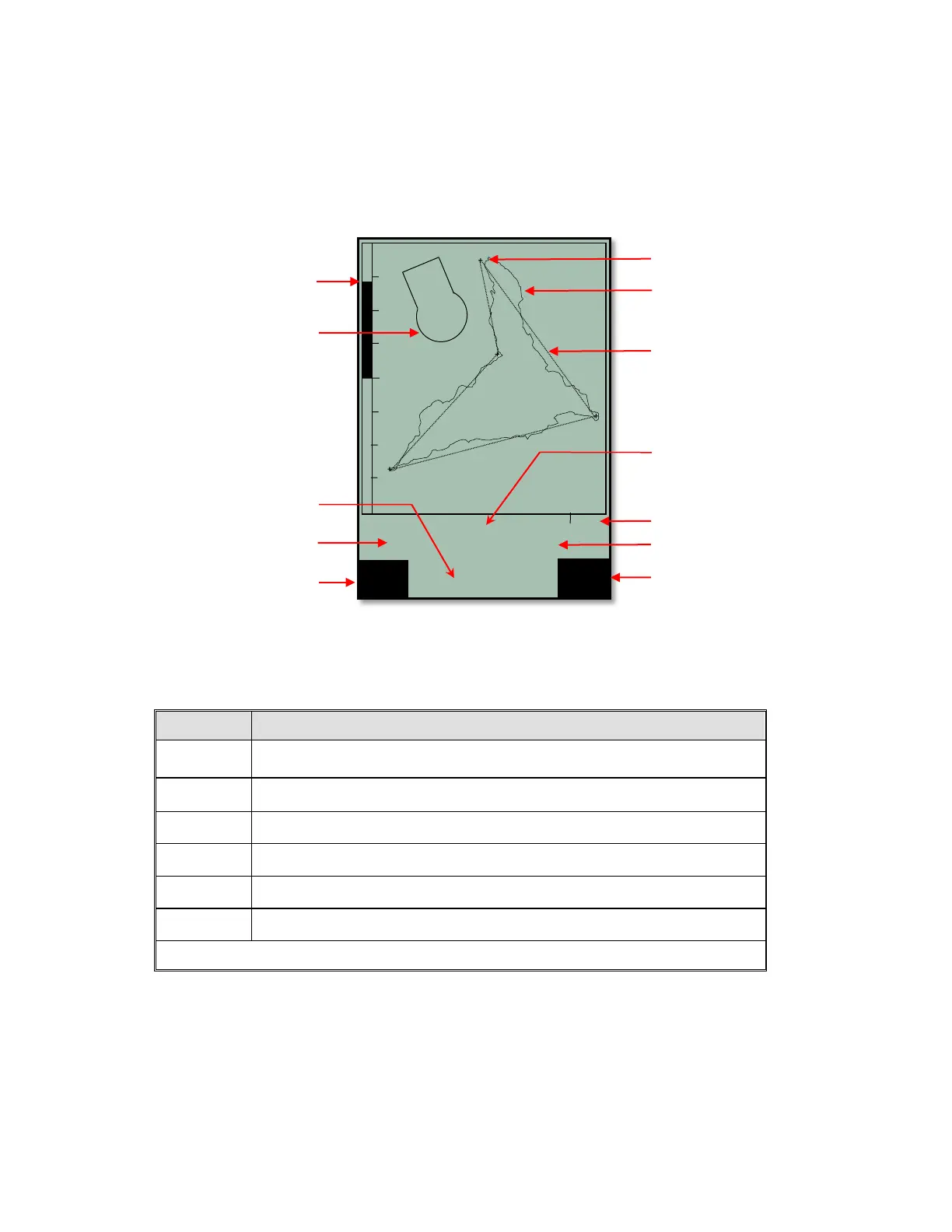
2.5 Real-Time Map Page
A short press of the Page/ESC key will bring up the Real-Time Map page where your track, waypoints, the
active route, and any restricted airspace you have defined will be visible. If a Competition Route is active,
start/turnpoint/goal cylinders will be shown as well. There are three user-fields just below the map (default is
Digital vario, altitude and air speed). There is also an analog vario scale along the left edge of the map. Your
current position will appear on the track as a direction arrow.
When viewing a stored flight, the #!"$keys can be used to pan the map in each respective direction.
However, this function is not enabled during flight.
Note: Tracks are drawn backwards from the current position. It will take a few moments to draw the map/track,
depending on the number of track points in the flight track (“Wait” and “Ready” will correspondingly appear in
the Information Field). If a zoom or pan key is pressed while the map is being drawn, the original draw will be
suspended and will start over again with new pan/zoom selection. This allows you to quickly view the desired
section of the map.



 To Next Page