© Flytec USA, 2007 – 2014 Printed on 100% post-consumer recycled paper
9.6 Clear/Initialize Memory
In this menu the 6030 memory can be cleared and re-formatted. To view the options, highlight Clear/Initialize
Memory in the Main Setup Menu with the !" keys and press OK. The various clearing/reformatting options
can be executed by highlighting the desired action with the !" keys, pressing OK, changing the No to Yes
with the ! or " key, and pressing OK.
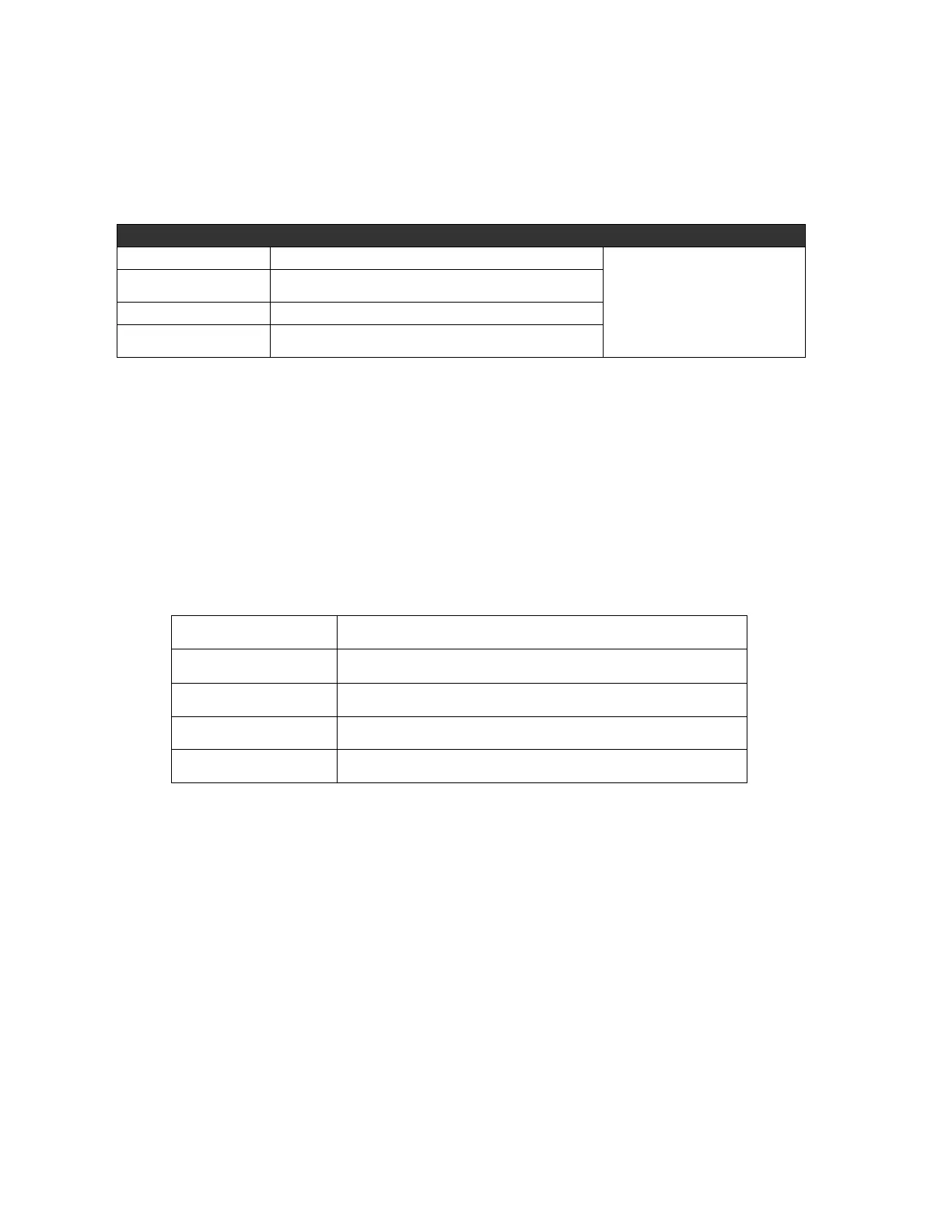
Clear/Initialize Memory Description Procedure
Deletes all flight recordings, re-formats flight memory
Change no to yes, press OK.
Information Field will show the
progress; wait for all sectors to
clear before pressing any keys.
Deletes all WP and routes, re-formats WP/route memory
Initializes CTR memory and erases all loaded CTRs
Re-formats memory, deletes all WP, routes and user
settings
9.7 Simulation Mode
To enter Simulation mode, highlight Simulation in the Main Setup Menu using the !" keys and press the OK
key. Use the !" keys to change No to Yes, then press the OK key; the display will return to the normal run-
mode and the simulation will start at the last known GPS position. The GPS receiver is turned off during the
simulation, and “Simulation” appears in lieu of its status bar. A simulated flight is stored in the memory of the
6030, but the digital signature is not valid.
In Simulation mode you can alter your altitude, air speed, vertical speed (vario), head/tailwind component, and
track using the $#!" keys. To access these variables press the F1 (Next Func.) key. As you scroll through
the variables, the Information Field will show each variable and which of the arrow keys to use to alter it.
Simulation mode allows you to explore the relationships between best glide speed, McCready indicator and the
sounds produced by the 6030. Toggle the F1 (Next Func.) key to access the different variables and alter them
as shown:
Change climb/sink rate and change air/ground speed
Change wind speed and flight direction
Press $ to change user-field pages (1, 2, or 3)
Use !" keys to modify Alt1
If you initiate a climb with the ! key, the 6030 simulates circling up in a thermal. The compass rose turns and
the distance to goal continuously changes between somewhat closer and somewhat farther away. After
thermaling up you can change back to gliding flight (descending) using the " key.
The Goto function can be called up to select a waypoint; the distance to the waypoint will appear. If the direction
arrow in the middle of the compass points upward, the pilot is moving towards the waypoint, and the distance
will become smaller. In Simulation mode a Competition Route can be set. If you navigate into a turnpoint
cylinder or you enter/exit a start cylinder with a positive start time, you will hear the “waypoint achieved” sound
and you will also see the automatic switchover to the next waypoint. By pressing the ESC key you can switch to
the map display and observe the approach to the waypoint cylinder.



 To Next Page