by the competition task setter can be set. Waypoints in a competition task fall into three categories: start,
turnpoints and goal. Because of the nature of the type of start and finish of a task, a start or goal waypoint may
need to be entered in the competition route more than once. The procedure for entering the start, turnpoints
and goal, with their respective parameters, are as follows.
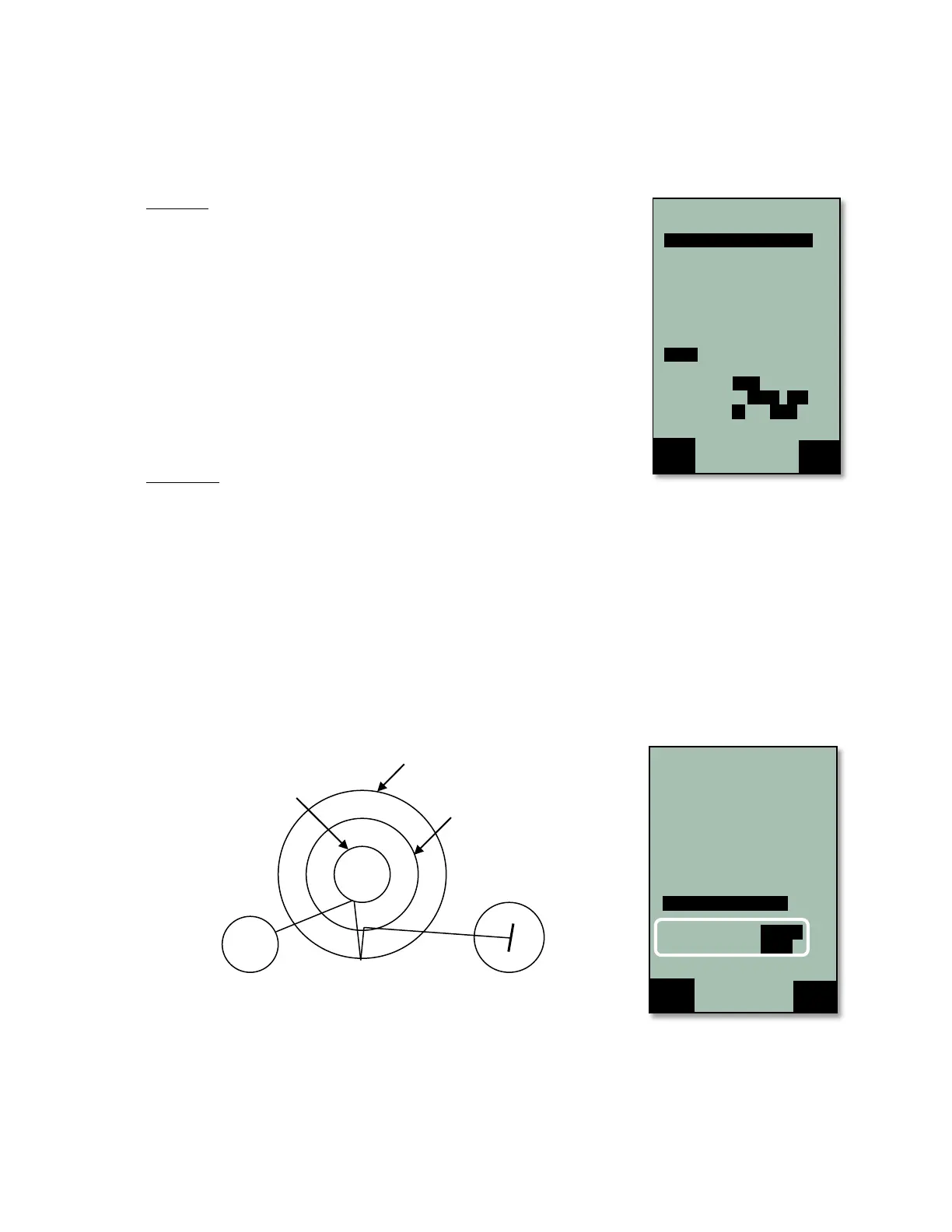
The Start: To set the start point for the task, highlight the desired waypoint
from the list in the Competition Route and press the WP key. The selected
waypoint will now have “S” after the cylinder size and the lower half of the
display will show the remaining start parameters to be set. Press OK, and set
the start cylinder size using the !" keys. Press OK, and then set the first
start time. Press OK, and then set the interval between subsequent start times.
Press OK and set total number of start times. Press OK and set the start to
ENTER or EXIT. In the example, Quest is a 3 km Exit start with 3 start times
with the first start at 12:30 (followed by 12:45 and 13:00 start times. Note: In
order to mark a waypoint as the start, there must be at least one subsequent
waypoint.
In the case of an entry start, the task normally involves flying into a large
cylinder around a waypoint and then continuing into a smaller cylinder around
the same waypoint. In this case the first waypoint is listed, first with the large
cylinder size and marked as the start, then again with the smaller cylinder size.
Turnpoints: Once the start parameters are set, the cylinder radius and mode
for each of the remaining turnpoints in the Competition Route must be
individually set if they differ from the 400m-entry that is set by default. To do this, highlight the turnpoint from the
list, and press the OK key. The blinking cursor will be on the turnpoint radius size, which is always in kilometers
regardless of unit setting in the Device settings menu. Adjust the radius with the !" keys and press the OK
key to confirm.
The blinking cursor will be on the turnpoint mode, the turnpoint mode can be toggled between Entry and Exit
with the !" keys and confirmed by pressing the OK key. The turnpoint mode will be indicated in the waypoint
list (E for entry and X for exit). Repeat the above process for all of the turnpoints in the Competition Route.
Important: even if a task turnpoint is the default 400m-entry it is recommended that you confirm the turnpoint
radius and mode for each turnpoint of the Competition Route.
In most cases, competition turnpoints (waypoints between the start cylinder and goal) will have an entry cylinder
(often 400m). However, it is becoming increasingly popular for competitions to call more complex tasks. The
ability to set any turnpoint as enter or exit allows the 6030 to handle tasks like the example shown below.
In the case of an exit turnpoint (TP3 above) the pilot is free to exit in any direction. In a task like the one shown
above, the instrument will optimize the exit waypoint to the south by default, however, as soon as the pilot flies
in one direction, the optimized waypoint will be updated.



 To Next Page