106
14 ADDITIONAL TOPICS
LOADING USER CABS
In addition to thousands of onboard cabs preloaded in its factory banks, the FM9 allows you to store up to 1,024
cab Impulse Responses (“IRs”) in user memories. “User Cabs” allow you to personalize your FM9 with custom
tones. They can be transferred to the FM9 easily:
1. First, you’ll need an impulse response le in SysEx format (.syx). FM9-Edit can also load .wav and .ir formats.
Fractal Audio Systems offers various professional Cab Packs at https://shop.fractalaudio.com
These include creations by Fractal Audio as well as third-party producers.
Axe-Change, our le sharing site, is a great resource for FREE cabs. https://axechange.fractalaudio.com
2. Using Fractal-Bot or FM9-Edit, transmit the le to your FM9.
Fractal-Bot – This basic utility can send individual SysEx les or entire Cab Banks. To transmit a le
IR, Launch Fractal-Bot and make sure the FM9 is the selected device. Then Browse to the le and click
“Begin”. For single IRs, Cab-Lab will ask you to select a User location by its number.
FM9-Edit - The easiest way to import a single IR is to click the Cab block, select a user location, and then
drag and drop your cab le to the name eld (the green “<empty>” text or the green or violet name of an
existing User Cab if you want to overwrite one).
FM9-Edit also has a tool called Manage Cabs. This allows you to drag and drop user cab les one at a time
or in bulk to numbered memory slots. You can also manage entries already in the memory of the FM9 with
operations like copy, paste, rename, and drag-and-drop reordering. When you purchase a Cab Pack, this is
the best and easiest way to load multiple IRs at once into your FM9, audition the results, and organize your
favorites. When you nish importing or rearranging, press the “Save” button to commit your changes.
3. To select a user cab, click the Cab block in FM9-Edit and use the “Picker” to select it. You can also load User
IRs from the front panel of the FM9 by selecting the Cab block on the grid, pressing EDIT, changing to the
“Cabs” menu page, selecting the User bank and choosing the desired IR.
NOTE: In comparison to older Fractal Audio systems products, user cabs are NOT included in a backup of the
SYSTEM area of the FM9. This also means that restoring a System backup will never overwrite user cabs.
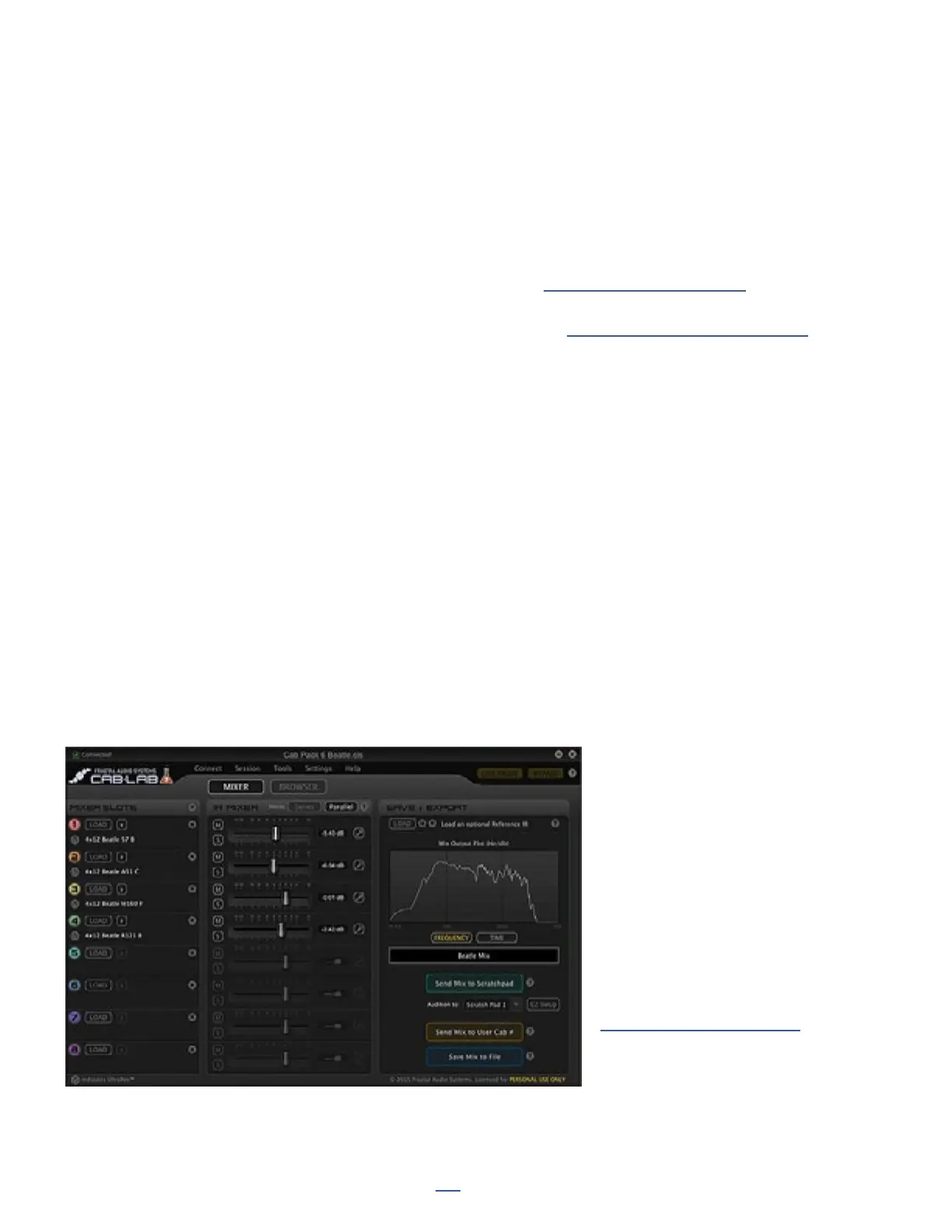
Cab-Lab is a full-featured 8-channel
IR mixer and toolbox in standalone
and plug-in formats.
For decades, artists, producers
and engineers have created tones
using a mixer to blend the sounds
of different mics or speakers.
While the FM9 provides two mixer
slots, Cab-Lab has EIGHT, and has
additional options and tools, with
the ability to export Cab les and
save mix sessions.
Learn more at:
www.fractalaudio.com/cab-lab-3



 To Next Page