12
1 INTRODUCTION
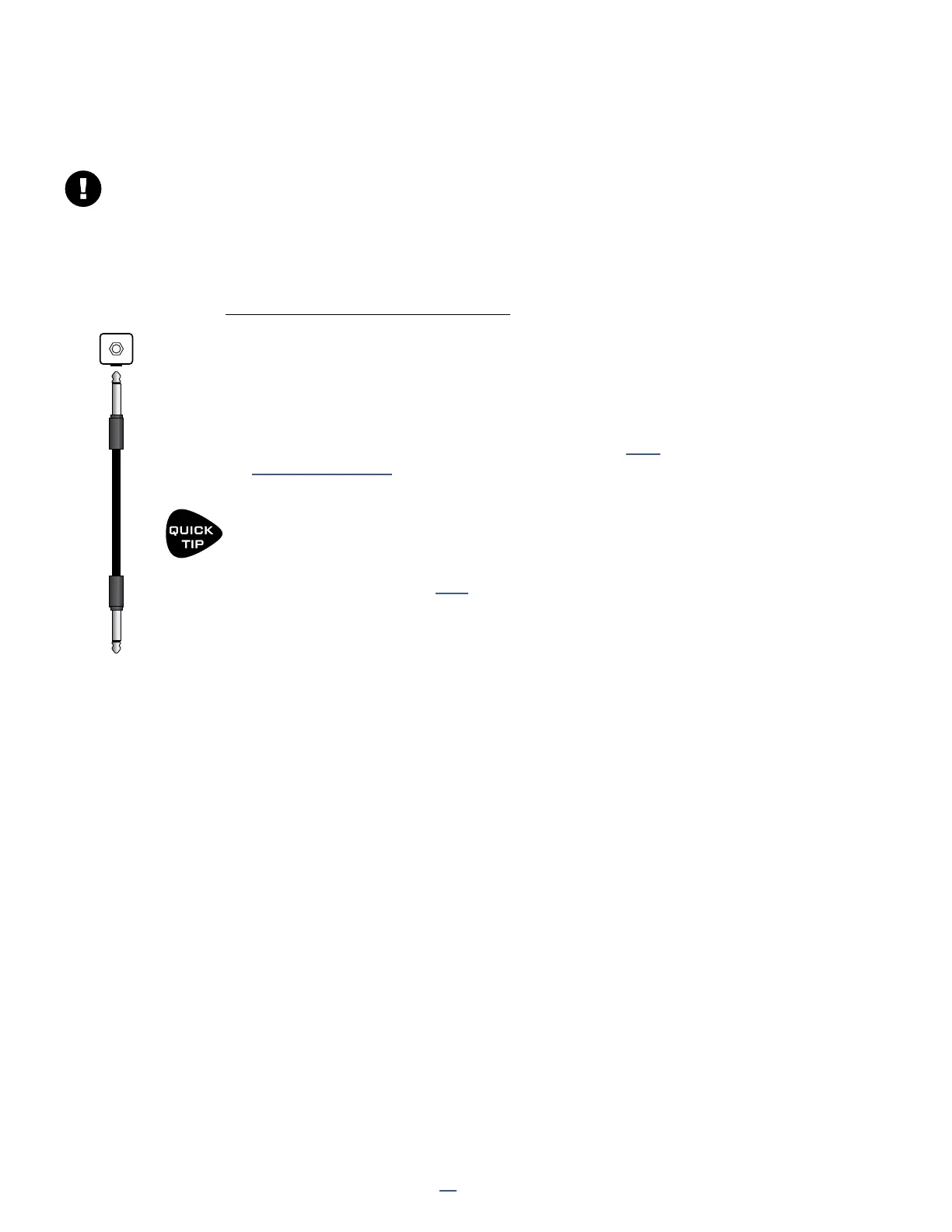
Each of the two Pedal jacks of the FM9 can support a switch instead of an expression pedal. Any make-break
switch type may be used with the FM9 in this way. Connect as shown below:
EXTERNAL SWITCHES
This section is for switches connected to the local “Pedal” jacks of the FM9.
For switches connected to an FC Series controller, see your FC Owner’s Manual.
EXPRESION
PEDAL
TRS
PEDAL JACK
TRS
SINGLE
FOOTSWITCH
TS
PEDAL JACK
TS
Patch Cable
EXTERNAL SWITCH SETTINGS
External switches require a simple setup:
Page to the Pedal page of the I/O menu under SETUP.
Set Pedal 1 Type to “SWITCH” .
Next, navigate down to the SWITCH SETTINGS section and select
the TYPE and POLARITY for each of your switches. See “I/O:
Pedal Page” on p. 94 for more on these settings.
Press HOME to nish.
External Switches can be used with the options found in the MIDI/REMOTE MENU by
selecting the option PEDAL 1, PEDAL 2 or PEDAL 3 (this label refers to the name of the
jack on the FM9 and not what you have connected to it).
The STAND IN SWITCH feature (p. 79) makes external switches even more powerful,
since it allows them to perform any of the the functions of an onboard switch.



 To Next Page