80
10 LAYOUTS & SWITCHES
USING THE FM9 WITH AN FC CONTROLLER
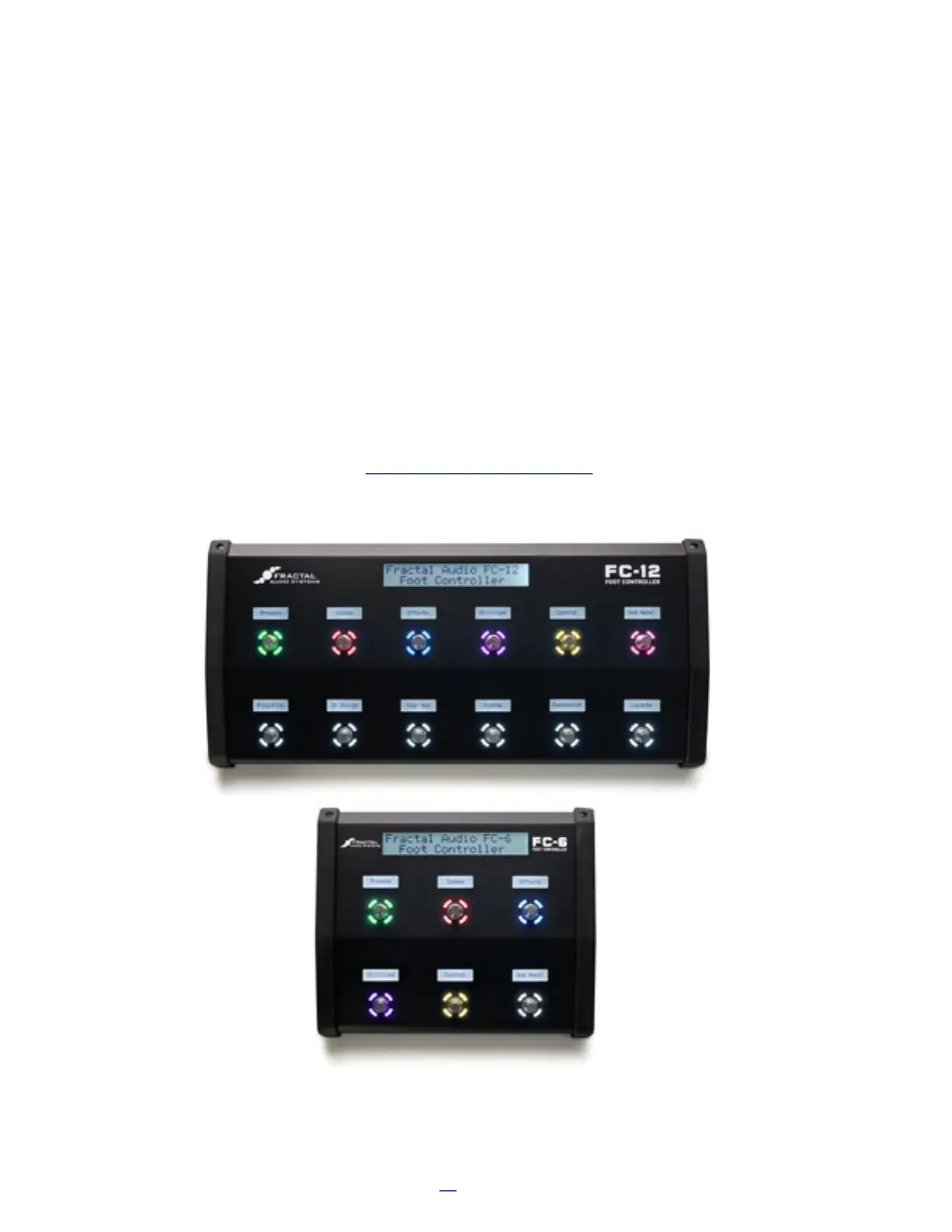
The FM9 has a FASLINK port to connect up to two Fractal Audio FC-6 or FC-12 foot controllers. Using an FC
controller expands the number of footswitches to increase your options on the floor — including jacks for 4
additional expression pedals and 4 external switches per FC. No special conguration is required; simply connect
the FC to the FM9 and it begins working.
Up to two FC controllers can also be daisy chained from the FM9, increasing the total maximum number of
simultaneous footswitches to 33!
Remember that when daisy-chaining, the second FC Controller will require an AC adapter. It is not powered by the
FASLINK “thru” connector on the rst FC Controller.
When adding an FC, you will need to create custom layouts, since all the factory default options have been
designed around nine footswitches. The usual way to do this will be to have some layouts dedicated to the FM9
and others dedicated to the FC-6 or FC-12.
The Layout Link feature becomes especially important in this type of setup, since it allows one foot controller to
change the layout on another controller. See “The Footswitch Functions Guide” for more on this feature.
An additional benet of using the
FM9 with an FC Controller is that
each attached controller supports
an additional four expression
pedals and four external switches!



 To Next Page