7
1 INTRODUCTION
THE HOME PAGE: PRESETS
Once you have connected your FM9 you can begin to audition factory preset sounds. Of course, the footswitches
provide a convenient way to do this, but you can also operate the unit from its top panel.
Remember that aside from a few templates, the factory presets are designed for use with full-range
speakers / monitors / headphones. (See Section 4 for details on many other types of setups.)
The FM9 contains 512 preset memories. Each preset is a full “rig” with its own amps, cabs, effects, settings,
controllers, and more. When you consider everything that is possible with Scenes and Channels, a single preset
can cover an entire song, or even a whole show.
Here’s how to explore the factory presets:
Press HOME to show the Home page,
where you can switch presets.
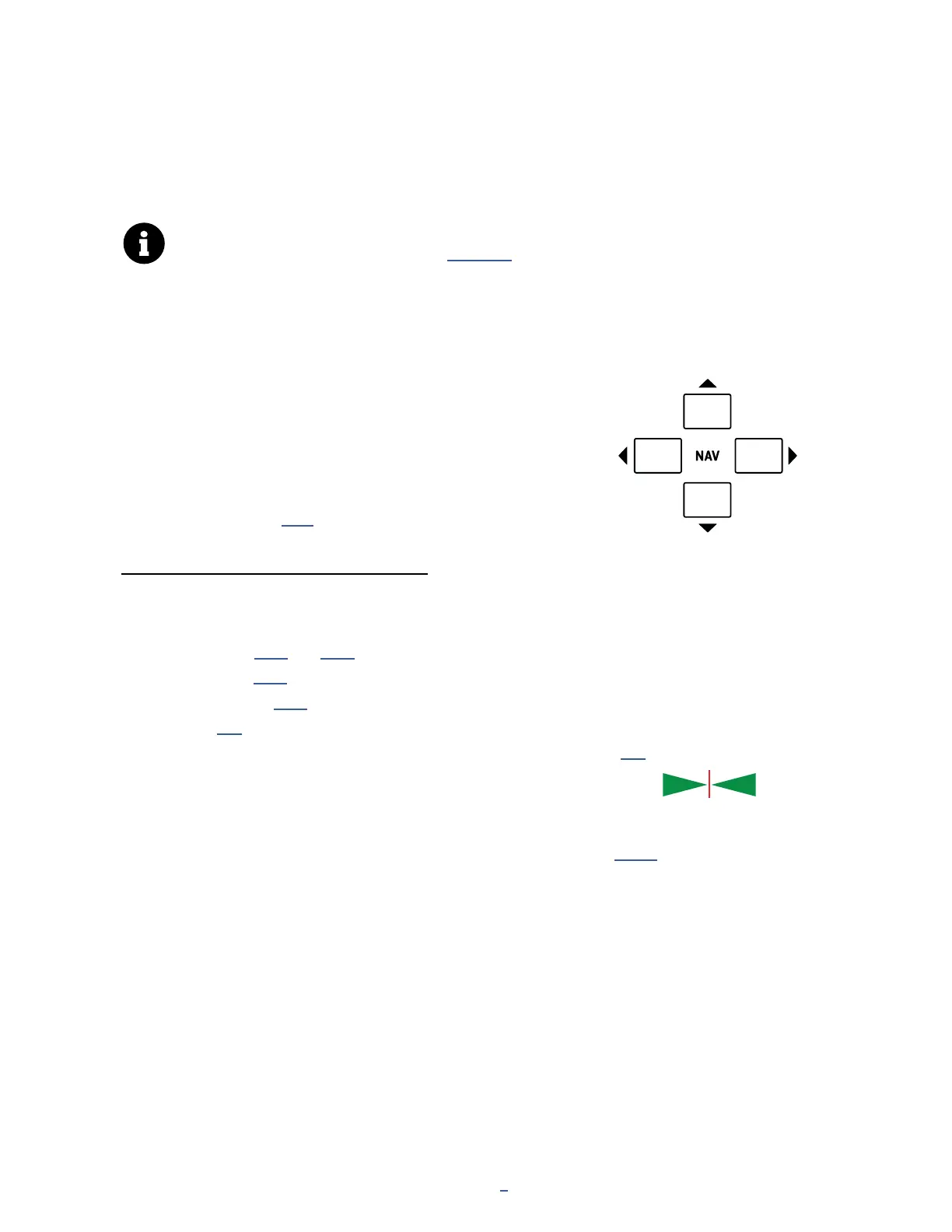
To change presets, turn the VALUE
knob or use the NAV buttons.
Many factory presets have been set up with Scenes.
You can switch between Scenes using the NAV buttons or by
turning knob A. (See p. 15 for an introduction to Scenes.)
OTHER HOME MENU FUNCTIONS
The push functions of the ve knobs on the Home page of the Home menu provide access to other areas:
Tuner
Layout grid (p. 14 and p. 40)
Controllers (p. 65)
FC Per-Preset (p. 78)
Setup (p. 3)
Turning knob E switches between different foot control “Layouts” (see p. 8).
A mini-Tuner appears at the top of the Home page itself in the form of
two green triangles. When both are lit, the note is in tune.
Two Performance Control Pages let you assign the ve top panel knobs of the FM9 for
easy, hands-on access to any parameters you choose. Learn more on p. 108.
The Home menu also provides access to the Presets directory page,
listing all presets in a scrolling list sorted by number.
PAGE to the Presets page to show the directory.
To sort alphabetically by name, press the “Sort A–Z” button.
The ENTER key loads the selected preset.
The Meters page provides visual indication of all input and output levels, including USB.
Previous Scene
Previous
Preset
Next
Preset
Next Scene



 To Next Page