24
3 USB
USB AUDIO
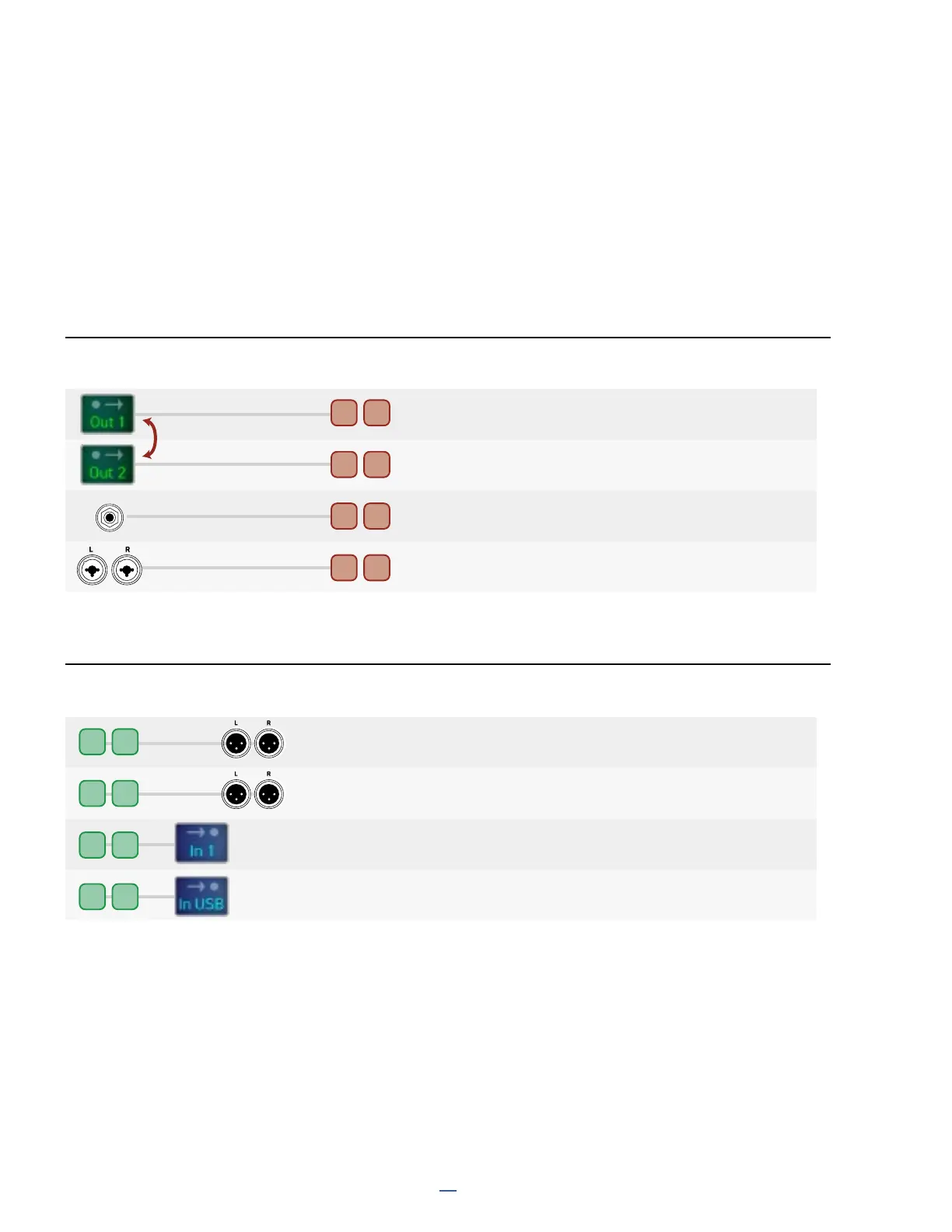
Each of the 8 input and 8 output audio channels is mapped to an audio signal or physical input/output.
As with all USB Audio devices, inputs and outputs are dened with respect to the computer.
Where an input or output has options, the required parameters can be found under SETUP: I/O: Audio.
Setup Parameter names are shown in the diagram in PURPLE CAPS.
1 2
Can be swapped:
IN2 or IN3
IN1
3 4
5 6
7
8
INST
RECORDING
PLAYBACK
Source
Destination
USB Channels
USB Channels
Applications
Record Processed Audio
Record Processed Audio
Record a DI for re-amping
Record a Stereo Source without processing
and/or IN 2 or 3
1 2
3 4
5 6
7 8
OUT 1 L+R
OUT 2 L+R
and opt: SPDIF OUT
Applications
Play Computer Audio
Play Computer Audio
Route Audio to the grid for re-amping or processing
As above, plus option for playback at digital output
(INPUT 1 SOURCE, INPUT 2 SOURCE, INPUT 3 SOURCE)
(USB OUTPUT 7,8 SOURCE)
(SPDIF OUT SOURCE)
(USB OUT MAPPING)



 To Next Page