13
1 INTRODUCTION
FRACTAL-BOT & FM9-EDIT
In addition to providing audio capabilities, USB allows you to use the FM9 with
our companion software applications, Fractal-Bot and FM9-Edit.
Fractal-Bot is a small, simple program used to update the FM9 when new
rmware is released. It includes tools to backup or restore presets and other
custom settings and more.
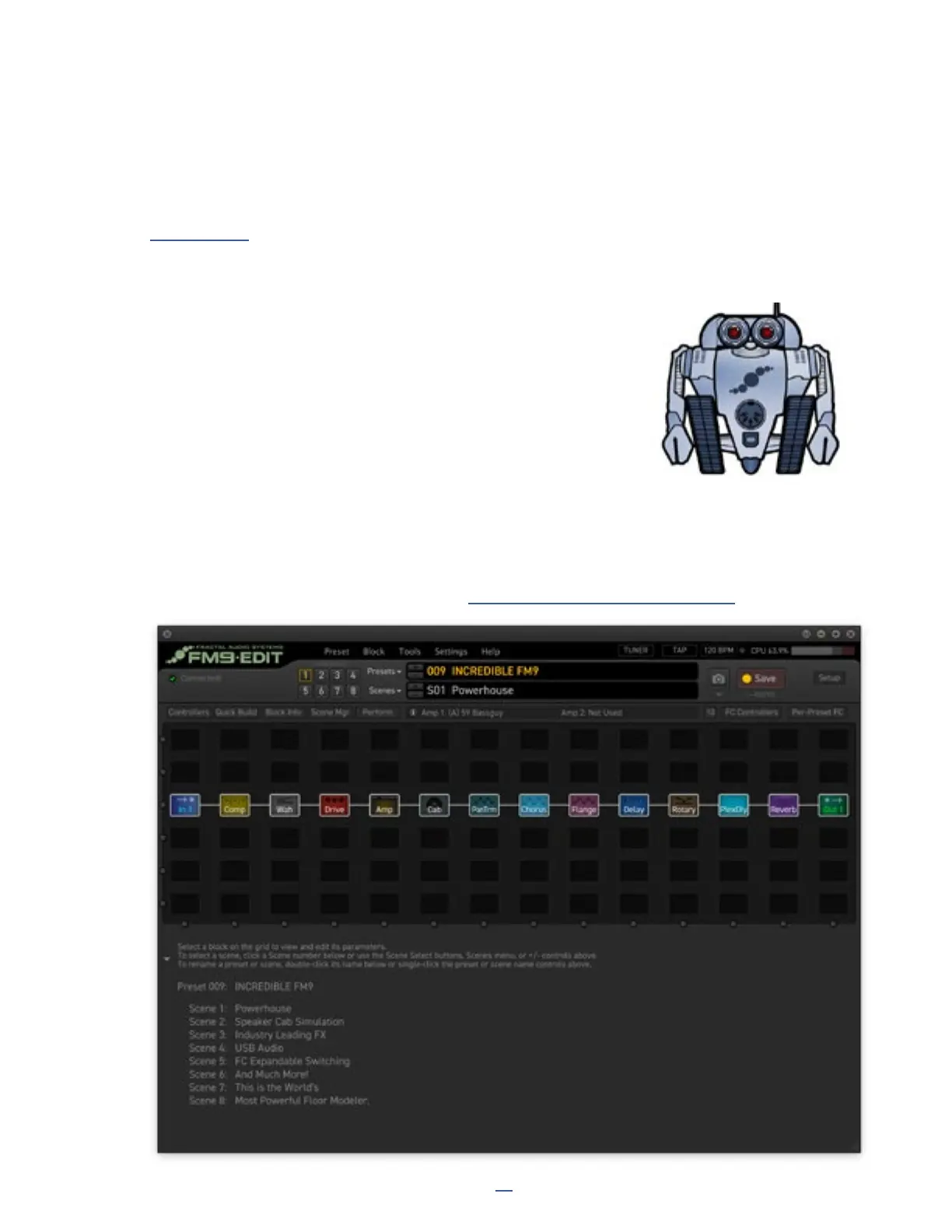
FM9-Edit is a full-featured software editor/librarian for the FM9. If you are
comfortable with audio software or plug-ins, you will denitely enjoy this easy
and powerful app. It can operate almost every aspect of the FM9 and even has some “power-user” routines that
aren’t possible on the unit itself (e.g. Performance Page editor, Block Library, Scene Swap, etc.). FM9-Edit also
provides great tools for managing presets and banks, installing Cab Packs, and more.
You can download FM9-Edit for Mac or Windows at https://www.fractalaudio.com/FM9-edit
USB AUDIO
USB provides the FM9 with a host of great audio features. With 8 input and 8 output channels, you can play
backing tracks, record processed audio or DI signals, re-amp in real-time, and more.
See Section 3: USB for full details on the USB capabilities of the FM9.



 To Next Page