72
10 LAYOUTS & SWITCHES
FM9 FACTORY LAYOUTS
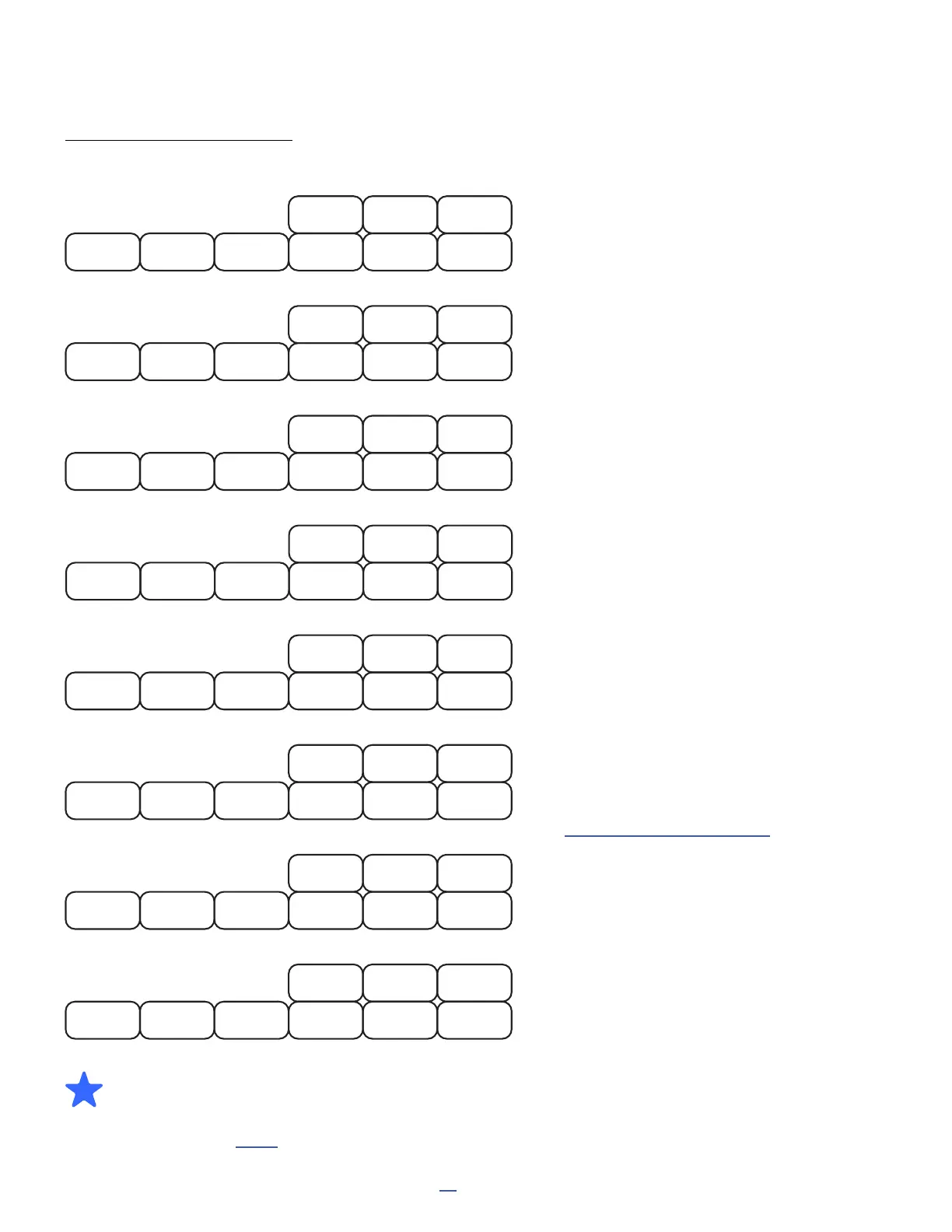
The default layouts showcase the capabilities of the FM9 and also provide a solid basis for studio or live use.
Layout 1: Presets is designed for switching
presets, with switches for the NEXT and
PREVIOUS BANK.
The SCENES switch changes to Layout 2.
Hold the Tempo switch to show the Tuner.
Layout 2: Scenes is designed for selecting
scenes 1–8.
The PRESETS switch returns to LAYOUT 1.
Layout 6: Per-Preset demonstrates
per-preset “placeholder” switches (as
compared to per-preset “overrides”).
You will need to create switch denitions in
your presets for this layout to work.
See “Per-Preset Switches” on p. 78
Layout 3: Effects allows you to bypass or
engage eight different effects.
The MORE>> switch loads layout 4, for
access to eight more effects, plus a switch
to return to the rst FX layout.
Remember that the LED ring will be BRIGHT
if an effect is engaged, DIM if an effect is
bypassed, and OFF if an effect is not found
in the current preset.
Layout 5: Looper offers every control on
the Looper block, plus Looper Bypass and
Tap Tempo.
Layout 7 contains effect Channel switches
for Amp 1, Drive 1, and Delay 1.
Layout 8 is empty and can be used for
anything you want to create.
P3
PRESETS
P1 P2
Bank +1
Bank -1
SCENES
TAP:Tempo
HOLD:Tuner
P4 P5
S3
SCENES
S1 S2
S8
S6
PRESETS S7
S4 S5
2
Play
LOOPER
Tap Tempo Record
Looper
Bypass
Reverse
Erase
---
Once Half Speed
5
PP#3
PER-PRESET
PP#1 PP#2
PP#9PP#7 PP#8
PP#6PP#4 PP#5
6
TremPan 1
EFFECTS
Phaser 1 Drive 1 Reverb 1
Flanger 1 Rotary 1 MORE FX>>
Chorus 1 Delay 1
3
Amp 1C
CHANNELS
Amp 1BAmp 1A
Delay 1 A/B Drive 1C Drive 1D
Amp 1D Drive 1A Drive 1B
7
EMPTY
8
--
--
-- --
--
-- --
-- --
MultiDelay1
MORE FX
Comp 1 Drive 2 Pitch 1
Enhance 1 RingMod 1 <<MORE FX
Plex 1 Delay 2
4
(Loads Layout 1)
(Loads Layout 4)
(Loads Layout 3)
BONUS! Many who use the Fractal Audio FM3 with an FC-6 enjoy a special set of custom layouts
cheekily called “OMG9.” We created a special FM9 version of this system called “OFM9G” and it can
be installed in just a few simple steps by anyone who wants to explore an alternate way of using the
footswitches. See p. 104 for more information.



 To Next Page