137
EN
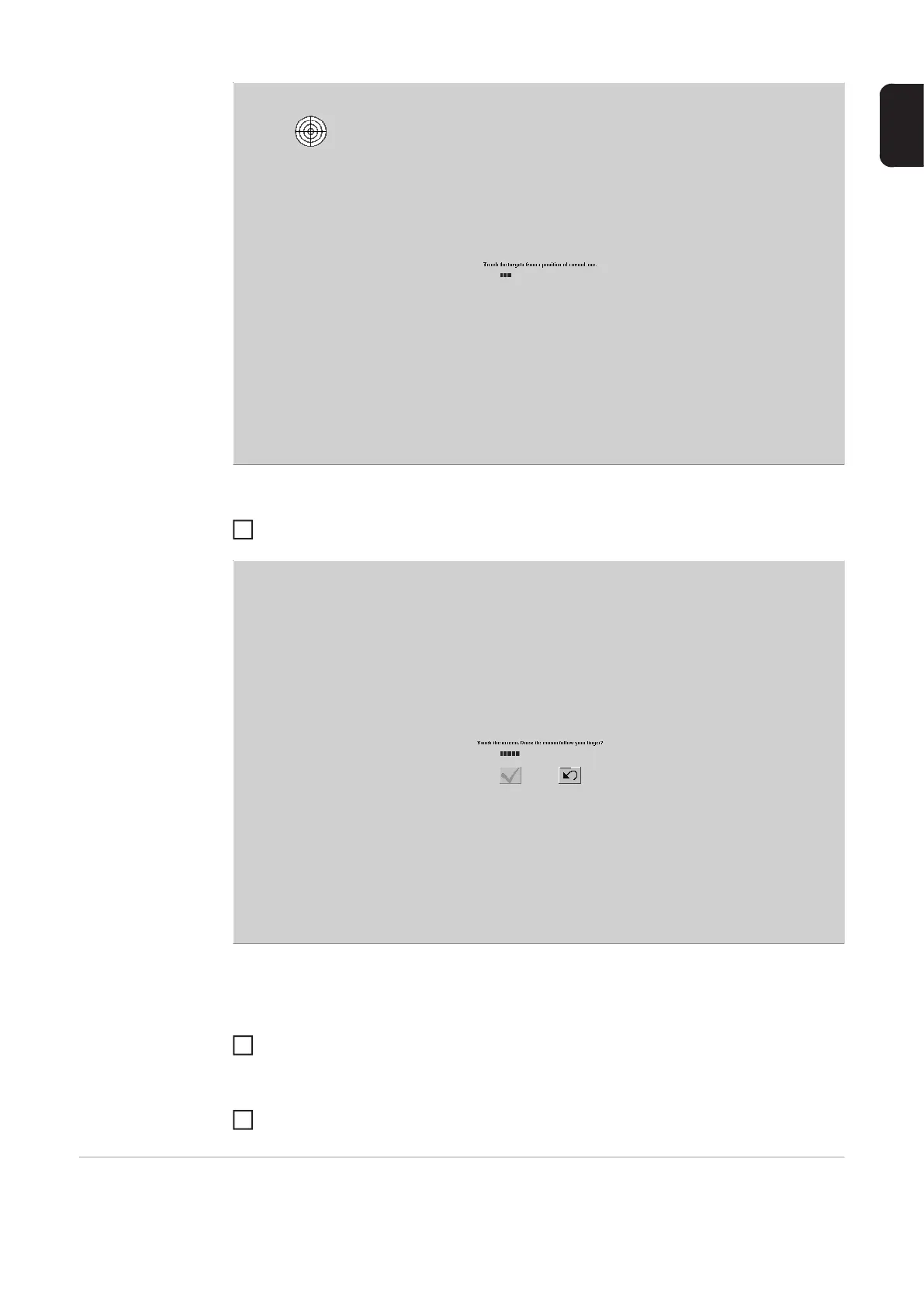
Run your finger over the touchscreen and check whether the mouse pointer follows:
If the touchscreen calibration was successful:
Touch the tick symbol to confirm
If the result of the touchscreen calibration is not satisfactory:
Touch the button next to the tick symbol to repeat the touchscreen calibration
Touchscreen test The touchscreen test is used to check the touchscreen calibration.
3
4
4






 To Next Page