67
EN
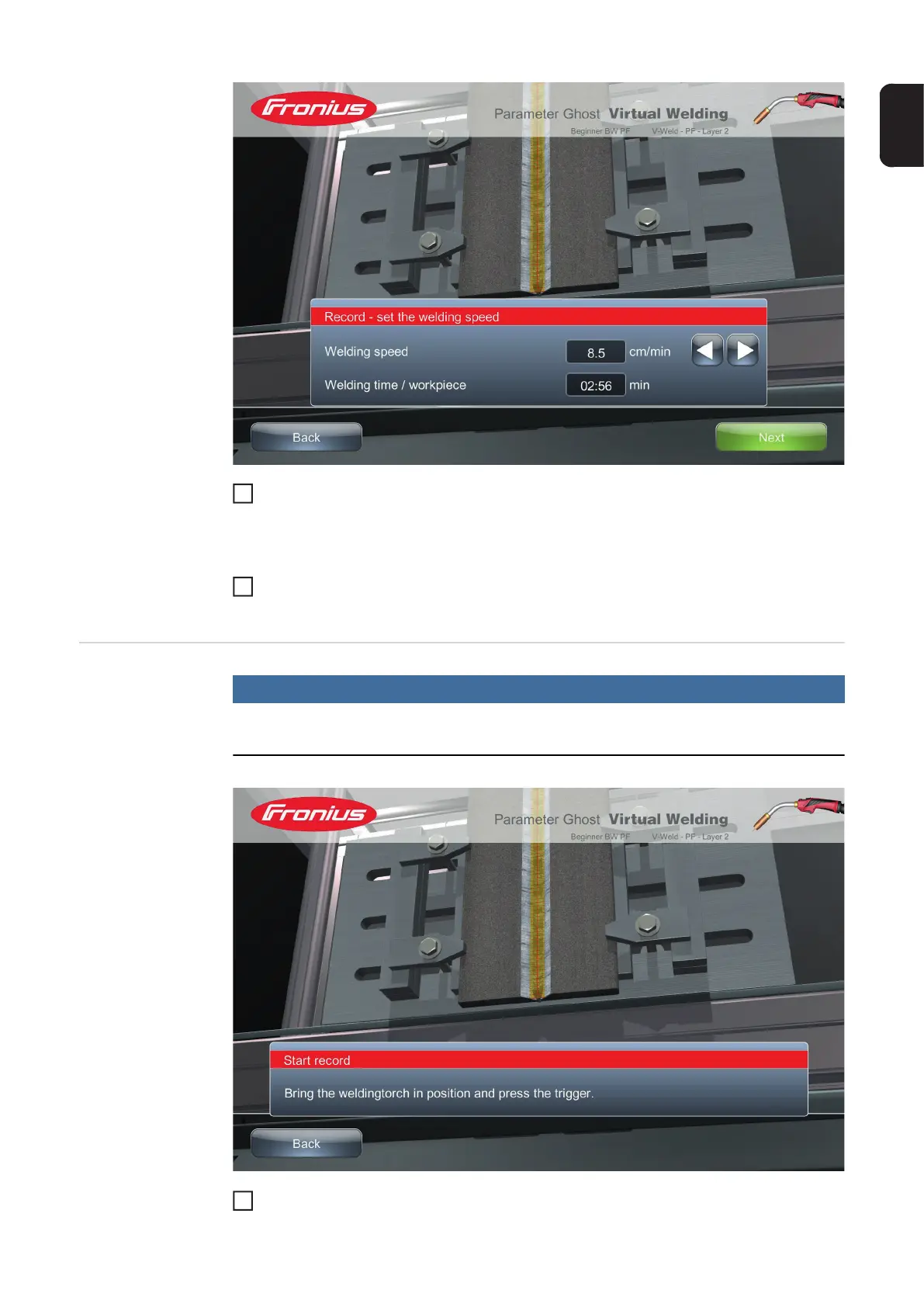
Use the arrow keys to set the desired welding speed
The welding speed corresponds to the welding torch rate which the trainee must adhere to
in the longitudinal direction. The resulting welding time appears in the field underneath.
Choose "Next" to save the welding speed and go to the dialogue box for starting ref-
erence welding
Ghost: Executing
reference welding
NOTE!
A Ghost can be recorded using the VR glasses.
Position the welding torch at the start of the weld seam
3
4
1




 To Next Page