82
Saving Settings
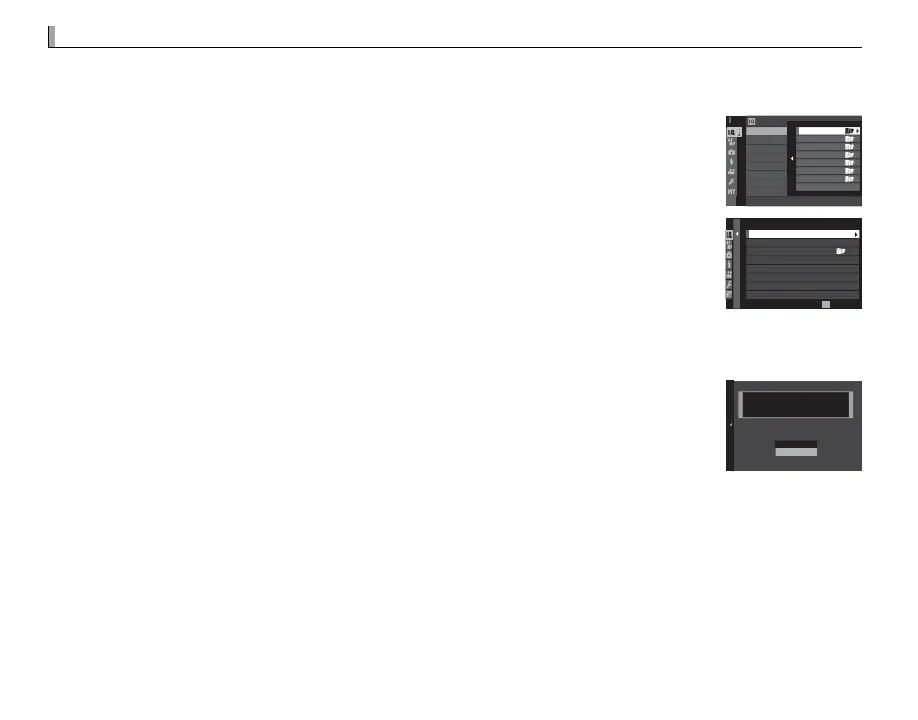
Save up to 7 sets of custom camera settings for commonly-encountered situations. Saved settings can
be recalled using H IMAGE QUALITY SETTING> SELECT CUSTOM SETTING (P 90).
1
Press MENU/OK in shooting mode to display the shooting menu. Select the H IM-
AGE QUALITY SETTING tab (P 87), then highlight EDIT/SAVE CUSTOM SET-
TING (P 90) and press MENU/OK.
3/33
3
EDIT/SAVE CUSTOM SETTING
SELECT CUSTOM SETTING
IMAGE QUALITY SETTING
CUSTOM 2
CUSTOM 3
CUSTOM 4
CUSTOM 5
CUSTOM 6
CUSTOM 7
CUSTOM 1
2
Highlight a custom settings bank and press MENU/OK to select. Adjust the follow-
ing as desired and press DISP/BACK when adjustments are complete: DYNAM-
IC RANGE, FILM SIMULATION, GRAIN EFFECT, WHITE BALANCE, COLOR,
SHARPNESS, HIGHLIGHT TONE, SHADOW TONE, and NOISE REDUCTION.
XXXXX
0
0
0
1/2
BACK
DYNAMIC RANGE
FILM SIMULATION
GRAIN EFFECT
WHITE BALANCE
HIGHLIGHT TONE
SHADOW TONE
COLOR
CUSTOM 1
AUTO
AUTO
OFF
SAVE CURRENT SETTINGS
EXIT
R To replace the settings in the selected bank with the settings currently selected with the camera, select
K SAVE CURRENT SETTINGS and press MENU/OK.
3
A con rmation dialog will be displayed; highlight OK and press MENU/OK.
CUSTOM 1 SET OK?
OK
CANCEL
SAVE CUSTOM SETTING



 To Next Page