127
Connections
Creating a DPOF Print Order
3
Repeat steps 1–2 to complete the
print order. Press MENU/OK to save
the print order when settings are
complete, or DISP/BACK to exit with-
out changing the print order.
4
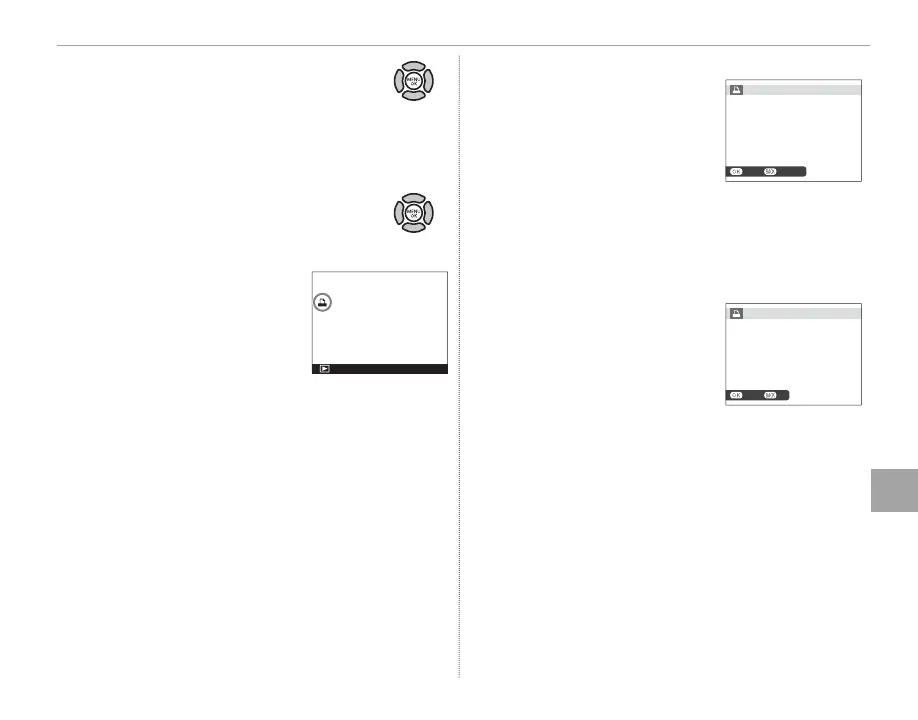
The total number of prints is dis-
played in the monitor. Press MENU/OK
to exit.
The pictures in the current
print order are indicated by a
u icon during playback.
■ RESET ALL
To cancel the current print
order, select RESET ALL for
C PLAY BACK MENU> PRINT
ORDER (DPOF) (P 101). The
con rmation shown at right
will be displayed; press MENU/OK
to remove all pictures from the
order.
R Print orders can contain a maximum of 999 pictures.
R If a memory card is inserted
containing a print order cre-
ated by another camera, the
message shown at right will
be displayed. Pressing MENU/OK
cancels the print order; a new
print order must be created as
described above.
CANCELYES
RESET DPOF OK?
NOYES
RESET DPOF OK?



 To Next Page