93
Menus
Using the Menus: Shooting Mode
AF+MF
If ON is selected in focus mode S, focus can be adjusted manually by rotating the focus ring while the shutter button is pressed
halfway. Both standard and focus peaking MF assist options are supported. Lenses with a focus distance indicator must be set
to manual focus mode (MF) before this option can be used. Selecting MF disables the focus distance indicator. Set the focus
ring to the center of the focus distance indicator, as the camera may fail to focus if the ring is set to in nity or the minimum
focus distance.
AF + MF Focus Zoom
When
ON
is selected for
G
AF/MF SETTING
>
FOCUS CHECK
and
SINGLE POINT
selected for
AF MODE
, focus zoom can be
used to zoom in on the selected focus area. Focus zoom is not available when
used to zoom in on the selected focus area. Focus zoom is not available when
ZONE
or
WIDE/TRACKING
is selected for
AF
MODE
. The zoom ratio (2.5× — 6×) can be selected using the rear command dial.
. The zoom ratio (2.5× — 6×) can be selected using the rear command dial.
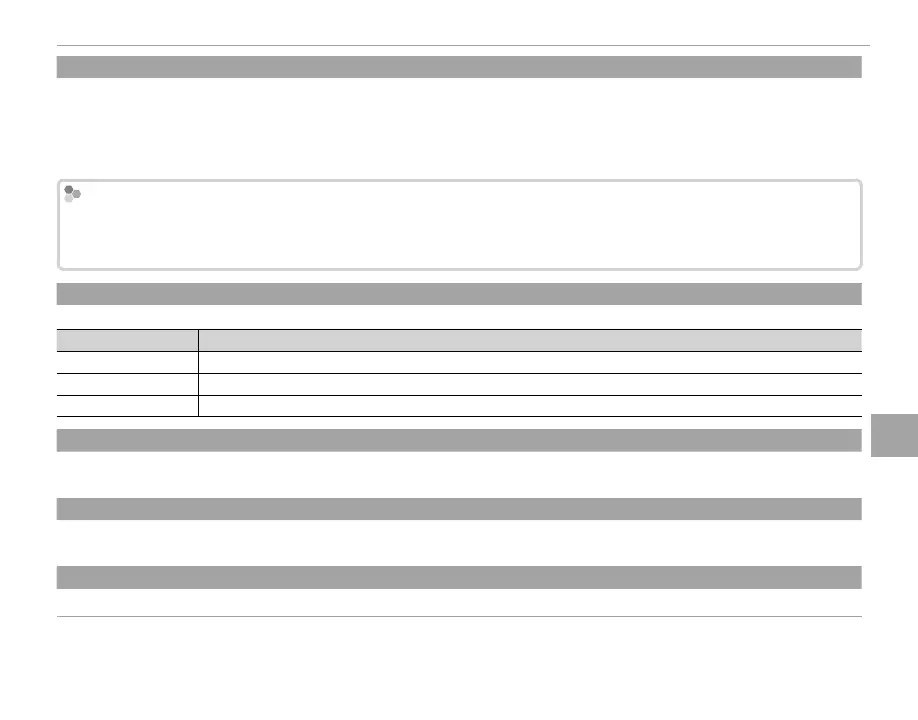
MF ASSIST
Choose how focus is displayed in manual focus mode (P 65).
Option
Description
STANDARD Focus is displayed normally (focus peaking and digital split image are not available).
DIGITAL SPLIT IMAGE A black-and-white (MONOCHROME) or color (COLOR) split-image display.
FOCUS PEAK HIGHLIGHT The camera heightens high-contrast outlines. Choose a color and peaking level.
FOCUS CHECK
If ON is selected, the camera will automatically zoom in on the view through the lens when the focus ring is rotated in manual
focus mode (P 64).
INTERLOCK SPOT AE & FOCUS AREA
INTERLOCK SPOT AE & FOCUS AREA
Select ON to meter the current focus frame when SINGLE POINT is selected for AF MODE (P 66) and SPOT is selected for
PHOTOMETRY (P 59).
INSTANT AF SETTING
Choose how the camera focuses when the AF-L button is pressed in manual focus mode (P 63).



 To Next Page