66
Focus Mode
Autofocus Options (AF Mode)
Autofocus Options (AF Mode)
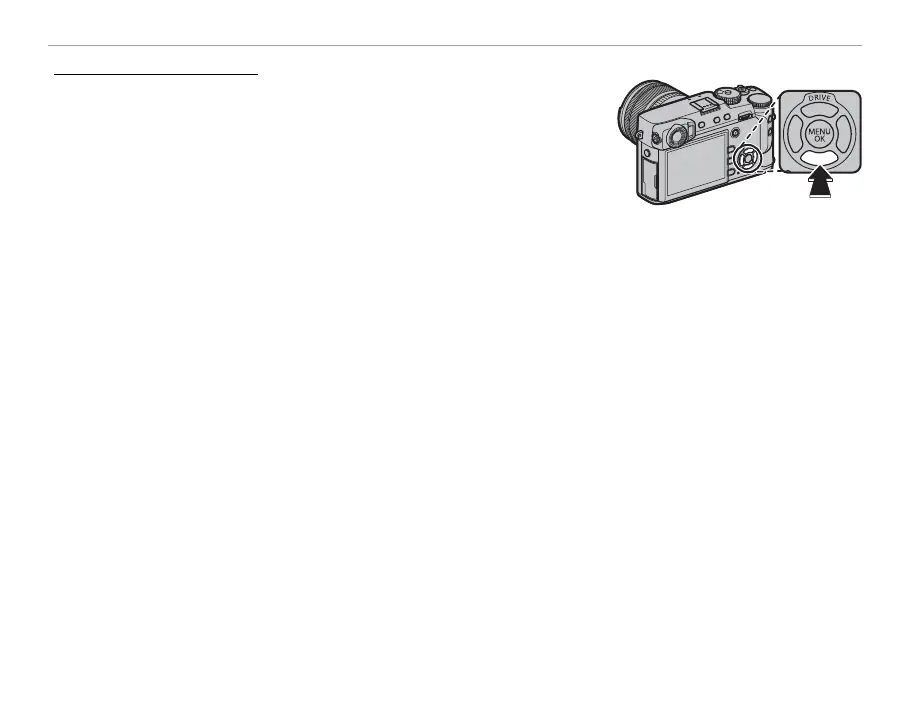
To choose the AF mode for focus modes S and C, press the function
button (Fn6) to display the options shown below, then press the selec-
tor up or down to highlight an option and press MENU/OK to select.
• r SINGLE POINT: The camera focuses on the subject in the se-
lected focus point (P 68). The number of focus points available can
be selected using G AF/MF SETTING> NUMBER OF THE FOCUS
POINTS (P 91). Use for pin-point focus on a selected subject.
• y ZONE: The camera focuses on the subject in the selected focus zone (P 69). Focus zones include
multiple focus points (7 × 7, 5 × 5, or 3 × 3), making it easier to focus on subjects that are in motion.
• z WIDE/TRACKING: In focus mode C, the camera tracks focus on the subject in the selected focus
point while the shutter-release button is pressed halfway (P 70). In focus mode S, the camera auto-
matically focuses on high-contrast subjects; the areas in focus are shown in the display. The camera
may be unable to focus on small objects or subjects that are moving rapidly.
R AF mode options can also be accessed using G AF/MF SETTING> AF MODE (P 91).



 To Next Page