98
Using the Menus: Shooting Mode
F
FLASH SETTING
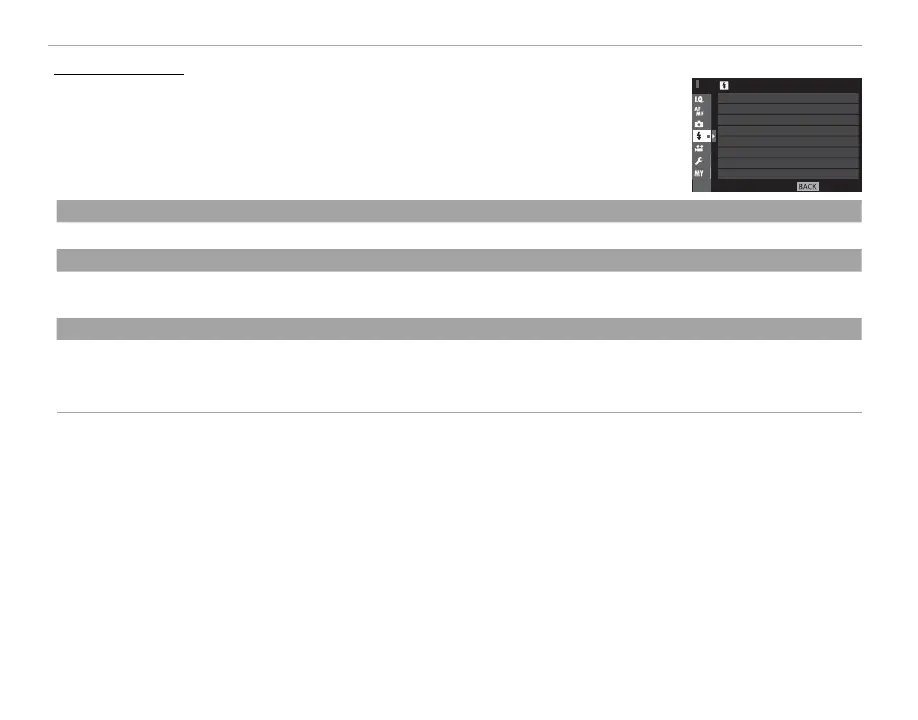
To adjust ash-related settings, press MENU/OK in the shooting display and select
the F (FLASH SETTING) tab (P 87).
EXIT
FLASH SETTING
FLASH COMPENSATION
RED EYE REMOVAL
FLASH MODE
FLASH MODE
Choose a ash mode (
P 78).
FLASH COMPENSATION
Adjust ash brightness. Note that the desired results may not be achieved depending on shooting conditions and the distance
to the subject.
RED EYE REMOVAL
Choose ON to remove red-eye e ects caused by the ash.
R Red-eye reduction is performed only when a face is detected.
R Red-eye removal is not available with RAW images.



 To Next Page