68
Focus Mode
The Focus Point Display
The focus stick (focus lever) can be used to display available focus points.
R Focus-area selection can also be accessed using G AF/MF SETTING> FOCUS AREA (P 91).
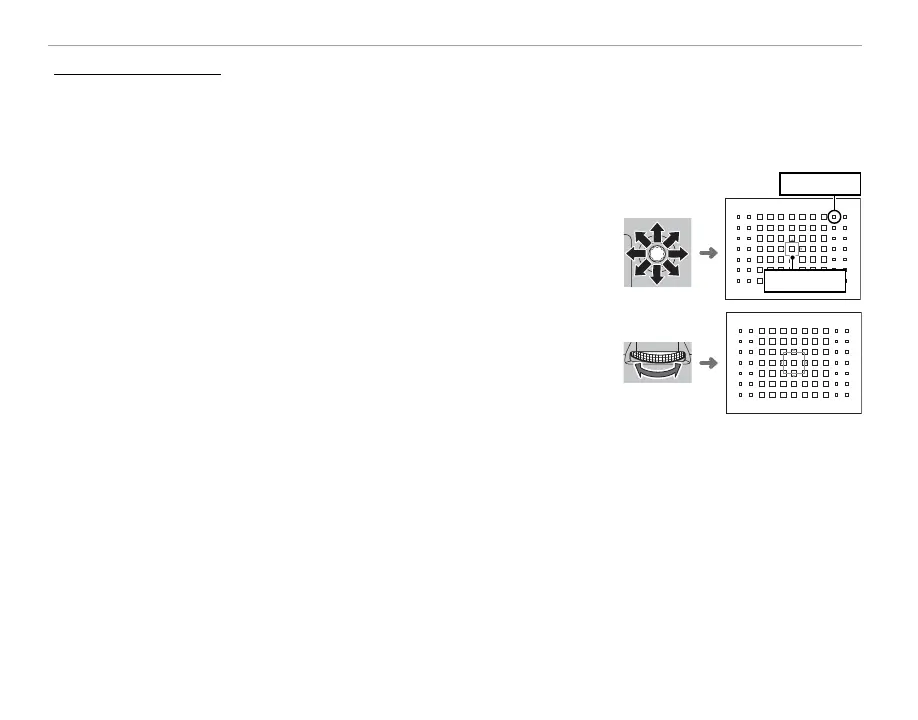
■ Single Point AF
Press the center of the focus stick to display the focus points (“+”) and
focus frame. Use the stick to position the focus frame over the desired
focus point, or press the center of the stick to return to the center point.
Focus frame
Focus point
To choose the size of the focus frame, rotate the rear command dial.
Rotate the dial left to reduce the frame by up to 50%, right to enlarge it
by up to 150%, or press the center of the dial to restore the frame to its
original size. Press MENU/OK to put your selection into e ect.



 To Next Page