48
Using the Q Button
Viewing and Changing Settings
Viewing and Changing Settings
1
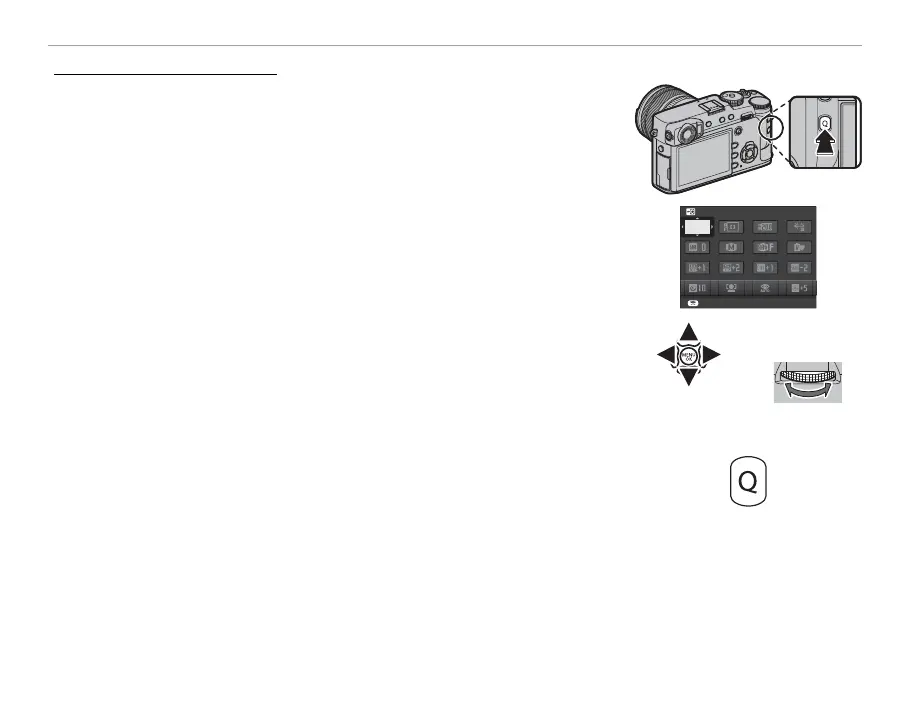
Press Q to display the quick menu during shooting.
SET
SELECT CUSTOM SETTING
BASE
2
Use the selector to highlight items and rotate the rear command dial
to change.
R Changes are not saved to the current settings bank (P 47). Settings that
di er from those in the current settings bank (t — u) are shown in
red.
3
Press Q to exit when settings are complete.



 To Next Page