95
Menus
Using the Menus: Shooting Mode
A
SHOOTING SETTING
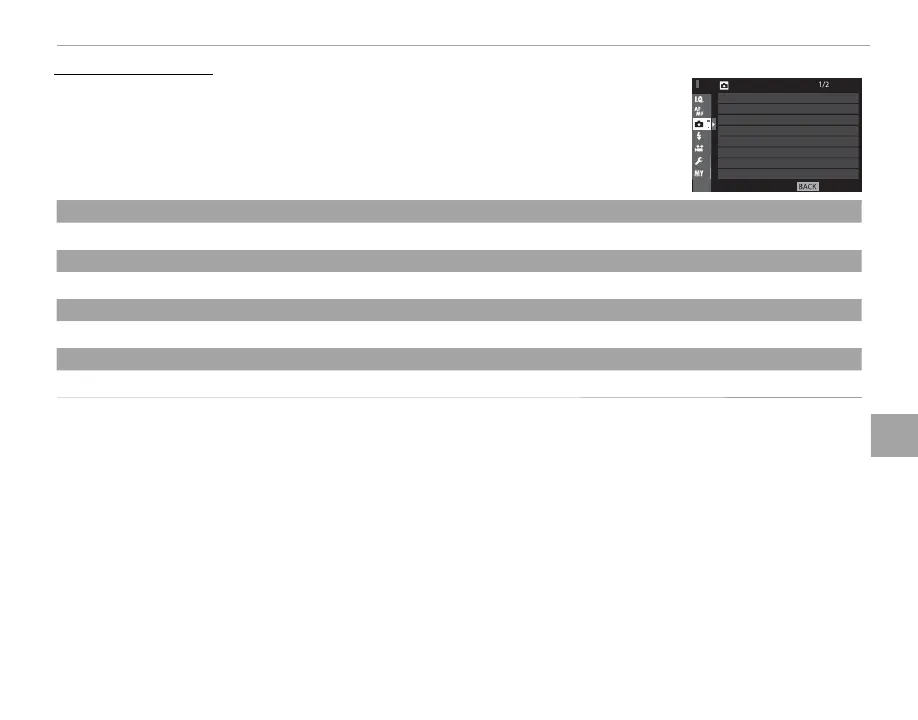
To adjust shooting options, press MENU/OK in the shooting display and select the
A (SHOOTING SETTING) tab (P 87).
EXIT
SHOOTING SETTING
INTERVAL TIMER SHOOTING
FILM SIMULATION BKT
PHOTOMETRY
SHUTTER TYPE
IS MODE
ISO AUTO SETTING
MOUNT ADAPTOR SETTING
SELF-TIMER
SELF-TIMER
Take pictures with the self-timer (P 73).
INTERVAL TIMER SHOOTING
Adjust settings for interval timer photography (P 74).
FILM SIMULATION BKT
Choose lm types for lm simulation bracketing (P 54, 60).
PHOTOMETRY
Choose how the camera meters exposure (P 59).



 To Next Page