81
More on Photography and Playback
Recording Pictures in RAW Format
Creating JPEG Copies of RAW Pictures
Creating JPEG Copies of RAW Pictures
RAW pictures store information on camera settings separately from the data captured by the camera
image sensor. Using C PLAY BACK MENU> RAW CONVERSION (P 102), you can create JPEG copies
of RAW pictures using di erent options for the settings listed below. The original image data are unaf-
fected, allowing a single RAW image to be processed in a multitude of di erent ways.
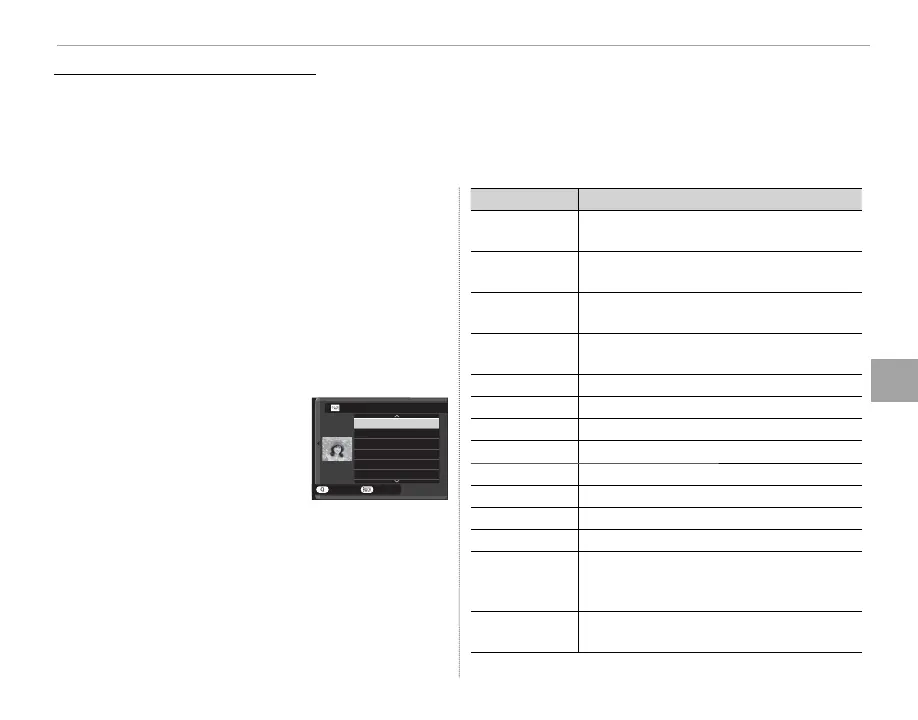
1
Press MENU/OK during playback to display
the playback menu, then press the selec-
tor up or down to highlight C PLAY BACK
MENU> RAW CONVERSION (P 101) and
press MENU/OK to display the settings listed
in the table at right.
R These options can also be displayed by pressing
Q button during playback.
2
Press the selector up or
down to highlight a setting
and press the selector right
to select. Press the selec-
tor up or down to highlight
the desired option and press MENU/OK to select
and return to the settings list. Repeat this step
to adjust additional settings.
3
Press the Q button to preview the JPEG copy
and press MENU/OK to save.
Setting
Description
REFLECT SHOOTING
COND.
Create a JPEG copy using the settings in ef-
fect at the time the photo was taken.
PUSH/PULL
PROCESSING
Adjust exposure by –1 EV to +3 EV in incre-
ments of
/
EV.
DYNAMIC RANGE
Enhance details in highlights for natural
contrast (P 89).
FILM SIMULATION
Simulate the e ects of di erent types of lm
(P 60).
GRAIN EFFECT
Add a lm grain e ect (P 89).
WHITE BALANCE
Adjust white balance (P 61).
WB SHIFT
Fine-tune white balance (P 61).
HIGHLIGHT TONE
Adjust highlights (P 89).
SHADOW TONE
Adjust shadows (P 89).
COLOR
Adjust color density (P 89).
SHARPNESS
Sharpen or soften outlines (P 89).
NOISE REDUCTION
Process the copy to reduce mottling (P 89).
LENS MODULATION
OPTIMIZER
Improve de nition by adjusting for di rac-
tion and the slight loss of focus at the pe-
riphery of the lens (P 90).
COLOR SPACE
Choose the color space used for color repro-
duction (P 90).
CREATE
REFLECT SHOOTING COND.
PUSH/PULL PROCESSING
DYNAMIC RANGE
FILM SIMULATION
GRAIN EFFECT
WHITE BALANCE
RAW CONVERSION
CANCEL



 To Next Page