84
Using a Mount Adapter
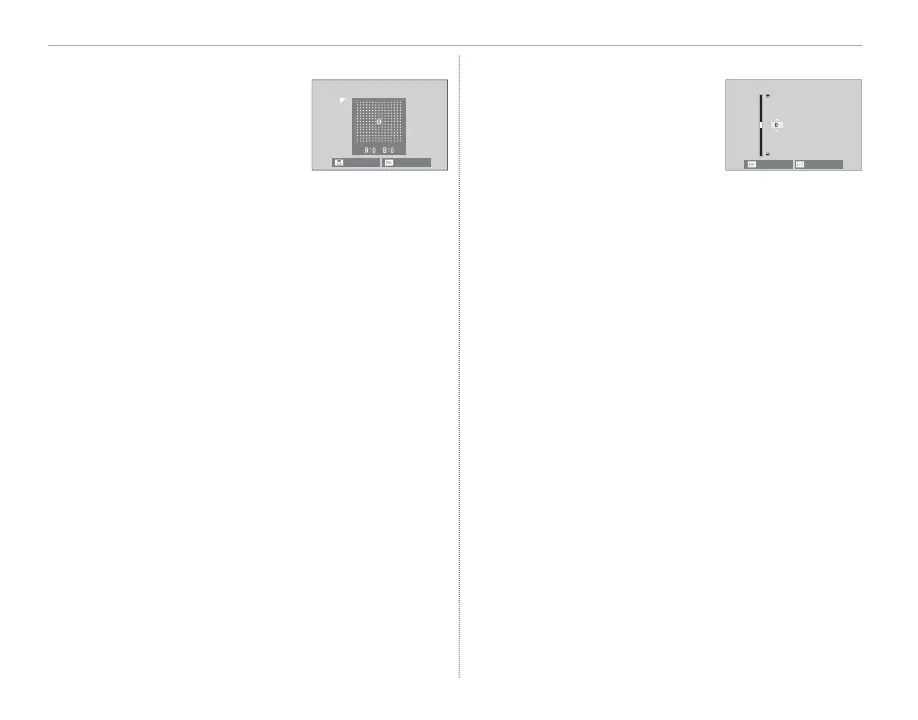
■ Color Shading Correction
Color (shading) variations be-
tween the center and edges
of the frame can be adjusted
separately for each corner.
NEXT
SET
To use color shading correction, follow the steps
below.
1
Rotate the rear command dial to choose a
corner. The selected corner is indicated by a
triangle.
2
Use the selector to adjust shading until there
is no visible di erence in color between the
selected corner and the center of the image.
Press the selector left or right to adjust colors
on the cyan–red axis, up or down to adjust
colors on the blue–yellow axis.
R To determine the amount required, adjust color
shading correction while taking photos of blue sky
or a sheet of gray paper.
■ Peripheral Illumination Correction
Choose from values between
–5 and +5. Choosing positive
values increases peripheral il-
lumination, while choosing
negative values reduces pe-
ripheral illumination. Positive values are recom-
mended for vintage lenses, negative values to
create the e ect of images taken with an antique
lens or a pinhole camera.
R To determine the amount required, adjust periph-
eral illumination correction while taking photos of
blue sky or a sheet of gray paper.
CANCEL
SET



 To Next Page