3
Before You Begin
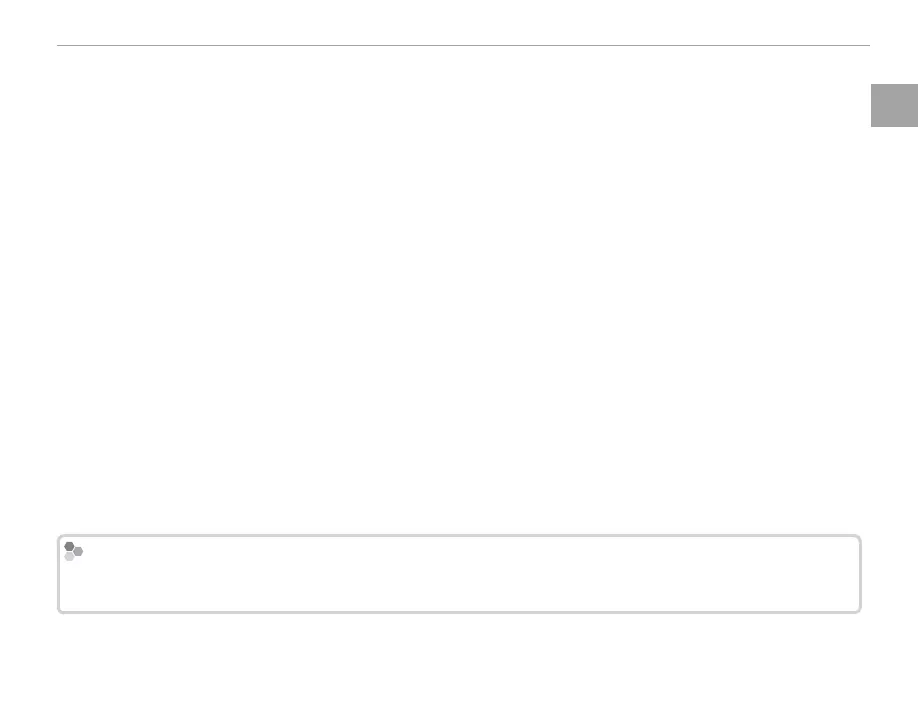
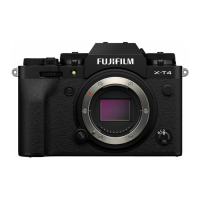
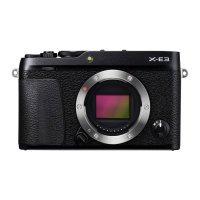
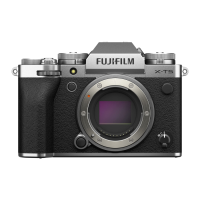
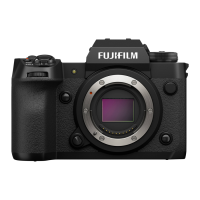
Parts of the Camera
A
Movie-record button .........................................44
Function button (Fn1) ......................................50
B
Shutter button ..................................................75
C
Exposure compensation dial .............................57
D
Shutter speed dial/Sensitivity dial
....................................................4, 35, 36, 37, 38
E
Dial lock release ...................................... 4, 36 ,38
F
AF-assist illuminator .........................................91
Self-timer lamp ................................................73
G
Hot shoe .....................................................78, 79
H
Microphone ......................................................45
I
View nder window ................................ 8, 28, 32
J
Diopter adjustment control ...............................31
K
Strap eyelet ......................................................16
L
Sync terminal ....................................................79
M
Connector cover ...........................45, 72, 124, 130
N
Focus mode selector .........................................63
O
Lens signal contacts ..........................................13
P
Lens release button ..........................................18
Q
View nder selector ..................................... 29, 30
R
Bright frame simulation display button ............30
Function button (Fn2) ......................................50
S
Front command dial ...........................................5
T
ON/OFF switch .................................................25
U
Hot shoe cover ..................................................78
V
Micro HDMI connector ....................................130
W
Micro USB connector .......................................124
X
Microphone/remote release connector ....... 45, 72
Y
Eye sensor .........................................................28
Z
VIEW MODE button .........................................28
a
Metering button ...............................................59
Function button (Fn3) ......................................50
b
AE-L (exposure lock) button .....................76, 113
c
Focus stick (focus lever) .......................... 4, 67, 68
d
Rear command dial .............................................6
e
AF-L (focus lock) button ..................... 63, 76, 113
f
Q (quick menu) button
*
....................................47
Quick menu edit/custom settings button
(press and hold)
*
..............................................49
RAW conversion button (playback mode) .........81
g
Selector ........................................................ 4, 26
Function buttons ..............................................50
h
MENU/OK button ............................. 87, 101, 106
X (control lock) button (press and hold) ........11
i
Memory card slot cover .....................................22
j
Cable channel cover for DC coupler .................131
k
Battery-chamber cover latch ............................20
l
Battery-chamber cover .....................................20
m
Speaker .............................................................46
n
Tripod mount
o
Indicator lamp ....................................................7
p
LCD monitor .......................................... 10, 28, 32
q
DISP (display)/BACK button ............................32
Function button role selection (press and hold)
.........................................................................51
r
b (delete) button ........................................ 6, 43
s
a (playback) button ......................................39
t
Body cap ...........................................................18
u
Memory card slot 2 ...........................................22
v
Memory card slot 1 ...........................................22
w
Battery latch .....................................................20
x
Battery chamber ...............................................20
* In shooting mode, press and release to display quick menu or press and hold to display quick menu edit options. When quick
menu is displayed, press and hold to edit custom settings.
Control Lock
To prevent accidental operation of the selector and Q button during shooting, press MENU/OK until X is dis-
played. The controls can be unlocked by pressing MENU/OK until X is no longer displayed.


 To Next Page