Getting s tarted
Connecting the device to the mains supply
Mainsadapt er
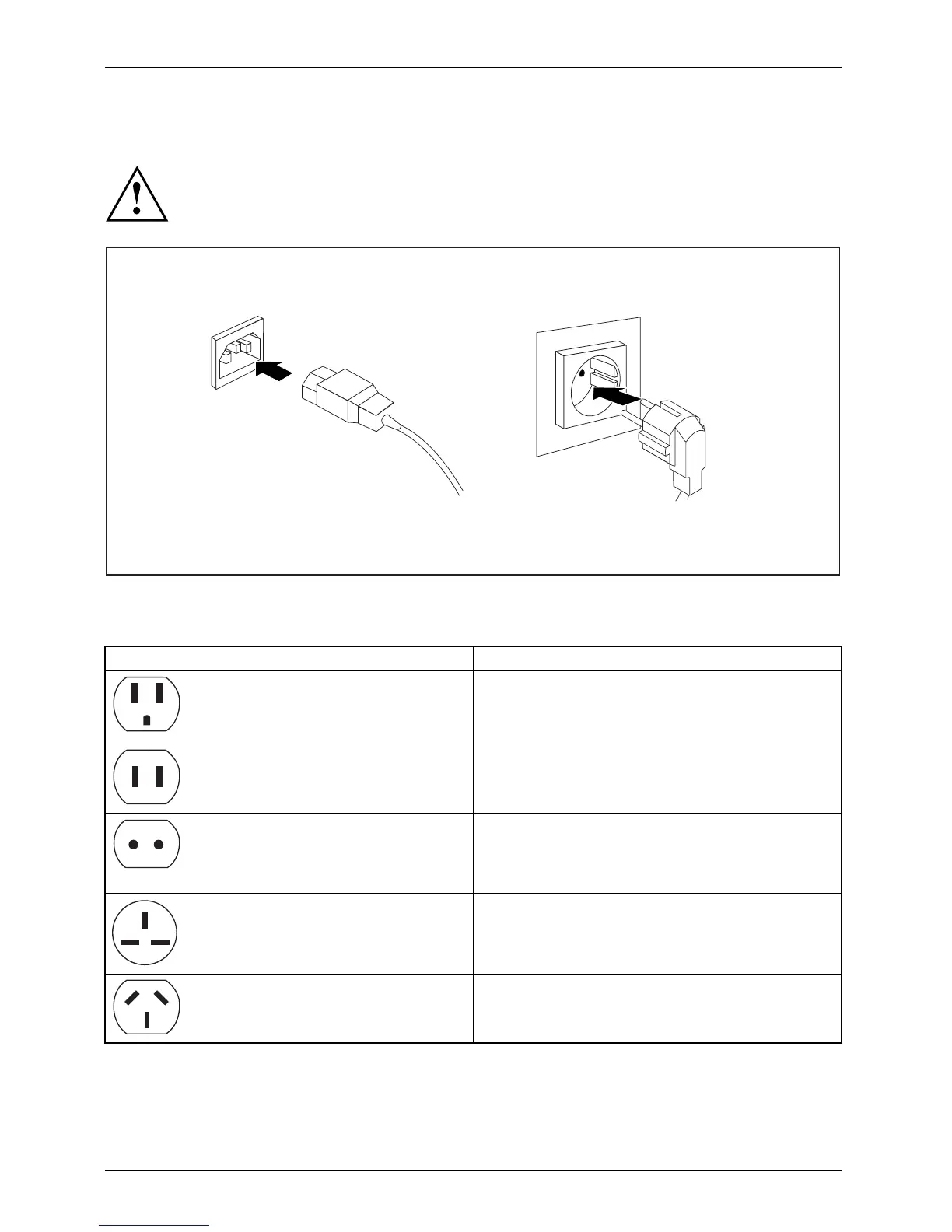
Use the following table to check which mains plug applies for your country. The
following illustration may be different from your country variant.
2
1
► Connect th e pow
er cable to the device (1).
► Plug the pow er plug into a grounded mains outlet (2).
Power connection
Country
USA, Canada, Mexico, parts of South America,
Japan, Korea, t he Philippines, Taiwan
Russia and the Commonwealth of Independent
States (CIS), large parts of Europe, parts of
South America, the Middle East, parts of Africa,
Hong Kong, India, large parts of South Asia.
UK, Ireland, Malaysia, Singapore, parts of Africa
China, Australia, New Zealand
18 Fujitsu



 To Next Page
 Loading...



