2. PLOTTER DISPLAY OVERVIEW, TRACK
2-3
2.1.7 How to center the cursor position or ship's position
Cursor position
1. Press the CURSOR ON/OFF key to turn the cursor on.
2. Press the CENTER key.
Ship's position
1. Press the CURSOR ON/OFF key to turn the cursor off.
2. Press the CENTER key.
Note: When own ship reaches an edge of the display, own ship’s mark is automatical-
ly centered.
2.1.8 How to show or hide the grid and change its color
You can show or hide the grid and change its color (see "Plotter Display" on page 1-
6).
1. Press the MENU/ESC key to open the main menu.
2. Select [1 Display] then [2 Grid].
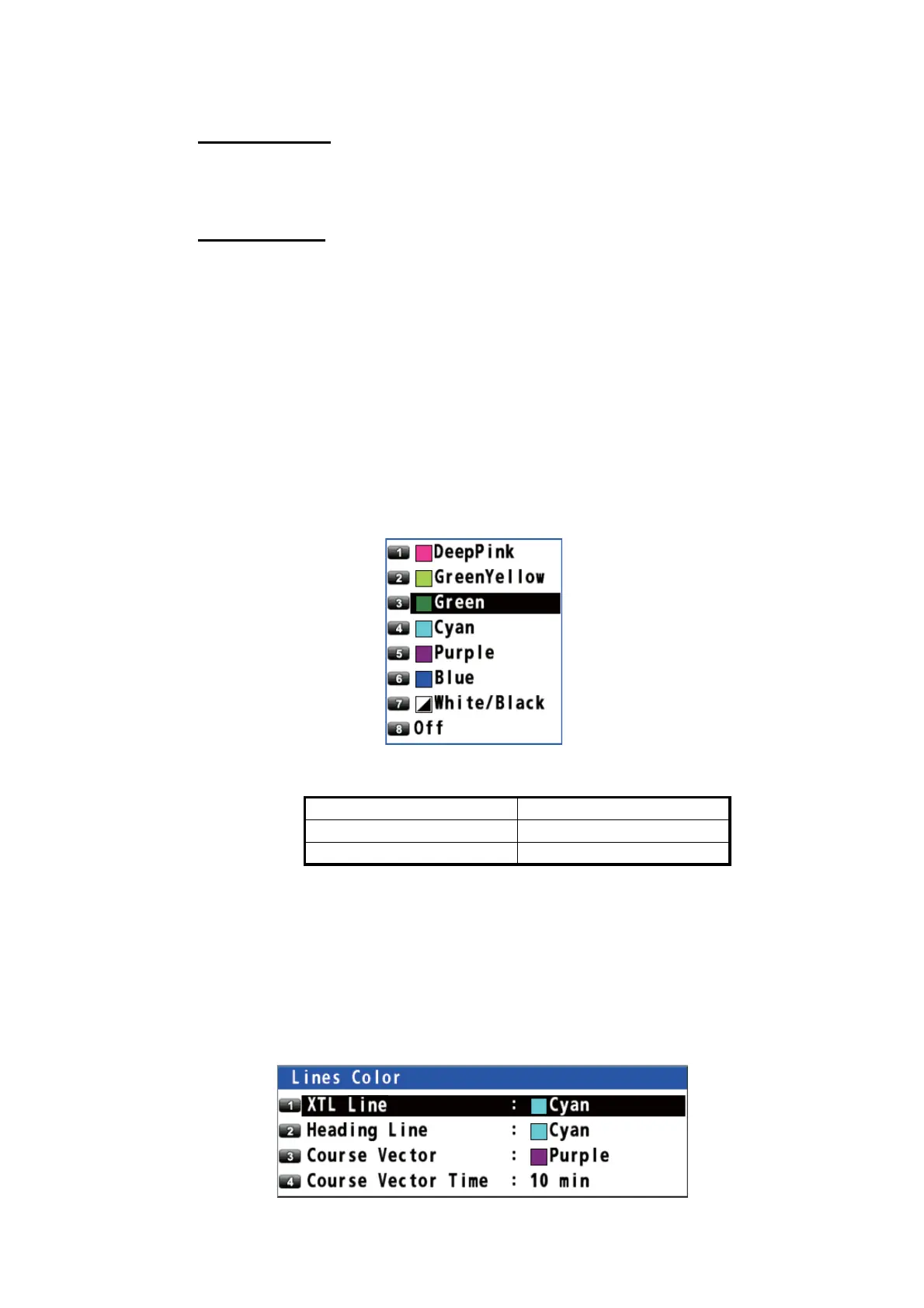
3. Select the grid color. To turn the grid off, select [8 Off]. When selecting [7 White/
Black], the grid color depends on the background color.
4. Press the MENU/ESC key to close the main menu.
2.1.9 How to show or hide the XTL line and change its color
The XTL lines (see the illustration on page 5-1) straddle the intended course line and
they mark the XTL range. You can show or hide the lines and change their color.
1. Press the MENU/ESC key to open the main menu.
2. Select [1 Display] then [3 Lines Color].
Background color Grid color
White Black
Black White



 To Next Page
 Loading...










