5. DESTINATION
5-2
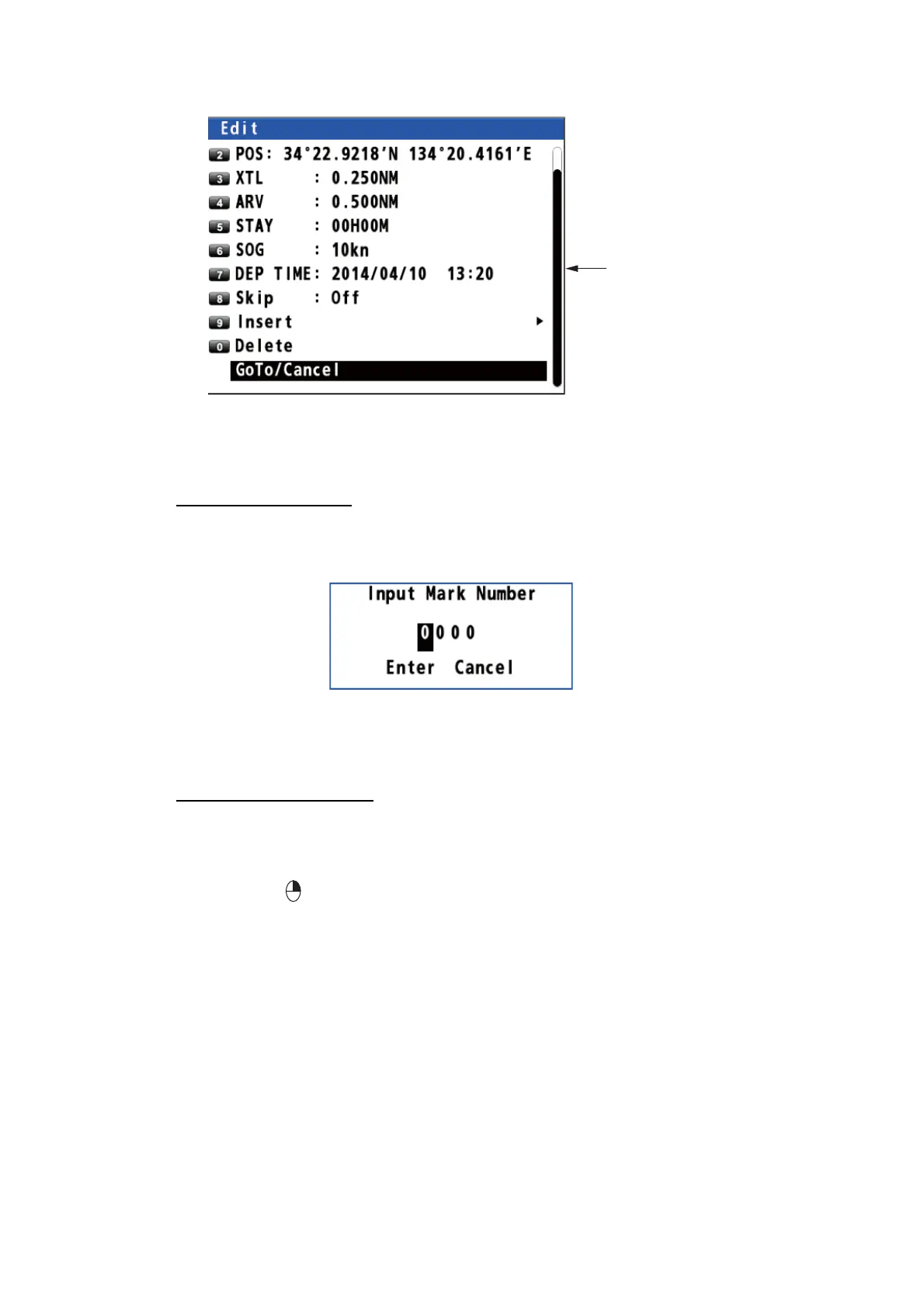
4. Use the cursorpad to select [GoTo/Cancel] then press the NU/CU ENT key.
5.1.3 How to set a registered mark as a destination
You can set a registered mark as a destination.
From the main menu
1. Press the MENU/ESC key to open the main menu.
2. Select [3 Navigation] then [6 Goto (Mark Number)].
3. Enter the mark number to set as a destination with the numeric keys.
4. Move the cursor to [Enter] then press the NU/CU ENT key.
5. Press the MENU/ESC key to close the main menu.
From the context menu
1. Press the CURSOR ON/OFF key to turn the cursor on.
2. Use the cursorpad to place the cursor on a mark as a destination.
3. Press the key to open the context menu.
4. Select [1 GoTo/Cancel].
Scroll bar (Indicates
menus currently not
shown in menu window.
You can see the menus
currently not shown by
pressing the cursorpad
(
or
.))



 To Next Page
 Loading...










