10. MAINTENANCE, TROUBLESHOOTING
10-3
10.4 Equipment Information
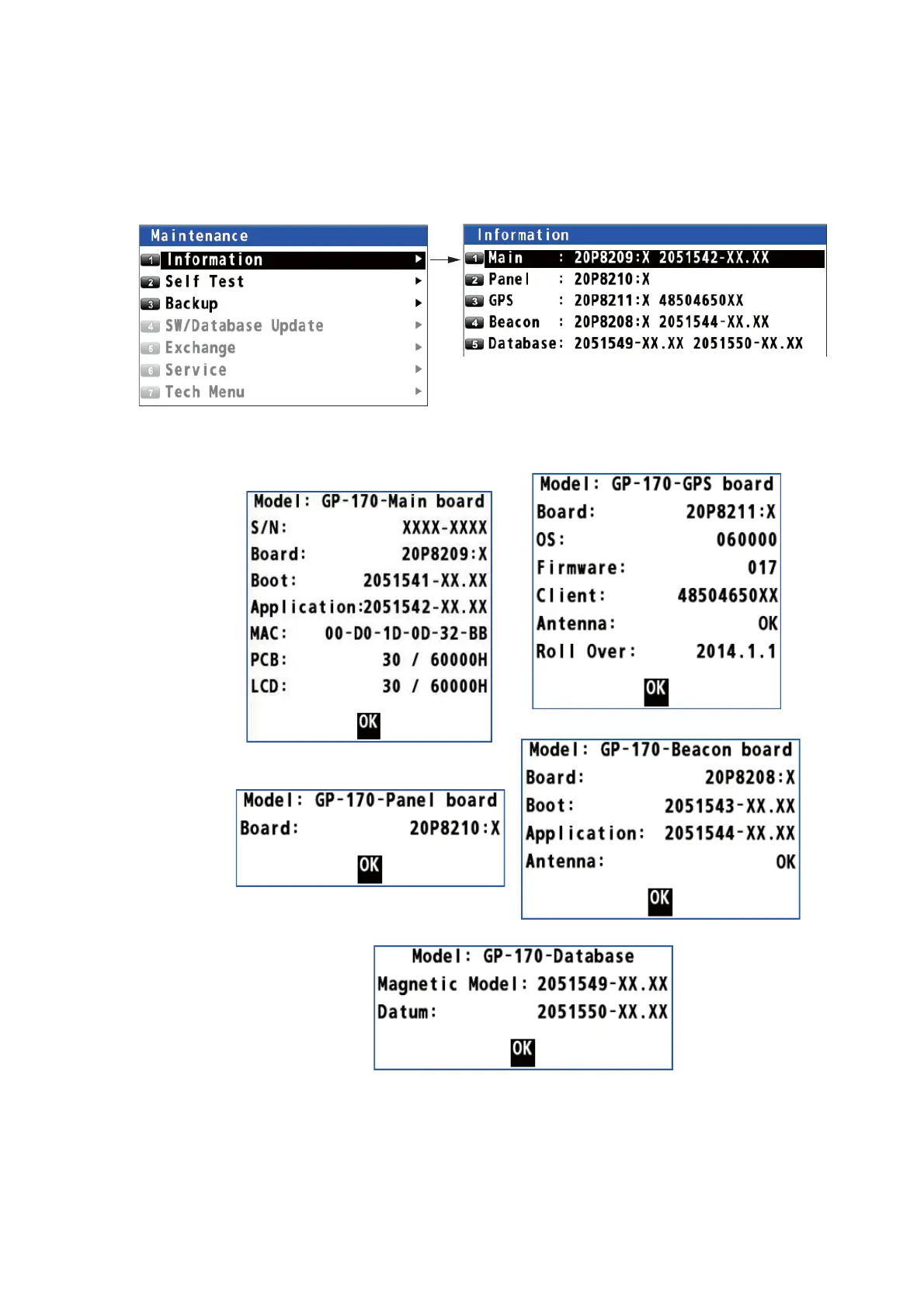
You can display information about this equipment from the menu.
1. Press the MENU/ESC key to open the main menu.
2. Select [6 Maintenance] then [1 Information].
3. Select [1 Main], [2 Panel], [3 GPS], [4 Beacon] (requires internal beacon receiver)
or [5 Database].
4. Press the NU/CU ENT key to close each information window.
5. Press the MENU/ESC key to close the main menu.
X: Board version no.
XX: Program version no.
Main
Panel
GPS
Beacon
Database



 To Next Page
 Loading...










