6. NOTICES
6-3
1. Press the MENU/ESC key to open the main menu.
2. Select [4 Notice Setting] then [1 Arrival/Anchor].
3. Select [2 Anchor]. The anchor notice icon ( ) appears in gray at the top right-
hand corner of the display.
4. Press the MENU/ESC key to close the main menu.
To turn off the anchor notice, select [3 Off] at step 3.
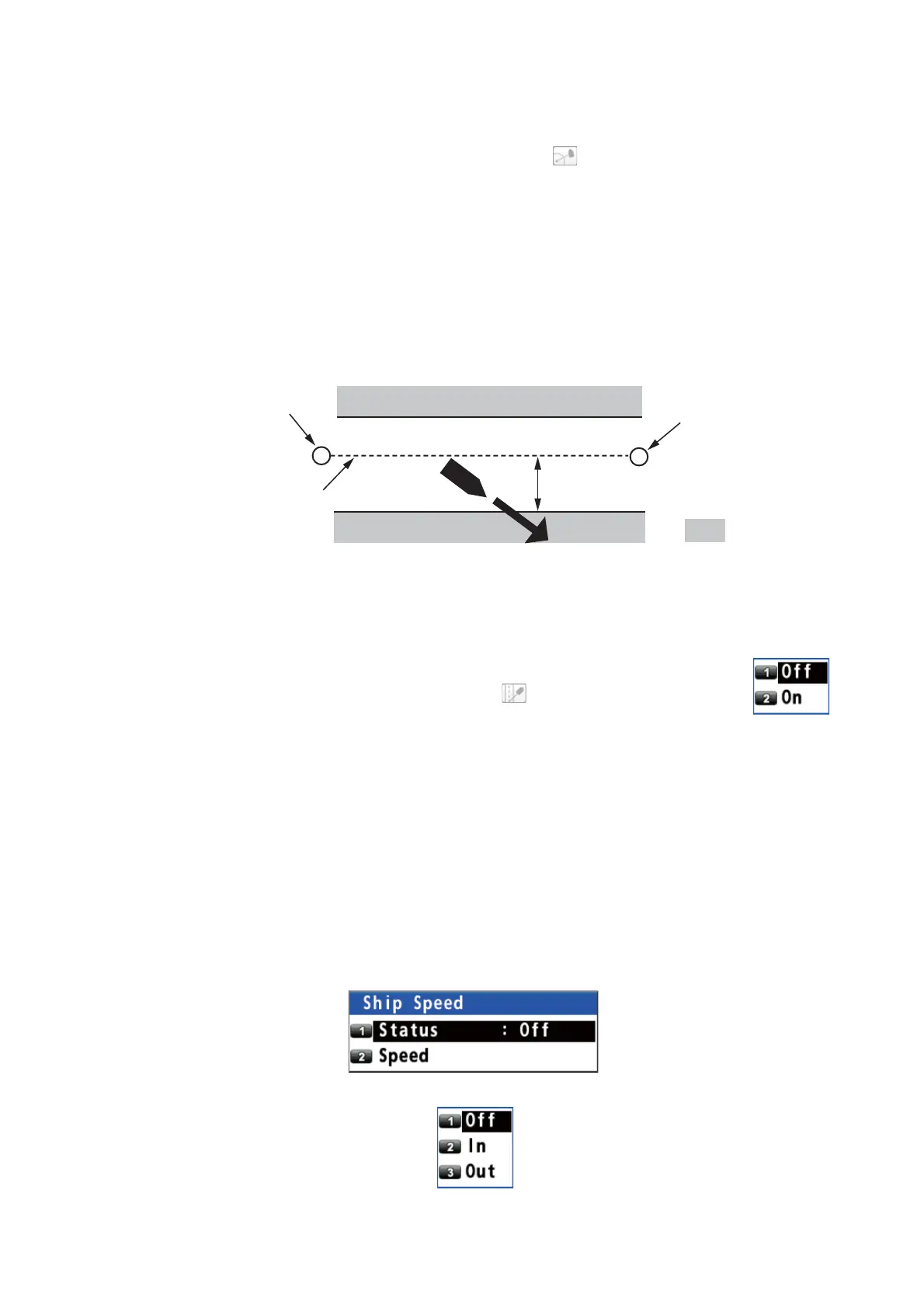
6.3 XTE Notice
The XTE (Cross-track error) notice alerts you when your ship is off its intended course
(the line from the start point to the destination waypoint) by the distance specified.
Before setting XTE notice, set the XTL range (see "XTL (Cross-track limit) range" on
page 4-1).
1. Press the MENU/ESC key to open the main menu.
2. Select [4 Notice Setting] then [2 XTE].
3. Select [2 On]. The XTE notice icon ( ) appears in gray at the top
right-hand corner of the display.
4. Press the MENU/ESC key to close the main menu.
To turn off the XTE notice, select [1 Off] at step 3.
6.4 Ship Speed Notice
The ship speed notice alerts you when your ship’s speed is lower or higher than the
speed notice setting or within the range set.
1. Press the MENU/ESC key to open the main menu.
2. Select [4 Notice Setting] then [3 Ship Speed].
3. Select [1 Status].
Notice setting
Start point
Destination
waypoint
: Notice zone
Intended course



 To Next Page
 Loading...










