CHAPTER 9: Customizing Your Computer
118
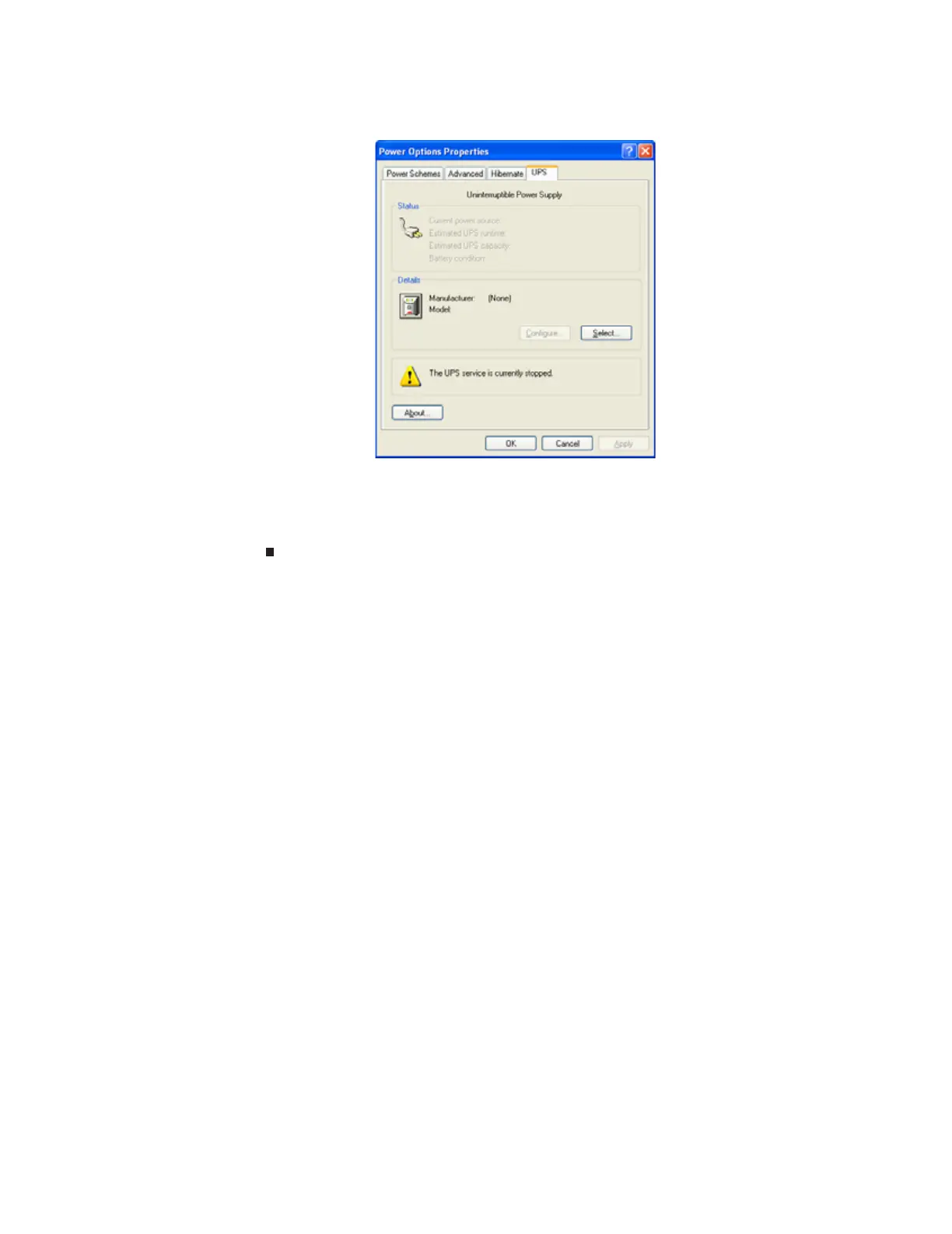
3 Click the UPS tab.
4 Click Select. The UPS Selection dialog box opens.
5 Click the manufacturer and model of the UPS device, then click the serial port where the
UPS device is attached.
6 Click Finish, then click OK.
8511879.book Page 118 Thursday, February 15, 2007 10:39 AM



 To Next Page