www.gateway.com
123
Managing hard drive space
Windows provides several utilities you can use to manage your hard drive.
Checking hard drive space
To check hard drive space:
1 Click Start, then click My Computer. The My Computer window opens.
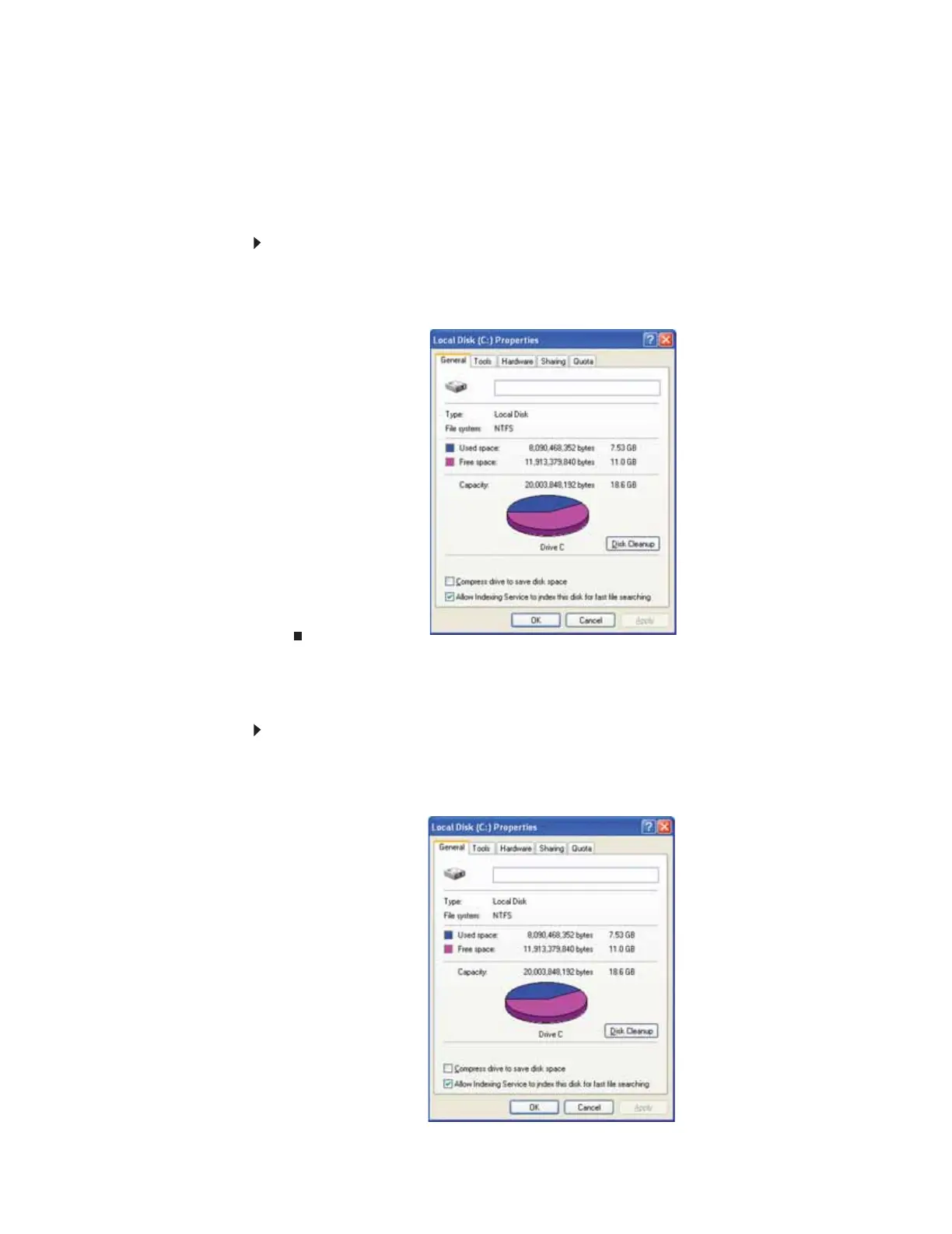
2 Right-click the drive that you want to check for available file space, then click Properties.
Drive space information appears.
Deleting unnecessary files
Delete unnecessary files, such as temporary Windows files, to free hard drive space.
To use the Windows Disk Cleanup program:
1 Click Start, then click My Computer. The My Computer window opens.
2 Right-click the hard drive that you want to delete files from, for example Local Disk (C:),
then click Properties. The Properties dialog box opens at the General tab.
8511879.book Page 123 Thursday, February 15, 2007 10:39 AM



 To Next Page