CHAPTER 7: Using Drives and Ports
78
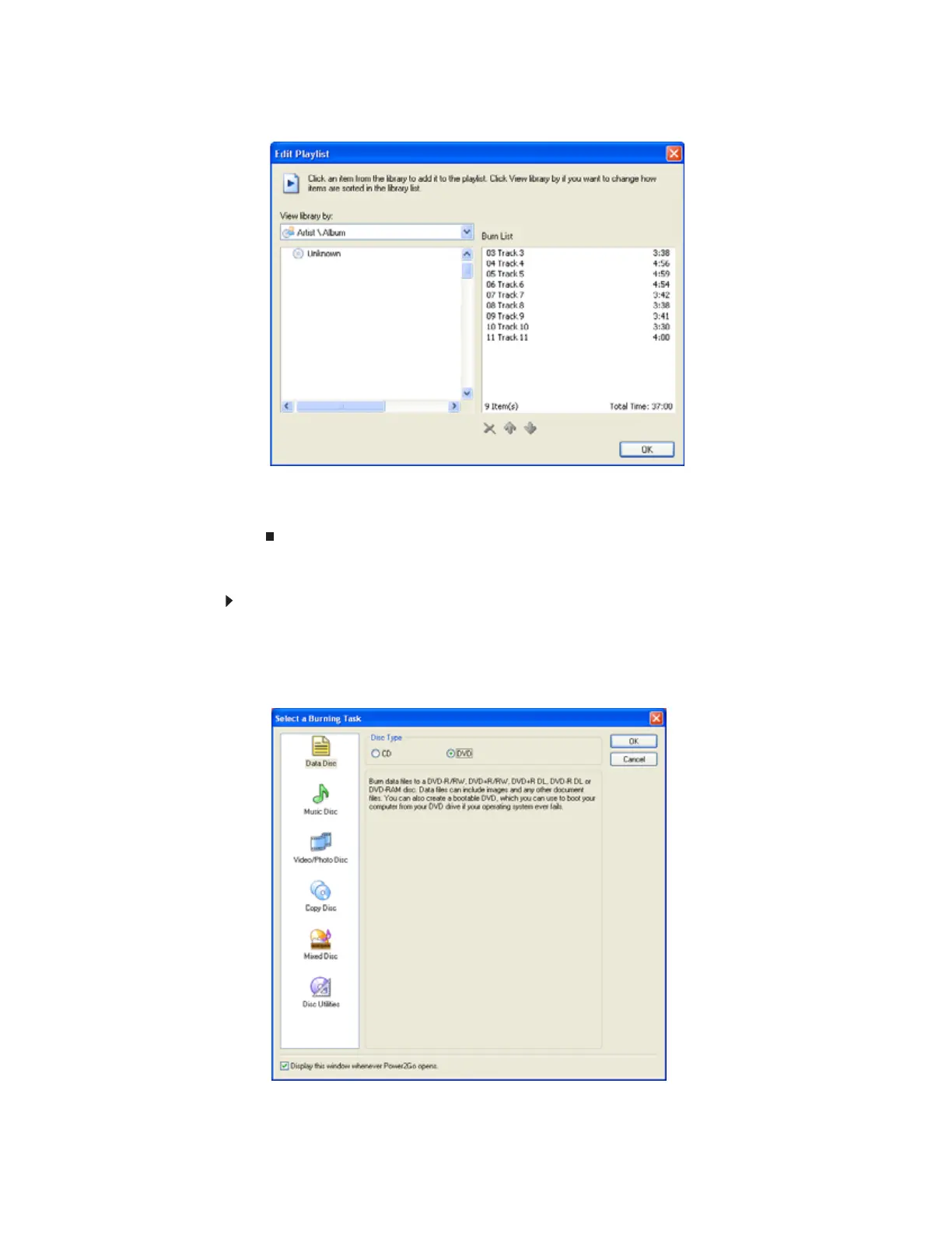
5 Click Edit Playlist. The Edit Playlist dialog box opens.
6 Click songs in the left column to add them to the playlist. After all the songs are added to
your list, click OK.
7 Click Start Burn.
Creating a music CD using CyberLink Power2Go
To create a music CD:
1 Insert a blank, writable CD into your CD or DVD drive.
2 If a dialog box opens, click Take no action, then click OK.
3 Click Start, All Programs, CyberLink DVD Solution, Power2Go, then click Power2Go.
Power2Go opens along with the Select a Burning Task dialog box.
8511879.book Page 78 Thursday, February 15, 2007 10:39 AM



 To Next Page