42 TruVision DVR 40 User Manual
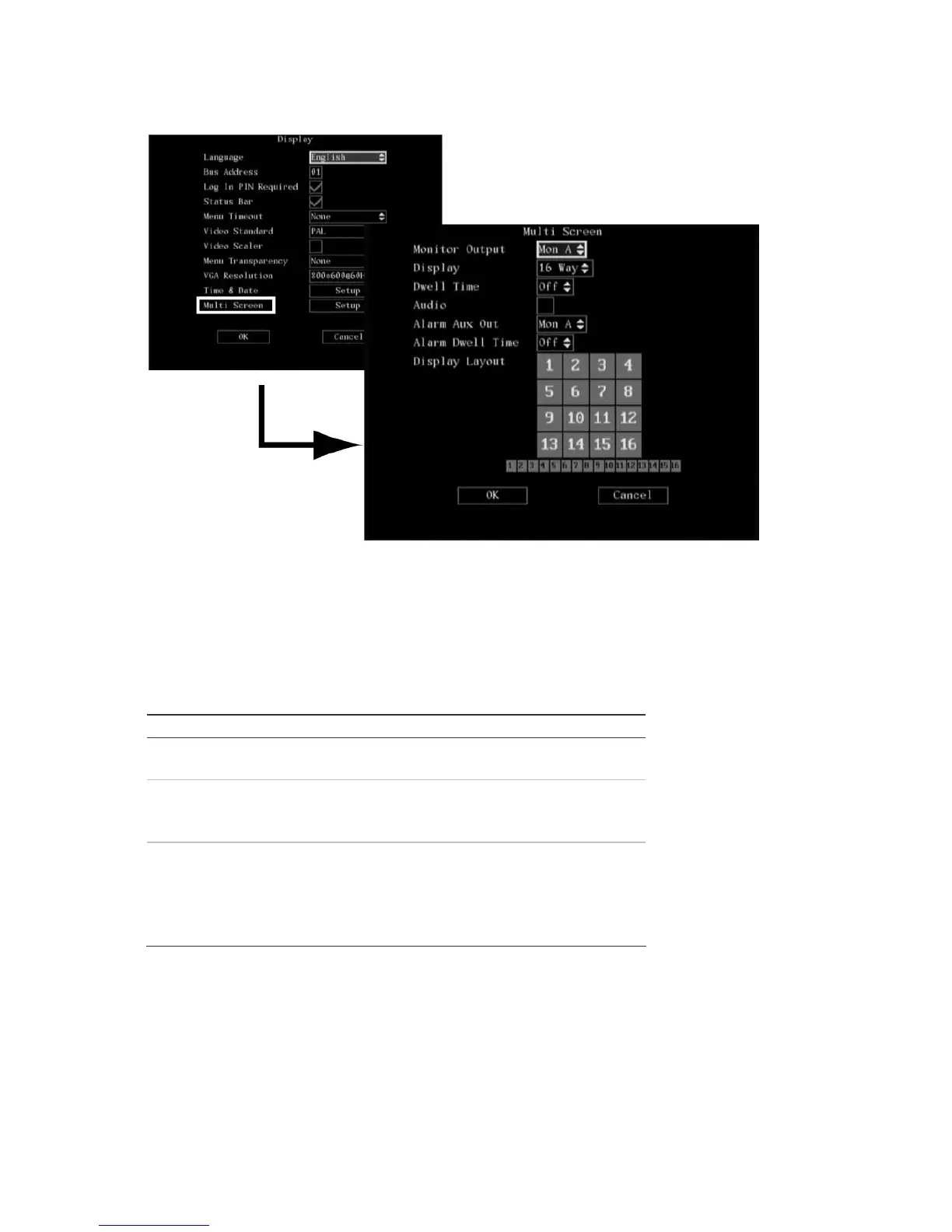
2. Go to the Monitor Output list box. Select between monitor output A or B. Monitor A is default.
3. Go to the Display list box. Select the desired multiscreen mode from the drop-down list. Press
Enter to select the list box and then move it up or down to scroll through the options. Press Enter
again to select the required option. If using the mouse, left-click the mouse to scroll through the
display formats. See Table 7 below for the options available.
Table 7: Multi screen options available
Number of TVR 40 channels Multi screen options
4 Full
4 way
8 Full
4 way
8 way
16 Full
4 way
9 way
12 way
16 way
4. Go to the Dwell Time list box. The dwell time is the amount of time the unit stays on an individual
camera before moving onto the next one in a sequence.
Select the desired dwell time from the drop-down list. Press Enter to select the list box and then
move it up or down to scroll through the options. Press Enter again to select the required option. If
using the mouse, left-click the mouse to scroll through the display formats. See Table 8 on page
43 for the
options available.



 To Next Page