50 TruVision DVR 40 User Manual
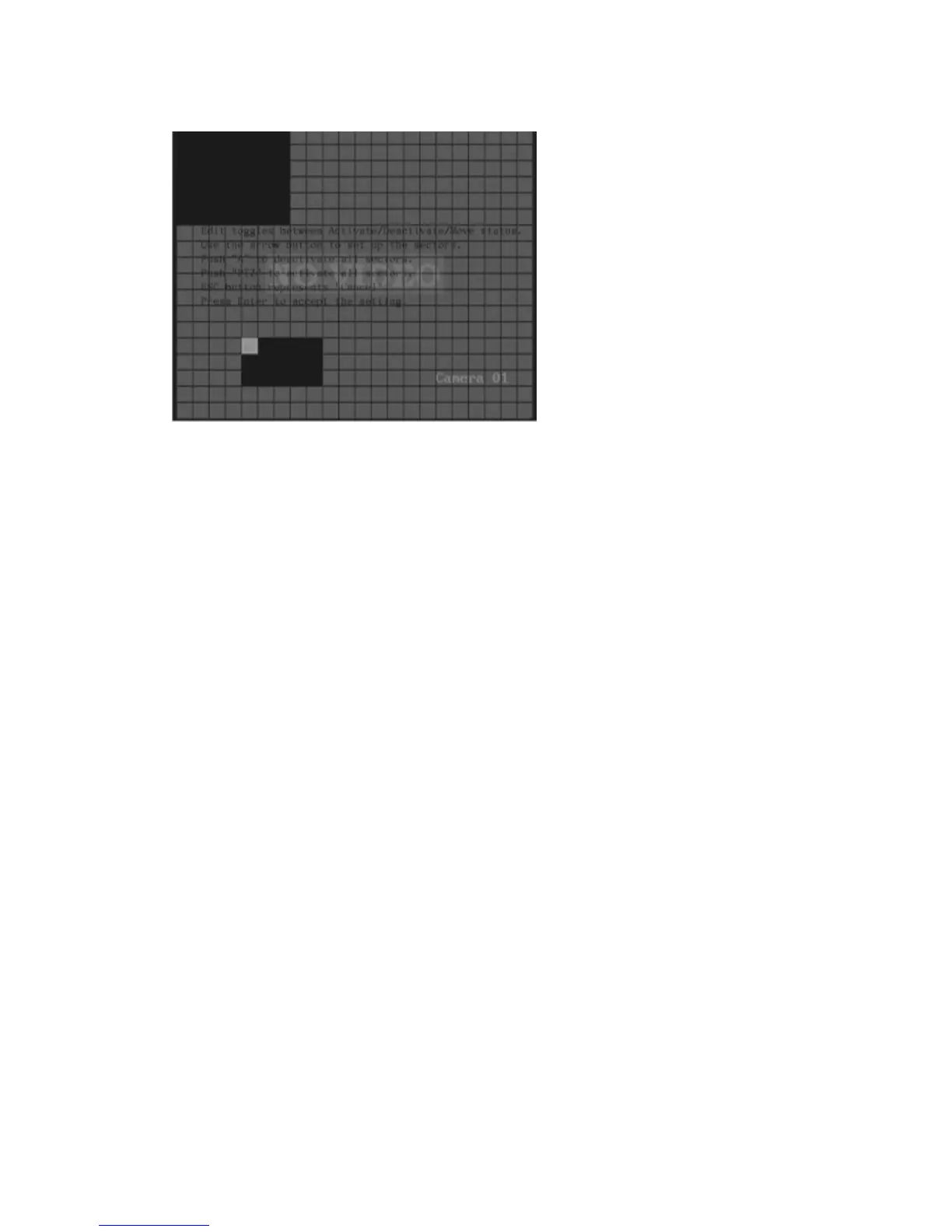
d. To clear part of a motion detection zone:
Front panel/IR remote control: Move the solid white square to the top of the motion
detection zone to be deleted. Press the F1/Analog button. The white pane becomes
transparent. Use the arrow buttons in a left-to-right or up-to-down direction to mark the
squares in the motion zone to be kept. Once the zone to be deleted is marked in a white
square, use the arrow buttons in a right-to-left or down-to-up direction to over-write the
selected area. The marked squares become transparent and are no longer selected as a
motion detection zone.
Mouse: Drag the mouse cursor in a left-to-right or up-to-down direction over the activated
motion detection zone. The activated squares are deactivated.
To clear all motion detection zones, press the F2 button.
e. Press Enter, or right-click the mouse and select OK, to confirm changes and to return to the
Camera menu.
3. To setup the response rules to a motion alarm
a. Go to the Rules setup button and press Enter on the front panel or left-click the mouse. The
Rules menu appears.



 To Next Page